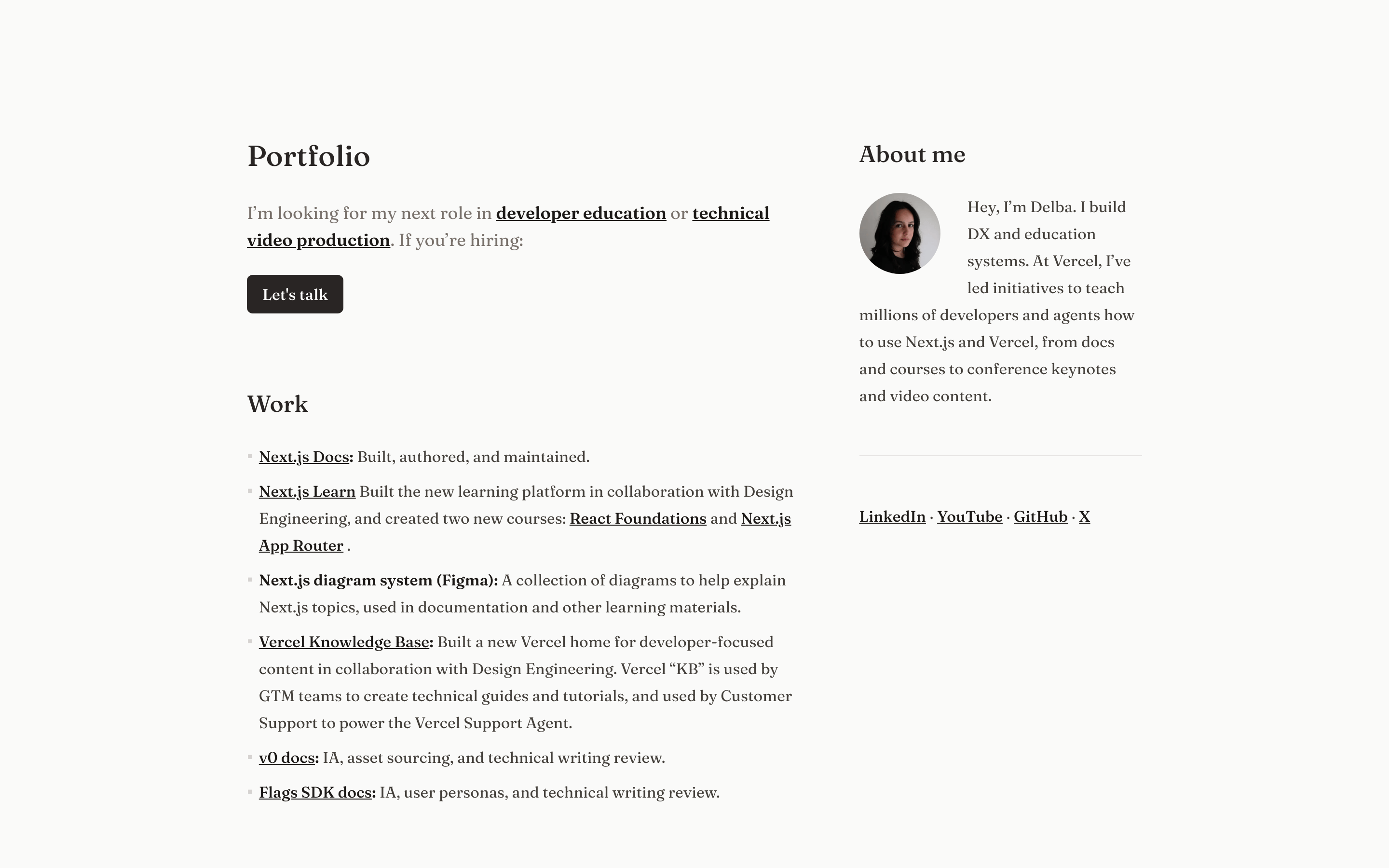
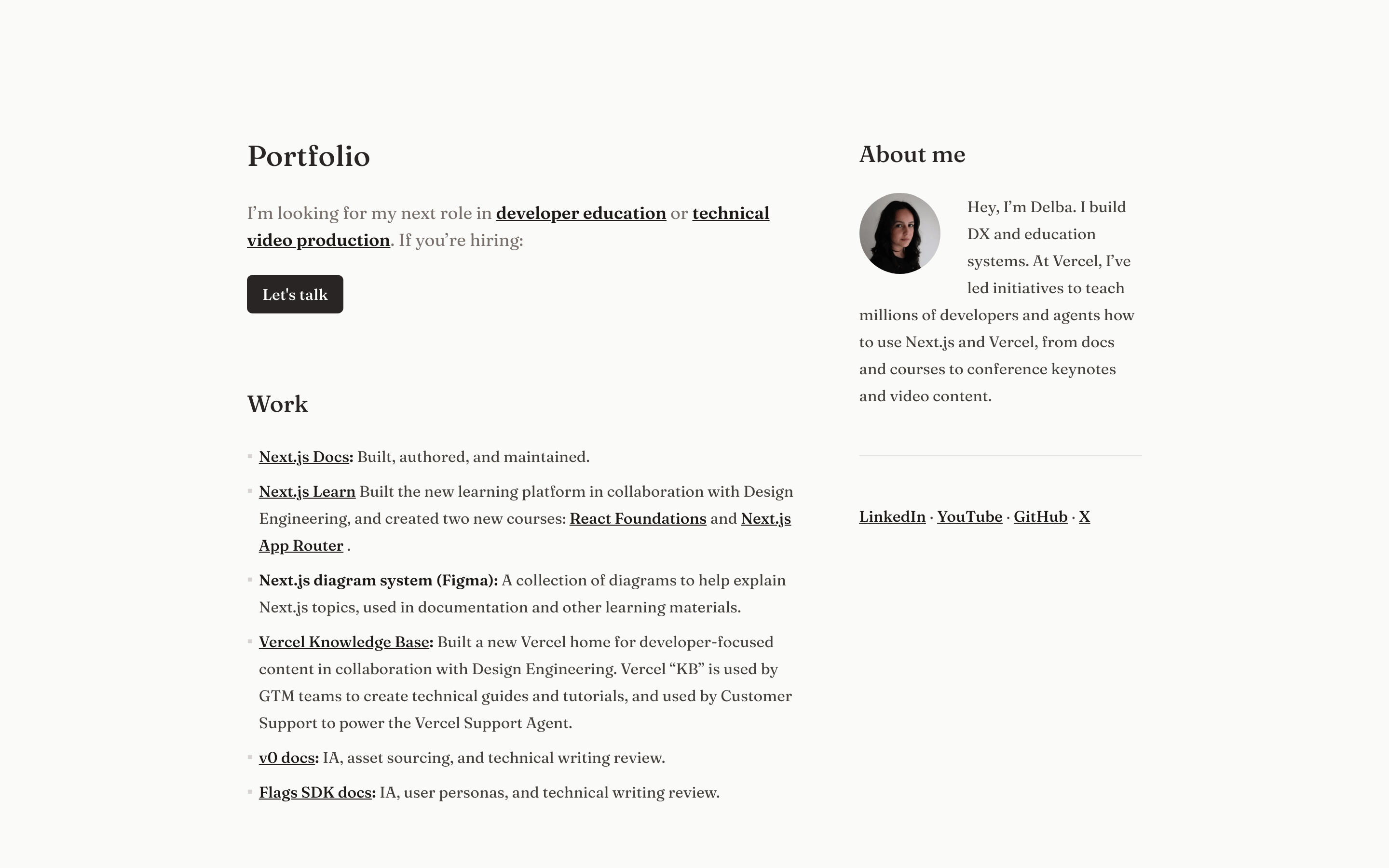
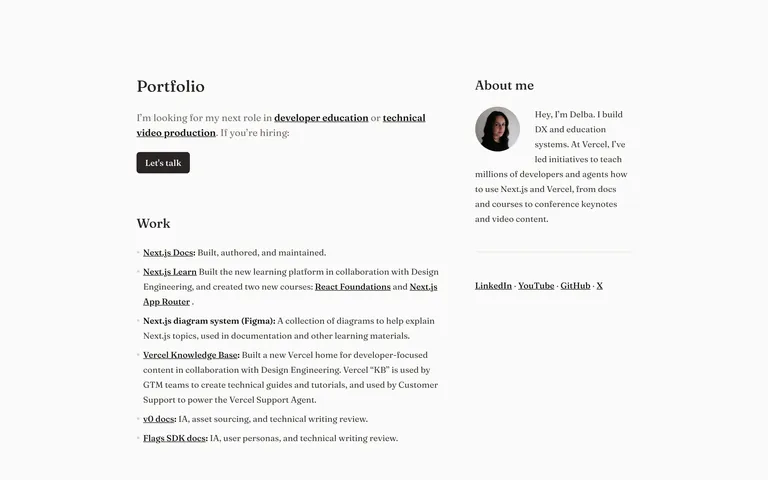
Use a single serif family for both display and body to maintain the editorial aesthetic. · Ensure strong visual weight hierarchy for headings. · Use underlines for inline links to maintain readability within text blocks.
04
Spacing
4px
8px
16px
24px
32px
48px
64px
96px
Generous vertical spacing between sections with tight rhythm within lists.
05
Surfaces
sm · 0px
md · 0px
lg · 0px
pill · 999px
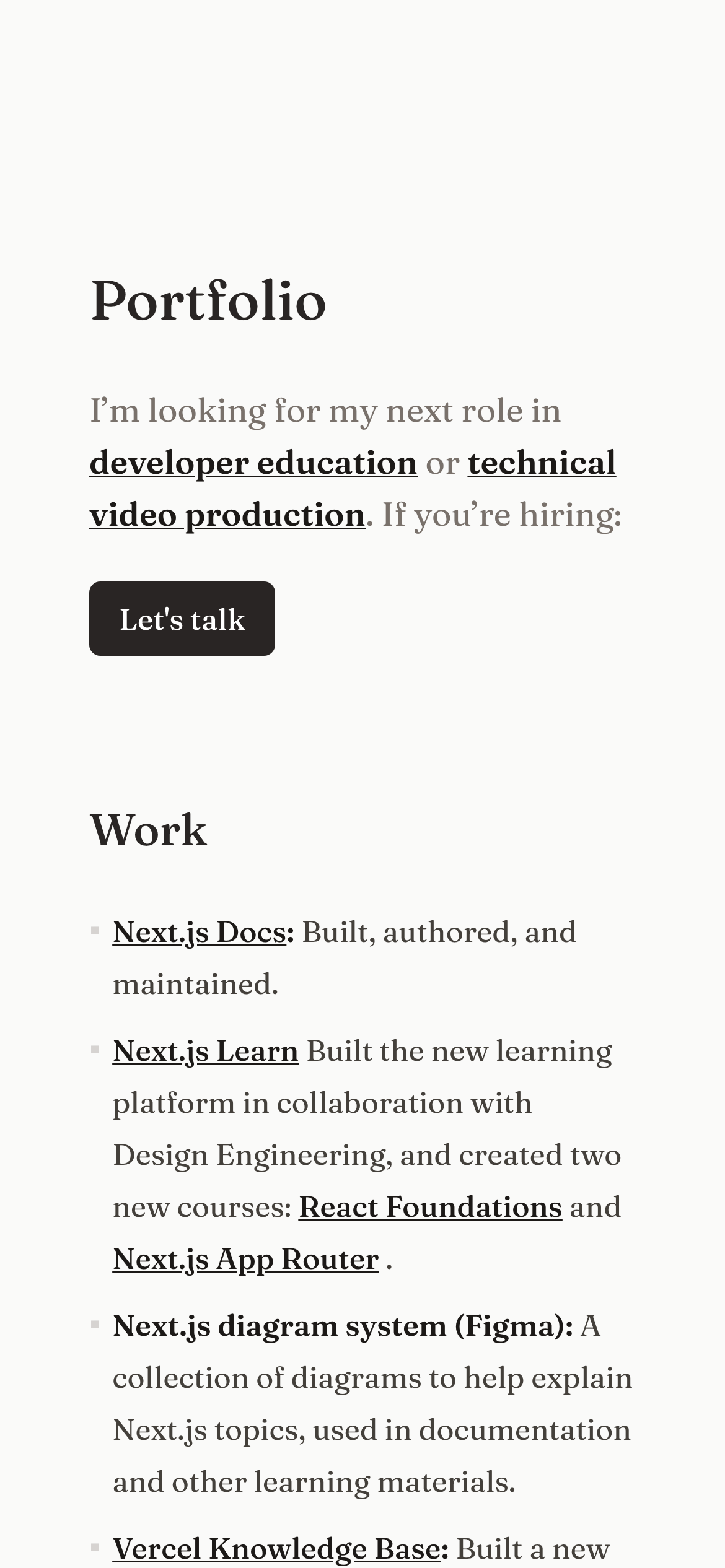
None, except for a subtle top border on the mobile layout.
06
Layout
1200container
12columns
48pxgutter
768 / 1024breakpoints
Two-column asymmetric grid on desktop, single column on mobile.
07
Motion & Interaction
220msmicro
400mssmall
800msmedium
cubic-bezier(0.25, 0.1, 0.25, 1)easing
Minimal to no visible motion observed.
Links likely change color or underline style. · Standard link navigation.
08
Components
buttonSolid black background, white text, slightly rounded corners.
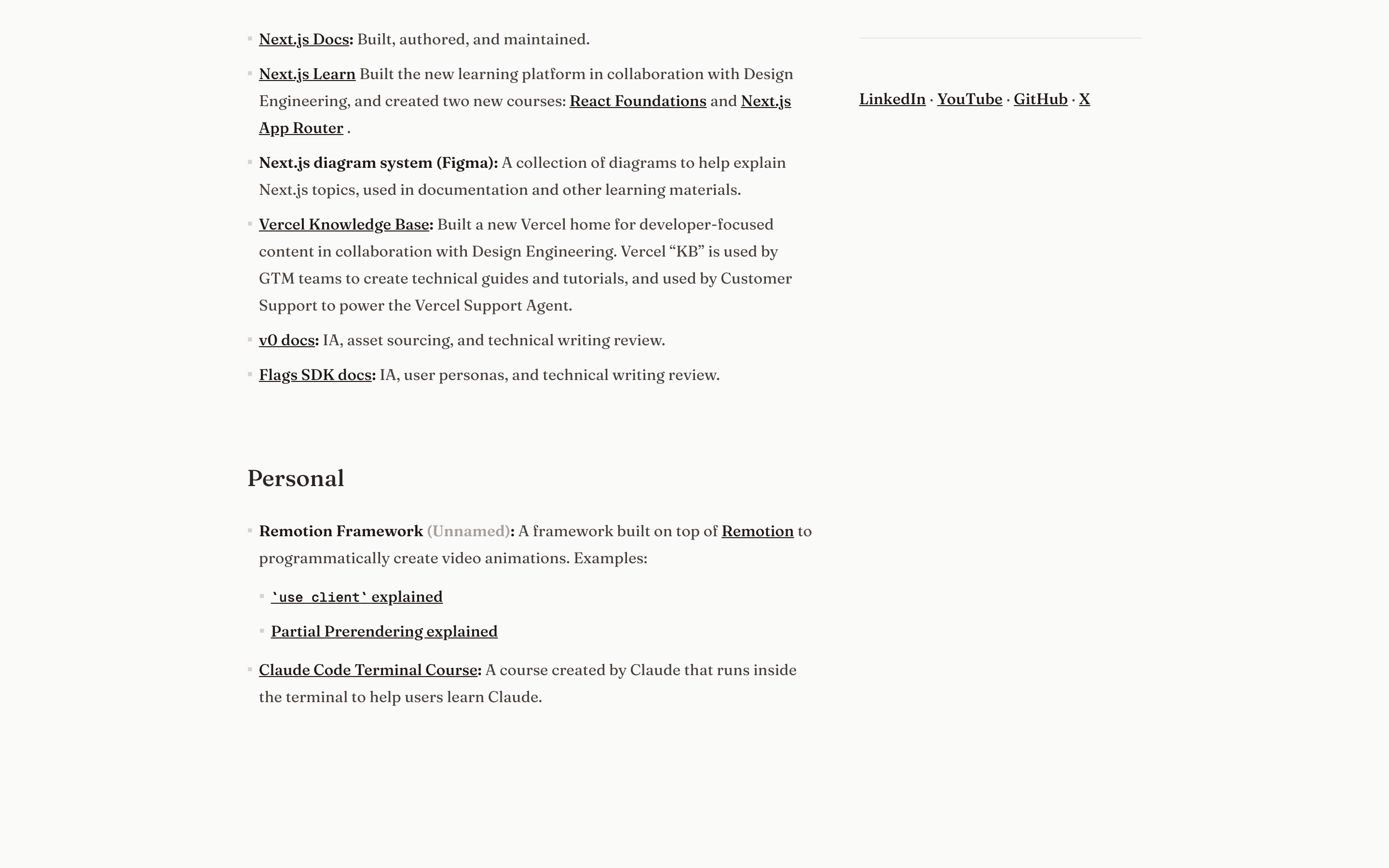
cardNone. Content is presented in a flat, text-based list format.
chipNone.
inputNone.
heroMinimal text-only hero with a large serif title and a brief introductory paragraph.
09
Voice & Don'ts
ToneProfessional, direct, and straightforward.
HeadlinesClear and descriptive section titles.
CTAsConversational and action-oriented.
Don't use decorative gradients — screenshot shows flat, solid backgrounds.
Captured from the live site · real computed styles
11
System prompt
This design is a refined, editorial-style portfolio for a developer education specialist. It utilizes a monochromatic palette of black and dark grays on a warm off-white (#FAF9F7) background. Typography is the core element, using a transitional-serif for both headings and body text. Layout is a clean, two-column asymmetric grid on desktop, focusing on readability. Critical don'ts include: avoid decorative gradients, avoid rounded container borders, and do not use high-chroma accent colors.
Bring this taste to your agent
Hand your AI agent a machine-readable spec of this design — tokens, type, motion, the whole DNA.