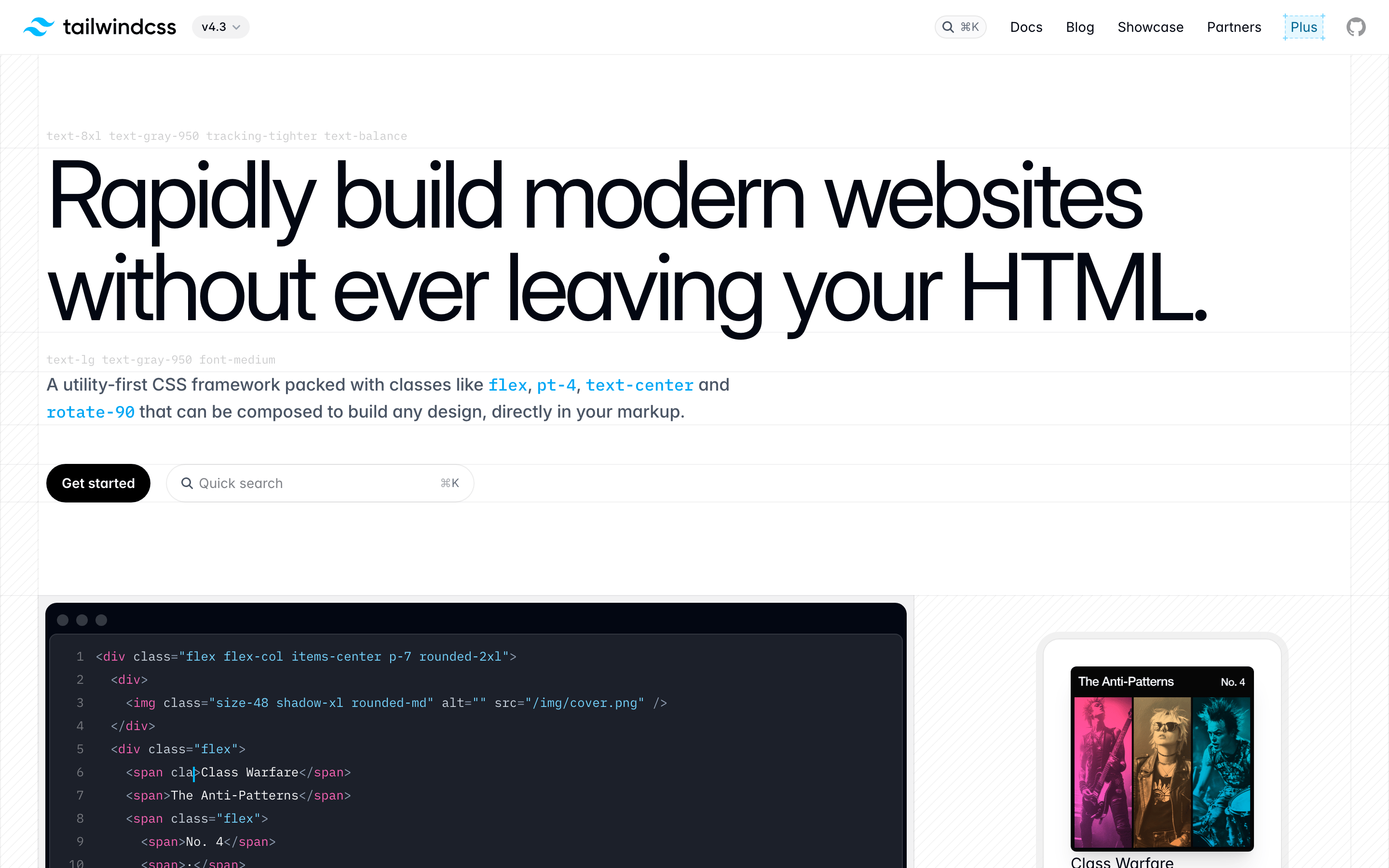
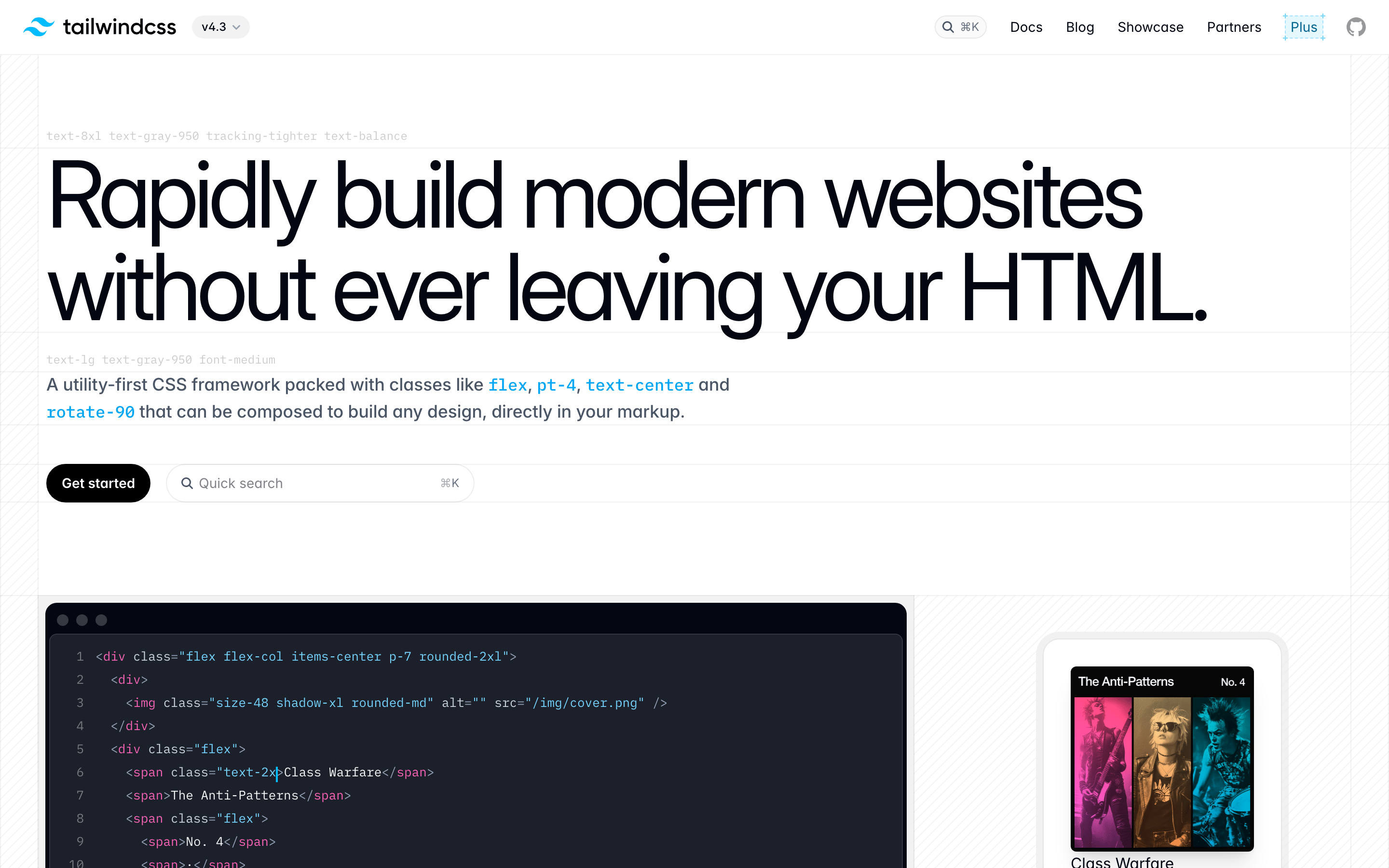
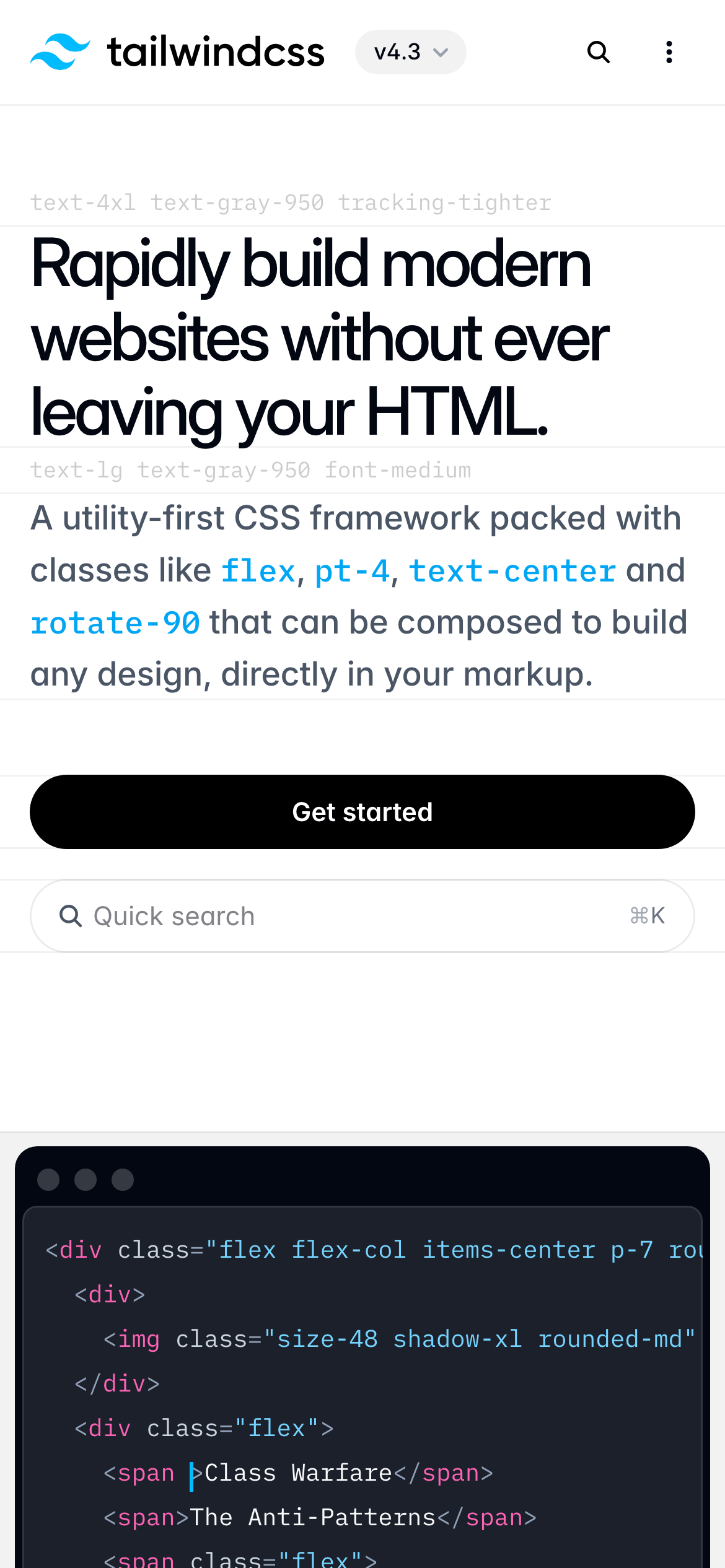
A precision toolset for web developers that feels both powerful and approachable.
02
Color
#0ea5e9Accent
#111827Ink
#374151Ink soft
#ffffffBG
#f9fafbBG soft
#f3f4f6BG quiet
#6b7280Muted
rgba(0, 0, 0, 0.05)Line
High-contrast, monochromatic base with a single vibrant sky-blue accent for code and interactive elements.
03
Typography
humanist-sans · monospace
display72px · 700
h148px · 600
h232px · 600
body-lg20px · 400
body16px · 400
code14px · 400
caption13px · 500
Headlines use tight letter-spacing (-2px to -1px) for a modern, dense feel. · Body text maintains a comfortable 1.5 line-height for readability. · Code blocks use a distinct monospace font for clear differentiation.
04
Spacing
4px
8px
12px
16px
20px
24px
32px
40px
48px
64px
80px
96px
Consistent 4px grid with generous padding in feature cards and clear separation between sections.
05
Surfaces
sm · 4px
md · 8px
lg · 12px
xl · 16px
pill · 999px
1px solid rgba(0, 0, 0, 0.05) for containers, with subtle inset borders for interactive elements.
Centered, single-column hero flowing into a responsive grid for feature cards.
07
Motion & Interaction
150msmicro
300mssmall
350msmedium
cubic-bezier(0.4, 0, 0.2, 1)easing
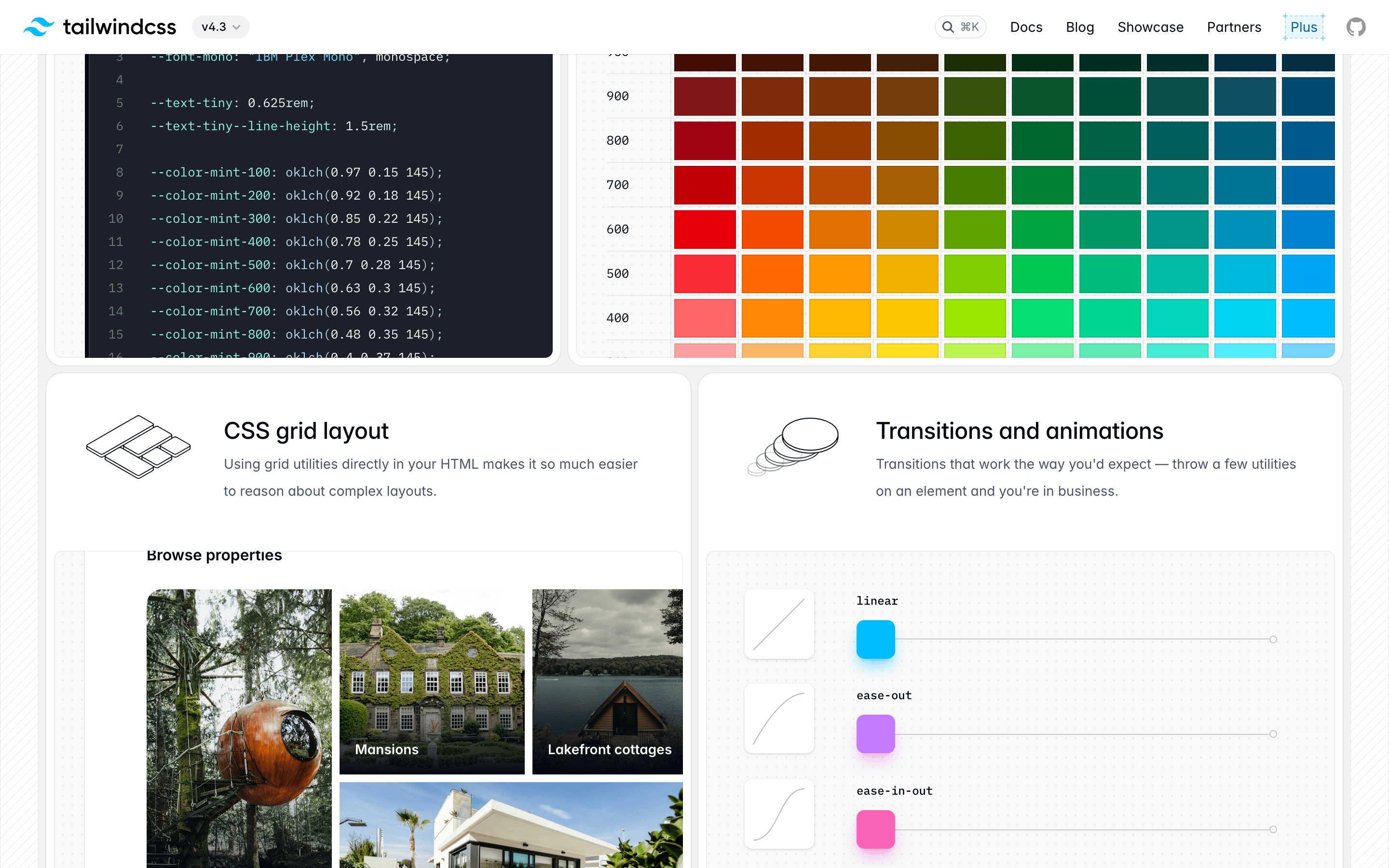
Smooth transitions for color, background-color, and opacity on hover states. · Subtle transform animations for interactive elements like buttons and links. · Consistent easing curves across all transitions for a cohesive feel.
Subtle color shifts for links (text to accent blue) and background changes for buttons. · Immediate visual feedback through opacity or subtle transform changes.
08
Components
buttonSolid black 'Get started' button with white text and rounded pill shape.
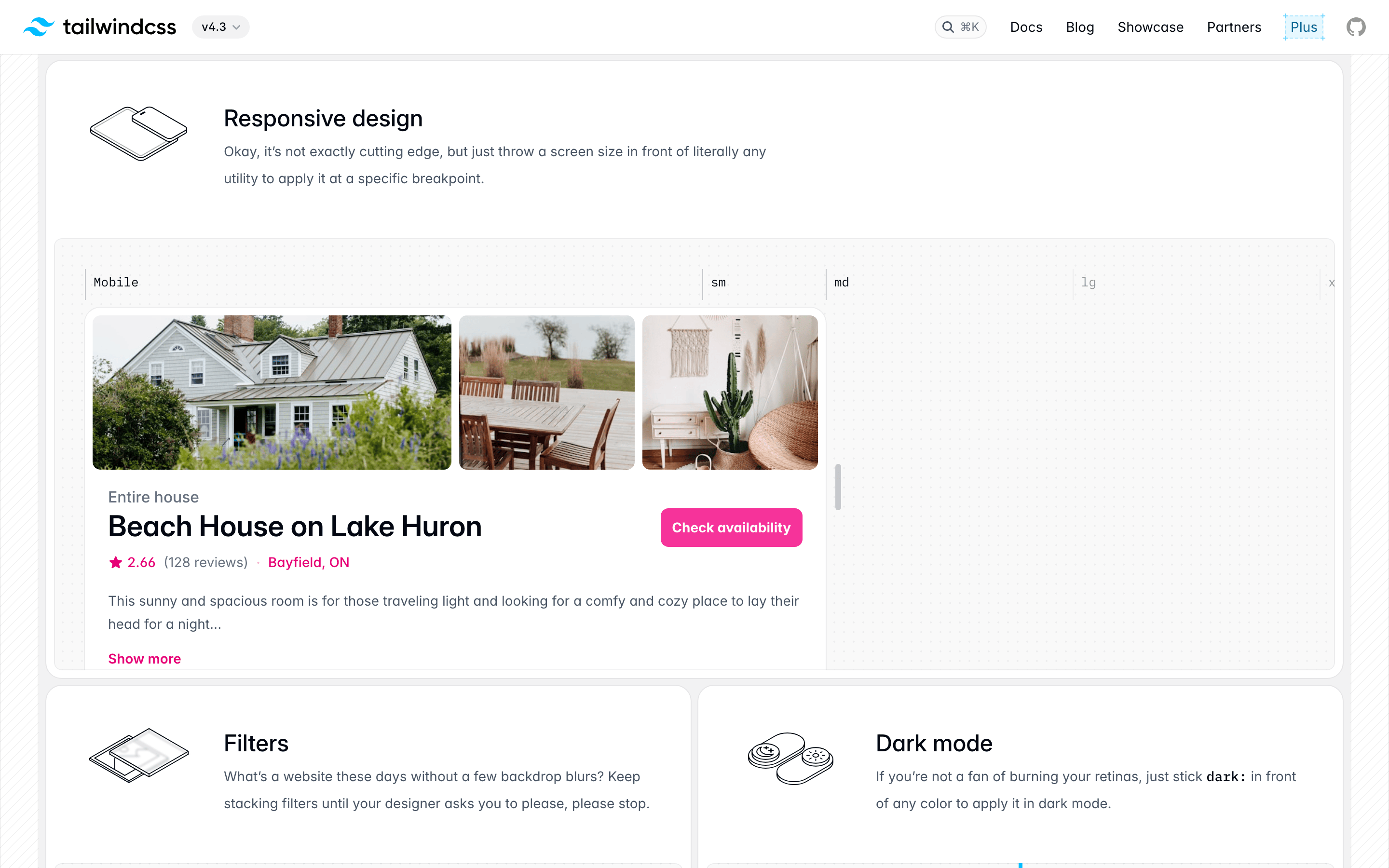
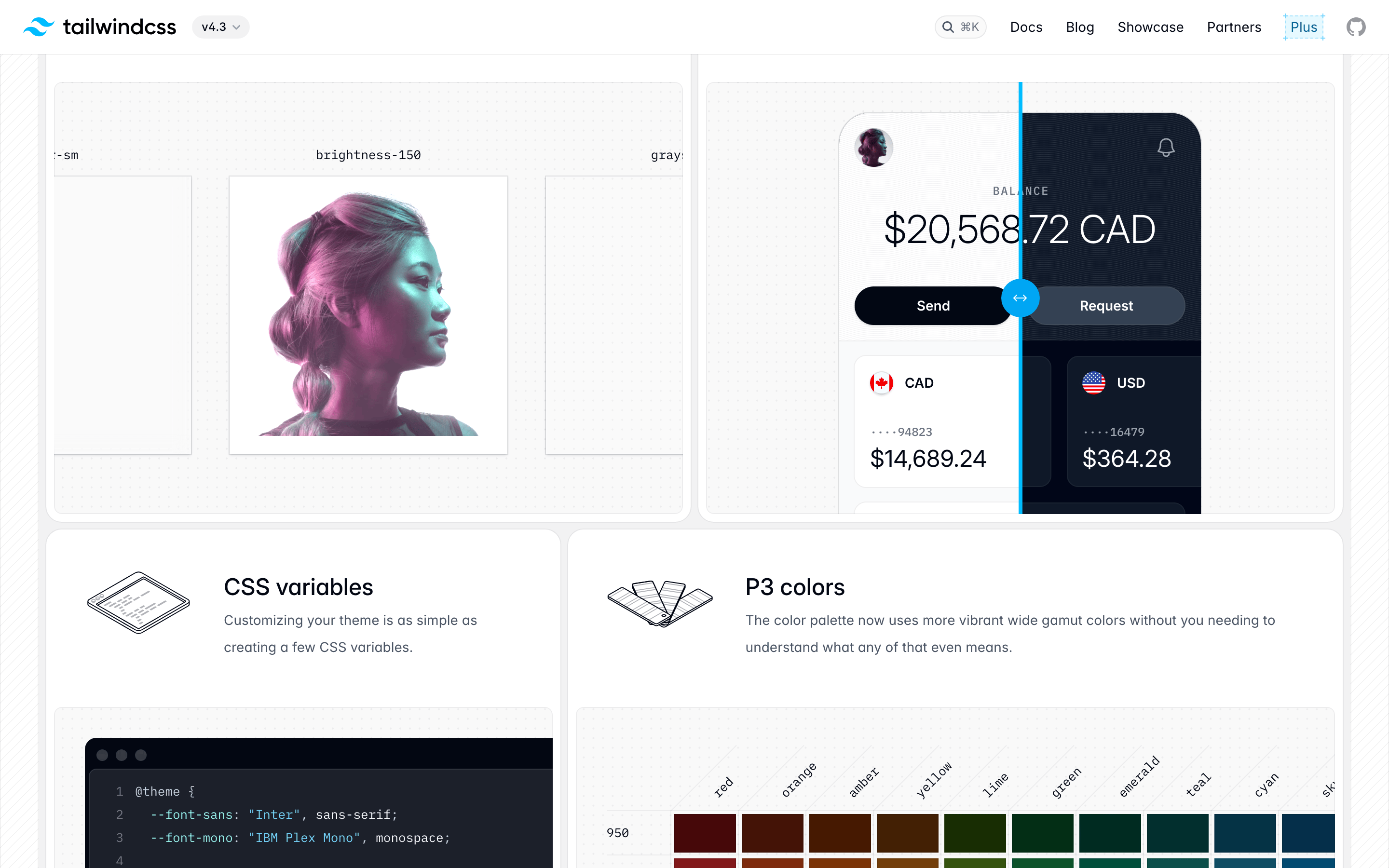
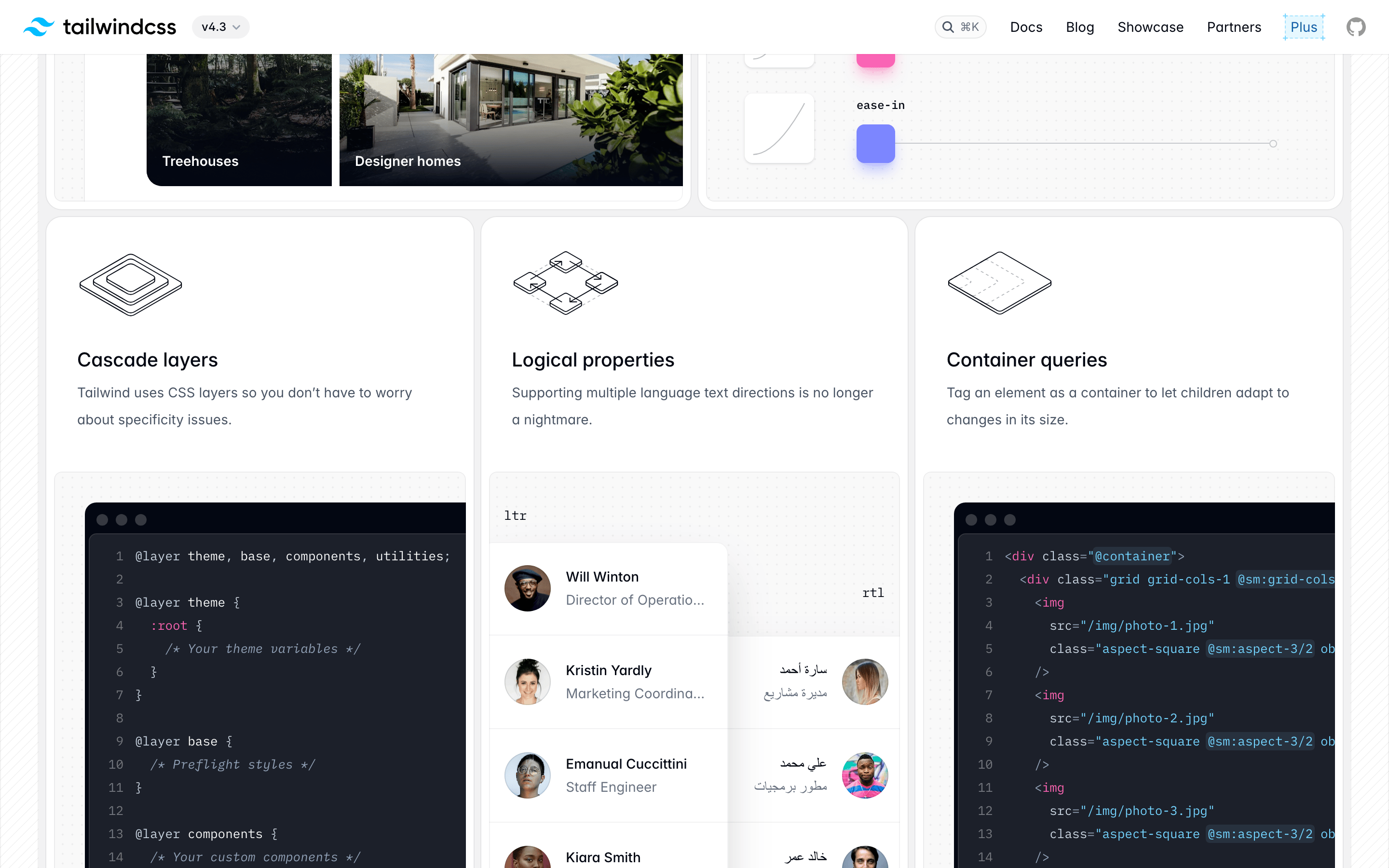
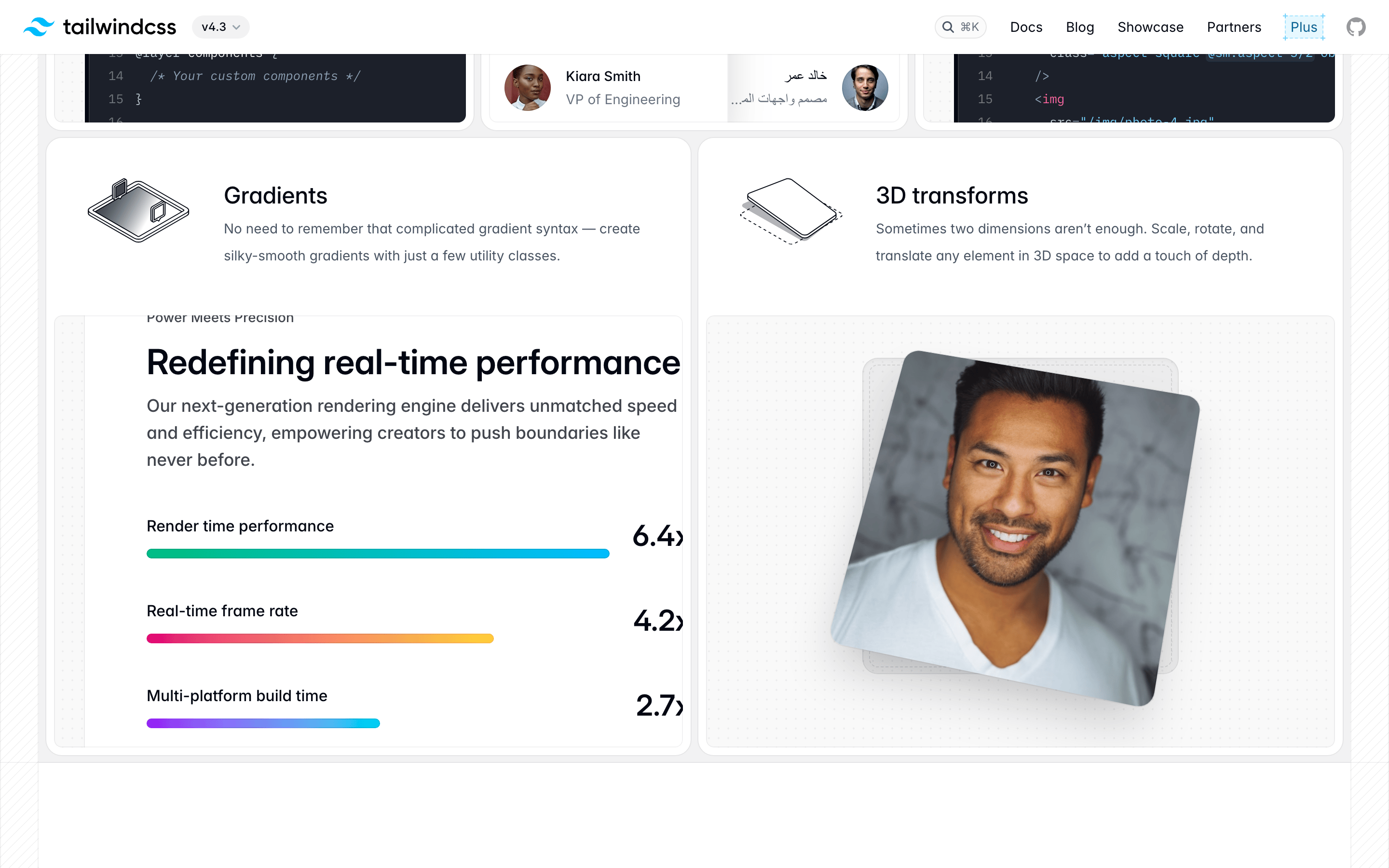
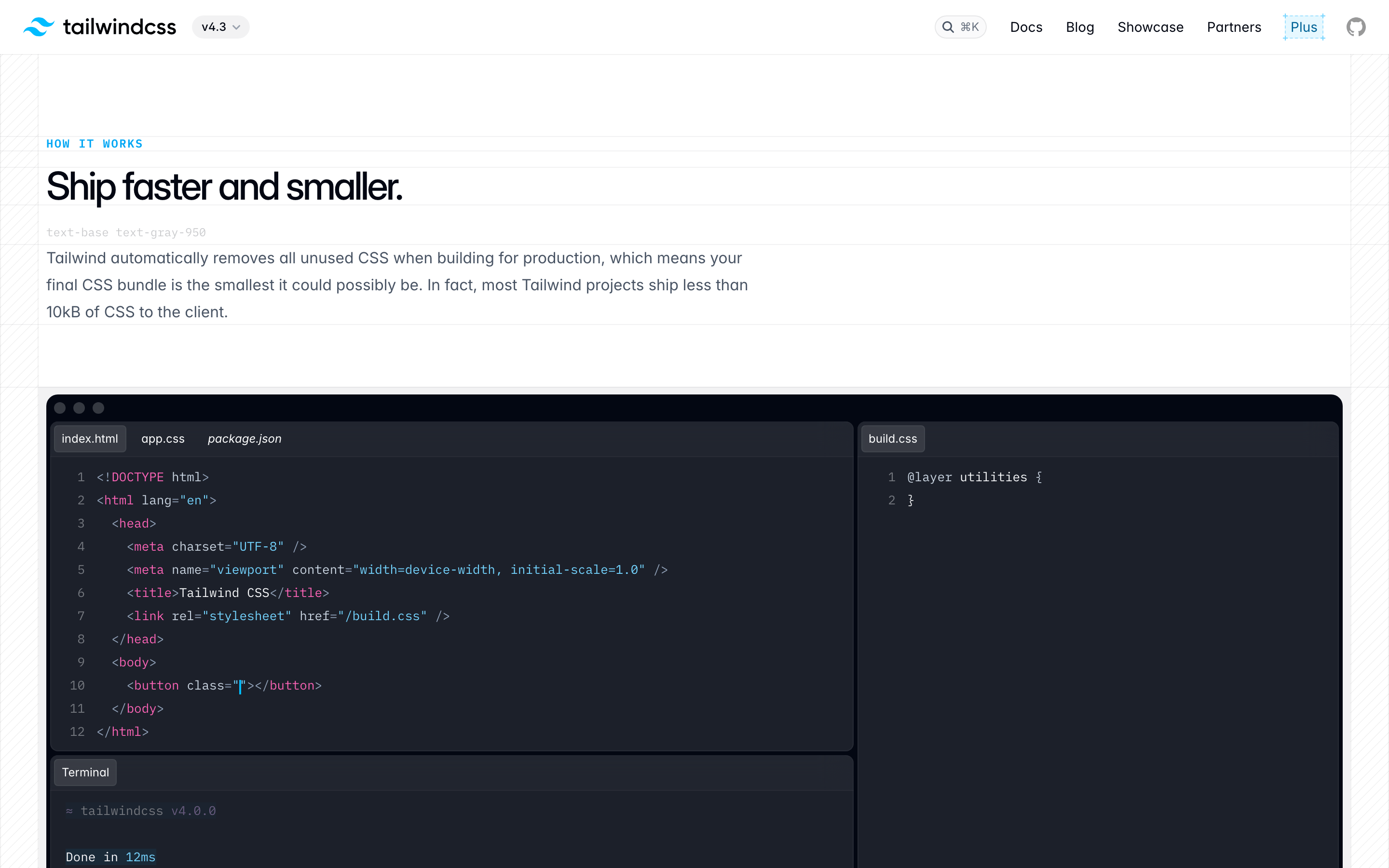
cardWhite cards with subtle rounded corners (12-16px) and very light inset or drop shadows, containing code snippets and feature descriptions.
chipInline code tags with light gray background, blue text, and small rounded corners.
inputSearch bar with light border, rounded corners, and a subtle keyboard shortcut indicator.
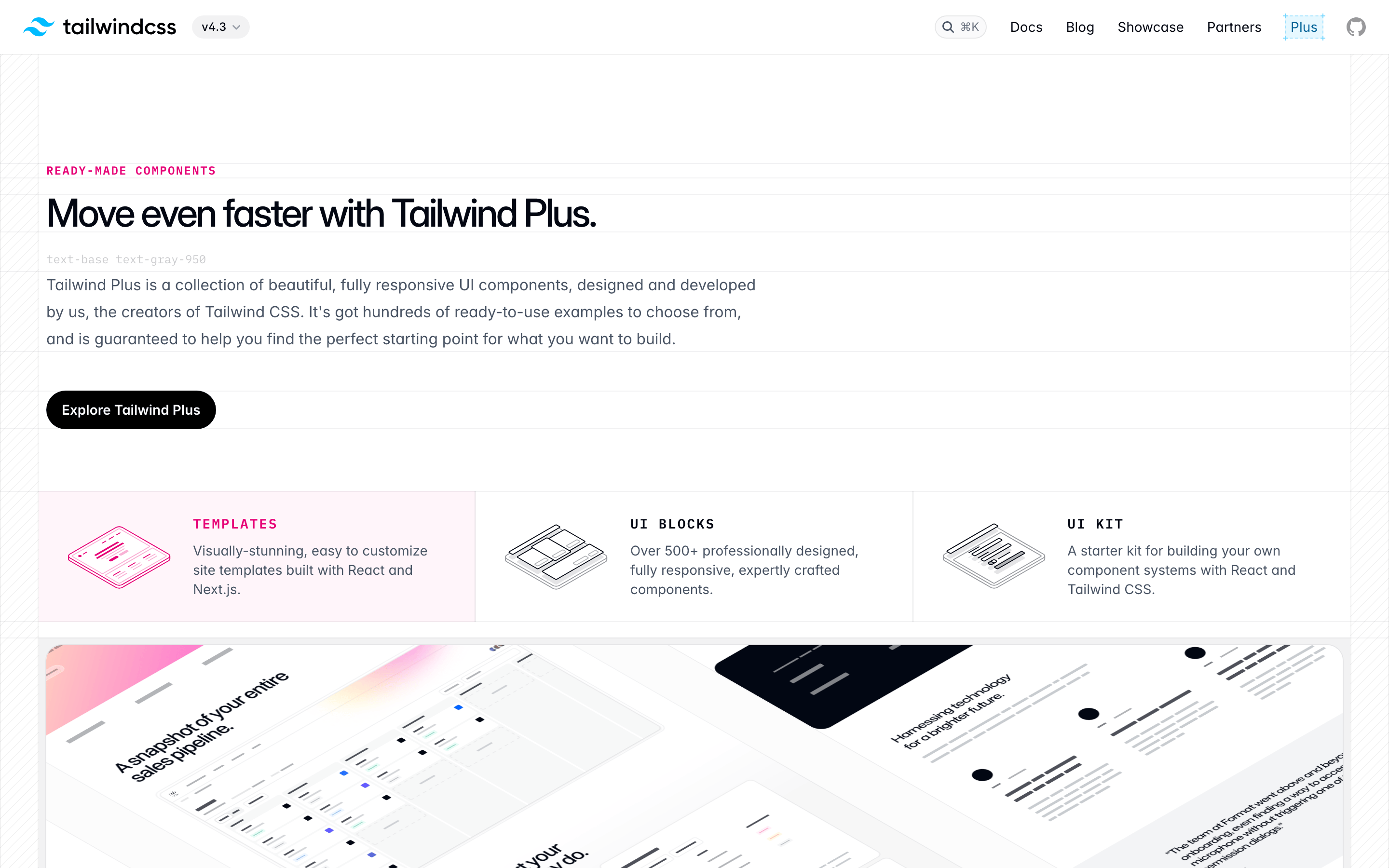
heroMassive left-aligned typography with a clear hierarchy, followed by two action buttons.
09
Voice & Don'ts
ToneConfident, direct, and developer-focused without being overly technical or jargon-heavy.
HeadlinesLarge, bold, and tightly tracked statements that emphasize speed and simplicity.
CTAsClear, action-oriented buttons like 'Get started' that guide the user to the next step.
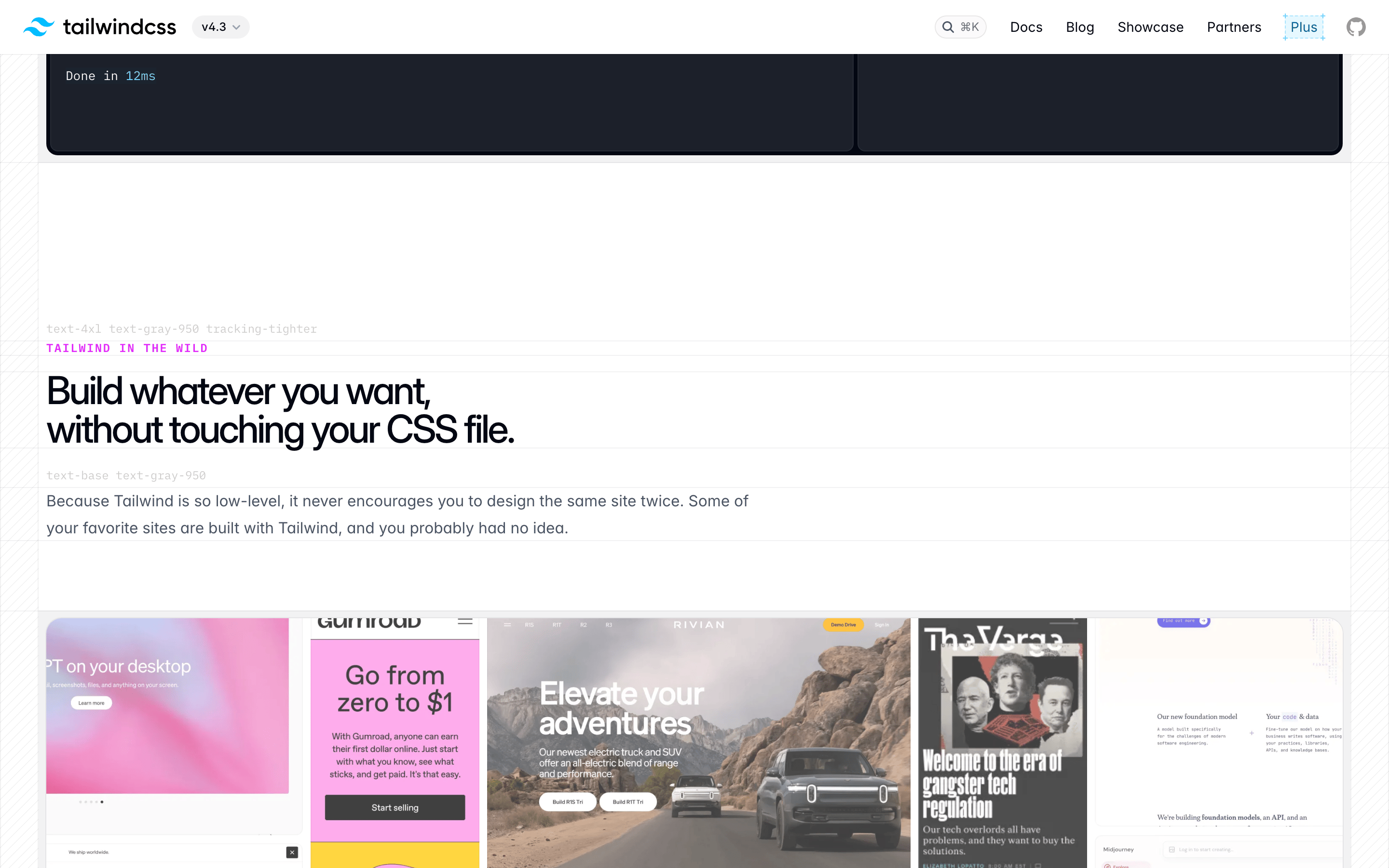
don't use gradient backgrounds — screenshot shows a clean, solid white background with no gradients.
don't use serif typography — screenshot shows humanist-sans fonts for all display and body text.
don't use heavy drop shadows — screenshot shows very subtle, light shadows for depth.
don't use multiple accent colors — screenshot shows a single sky-blue accent (#0ea5e9) for interactive code elements.
don't use complex decorative borders — screenshot shows simple, light 1px borders or no borders at all.
don't use centered hero text — screenshot shows a strong left-aligned headline and body copy.
Captured from the live site · real computed styles
11
System prompt
This is the website for Tailwind CSS, a utility-first CSS framework. It positions itself as a modern, efficient tool for developers to build websites rapidly. The visual design is clean, professional, and content-focused. Key colors include a crisp white background (#ffffff), near-black text (#111827), and a vibrant sky-blue accent (#0ea5e9) for code highlights. Typography uses humanist-sans fonts for clarity, with a bold display style featuring tight letter-spacing. Critical design constraints include: never use centered headlines (the layout is strongly left-aligned), avoid multiple accent colors (stick to the single blue), and maintain generous whitespace. The site uses a 12-column grid with a 24px gutter and features cards with subtle rounded corners (12-16px) and minimal shadows.
Bring this taste to your agent
Hand your AI agent a machine-readable spec of this design — tokens, type, motion, the whole DNA.