← OpenDesign CURATED · OPEN · FREE
Texts
An AI-enhanced messaging hub that organizes all your conversations in one clean, private interface.
product messaging dark
01
Identity DNA
unified inbox AI assistant productivity messaging privacy
A streamlined, AI-powered command center for all your conversations
02
Color
#2563EBAccent
#101116Ink
#1C2022Ink soft
#FFFFFFBG
#F9FAFBBG soft
#F5F7FABG quiet
#697882Muted
rgba(226, 232, 240, 1)Line
High-contrast, accessibility-focused palette with a dominant professional blue accent.
03
Typography
humanist-sans · monospace
display 56px · 700h1 48px · 700body 16px · 40004
Spacing
4px
8px
12px
16px
20px
24px
32px
48px
56px
64px
Standard 4px grid with generous padding for whitespace-heavy sections.
05
Surfaces
sm · 4px
md · 12px
lg · 16px
pill · 9999px
1px solid rgb(226, 232, 240)
rgba(0, 0, 0, 0.1) 0px 1px 3px 0px · rgba(0, 0, 0, 0.2) 0px 4px 16px 0px
06
Layout
1280 container
12 columns
24px gutter
768 / 1024 breakpoints
Centered single-column layout for content sections with generous vertical padding.
07
Motion & Interaction
200ms micro
220ms small
700ms medium
cubic-bezier(0.4, 0, 0.2, 1) easing
Smooth layout transitions for padding and height changes · Subtle opacity fades for state changes
Standard pointer cursor for interactive elements. · Pointer cursor maintained across interactive regions.
08
Components
button High-contrast CTA with pill-shaped radius (9999px), bold weight, and directional arrow. card Clean white containers with subtle rounded corners (12px) and soft drop shadows. chip Minimal tag/chip components with light borders. input Clean, bordered input fields with standard padding. hero Bold, center-aligned typography over a clean background with a strong singular call to action. 09
Voice & Don'ts
Tone Confident, transparent, and forward-looking Headlines Bold, declarative statements emphasizing innovation and organization CTAs Direct and action-oriented with directional cues (arrows) Don't use serif fonts — screenshot shows all typography in clean sans-serif families. Don't use neon or highly saturated secondary colors — screenshot shows a restrained palette of blue, white, and dark gray. Don't clutter the layout — screenshot shows generous whitespace and focused content sections. Don't use sharp, square corners on primary elements — screenshot shows 12px radius on cards and 9999px on buttons. Don't use heavy, aggressive drop shadows — screenshot shows very subtle, low-opacity elevation shadows. Don't use complex decorative illustrations — screenshot relies on clean text, simple icons, and UI screenshots. Avoid: Technical jargon Avoid: Overly formal language Avoid: Passive voice 10
Inside the pack — real screenshots
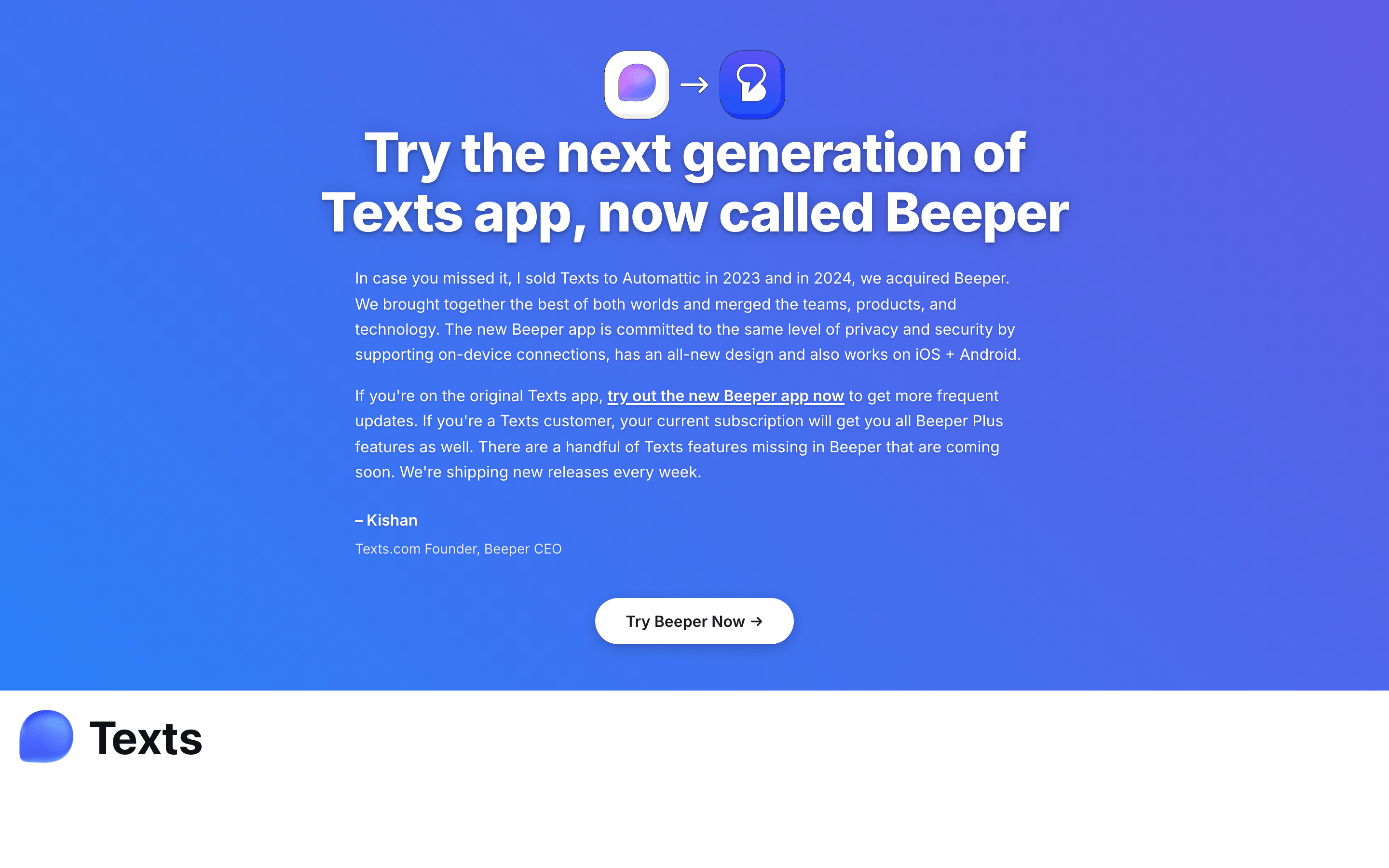
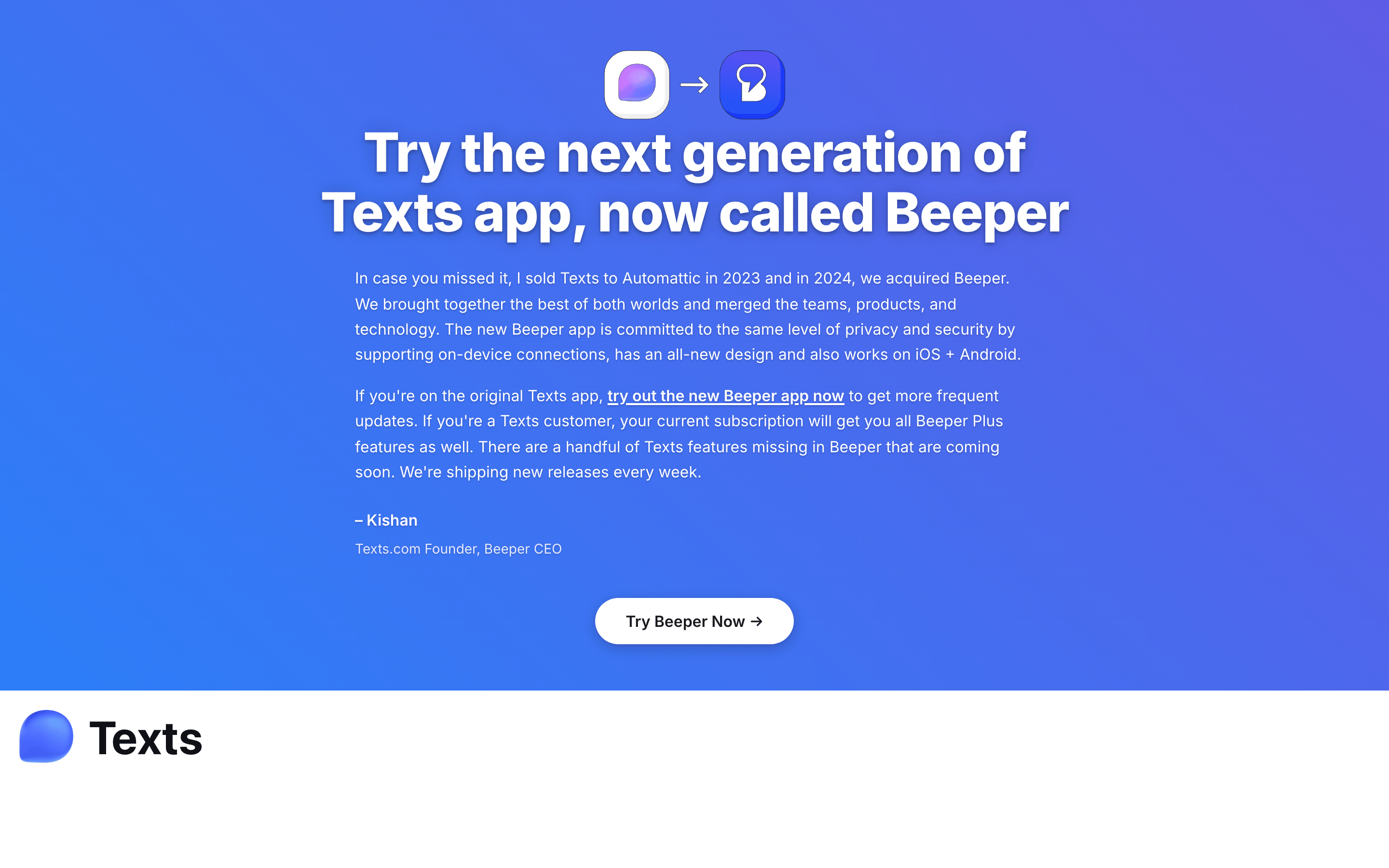
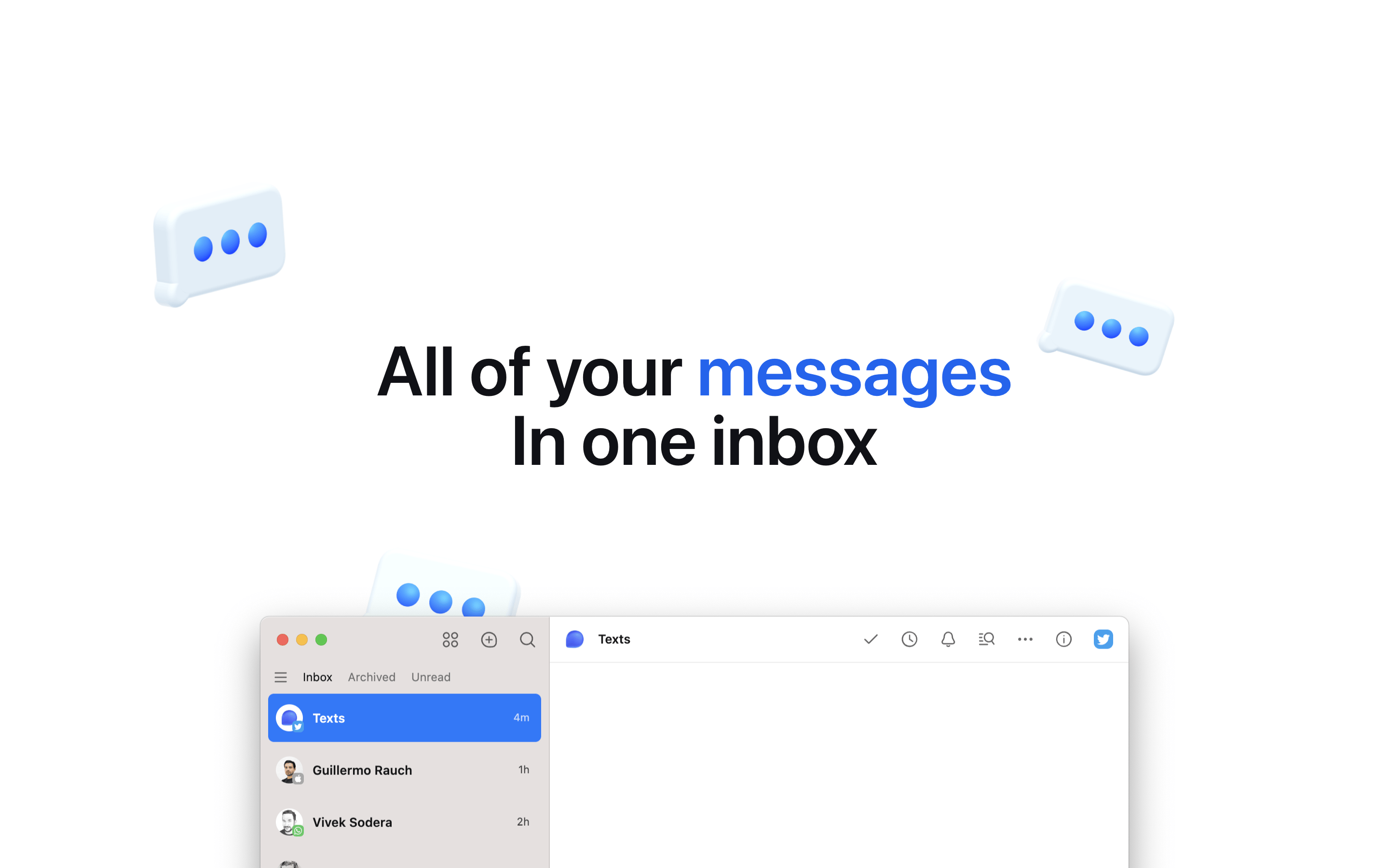
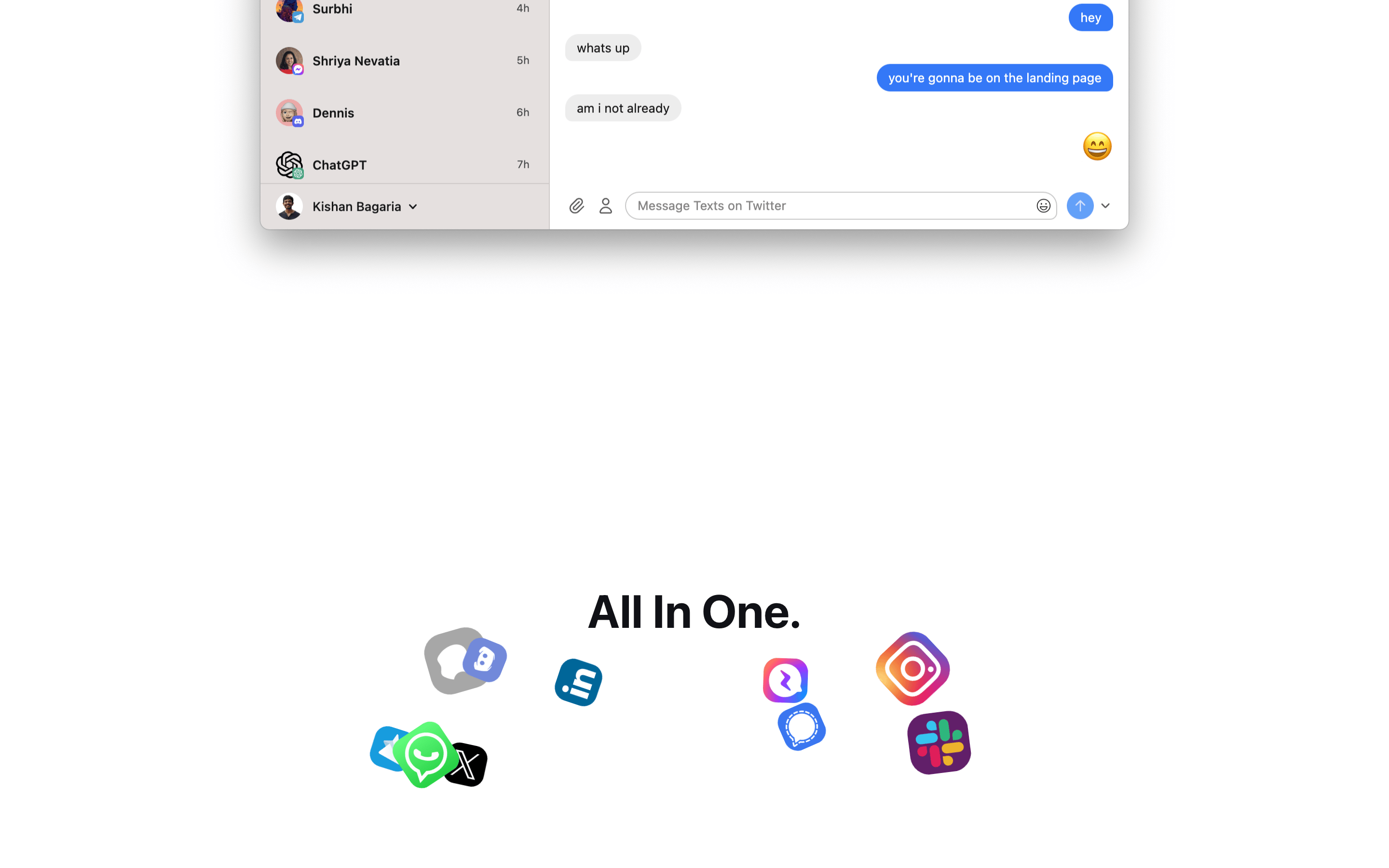
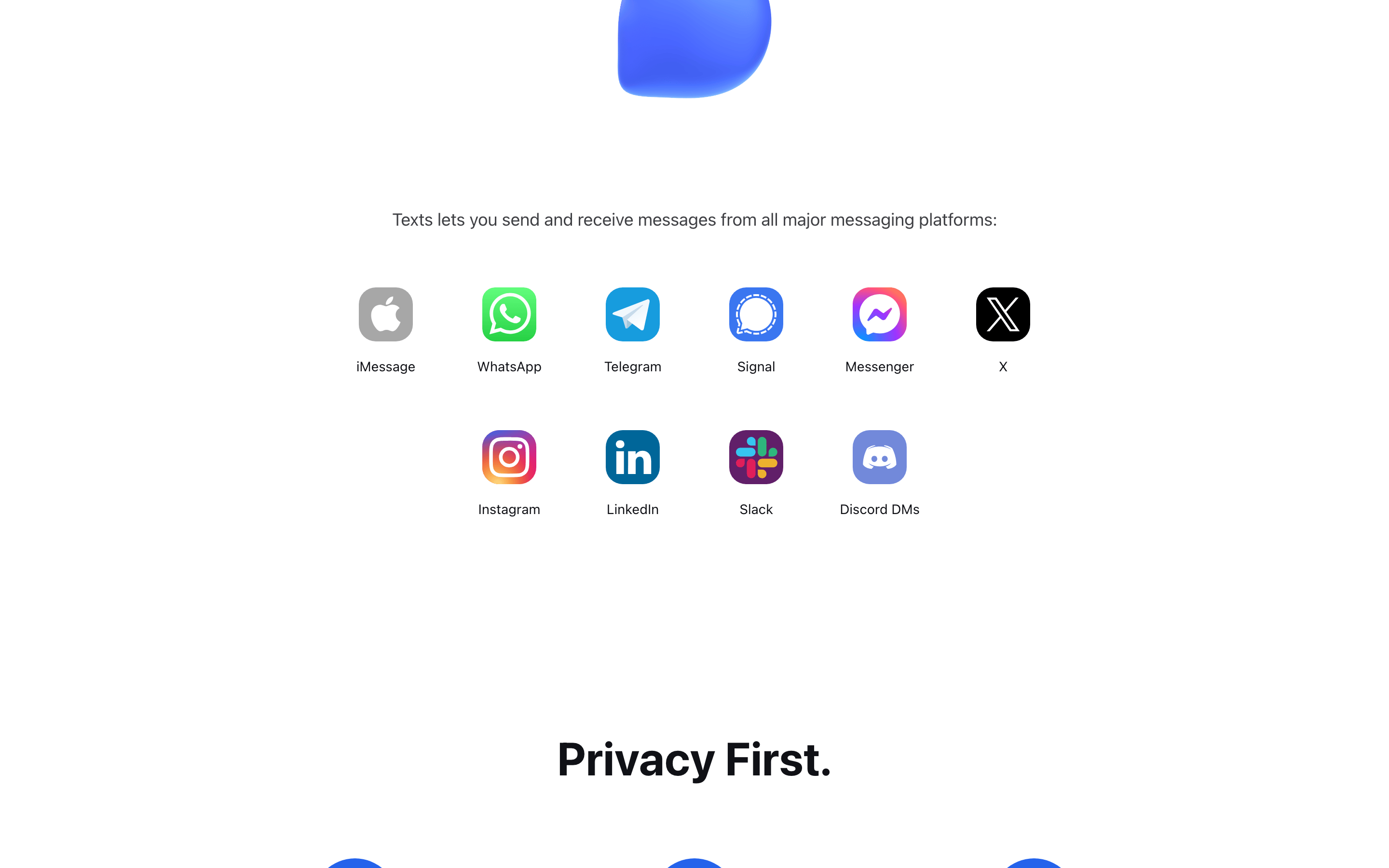
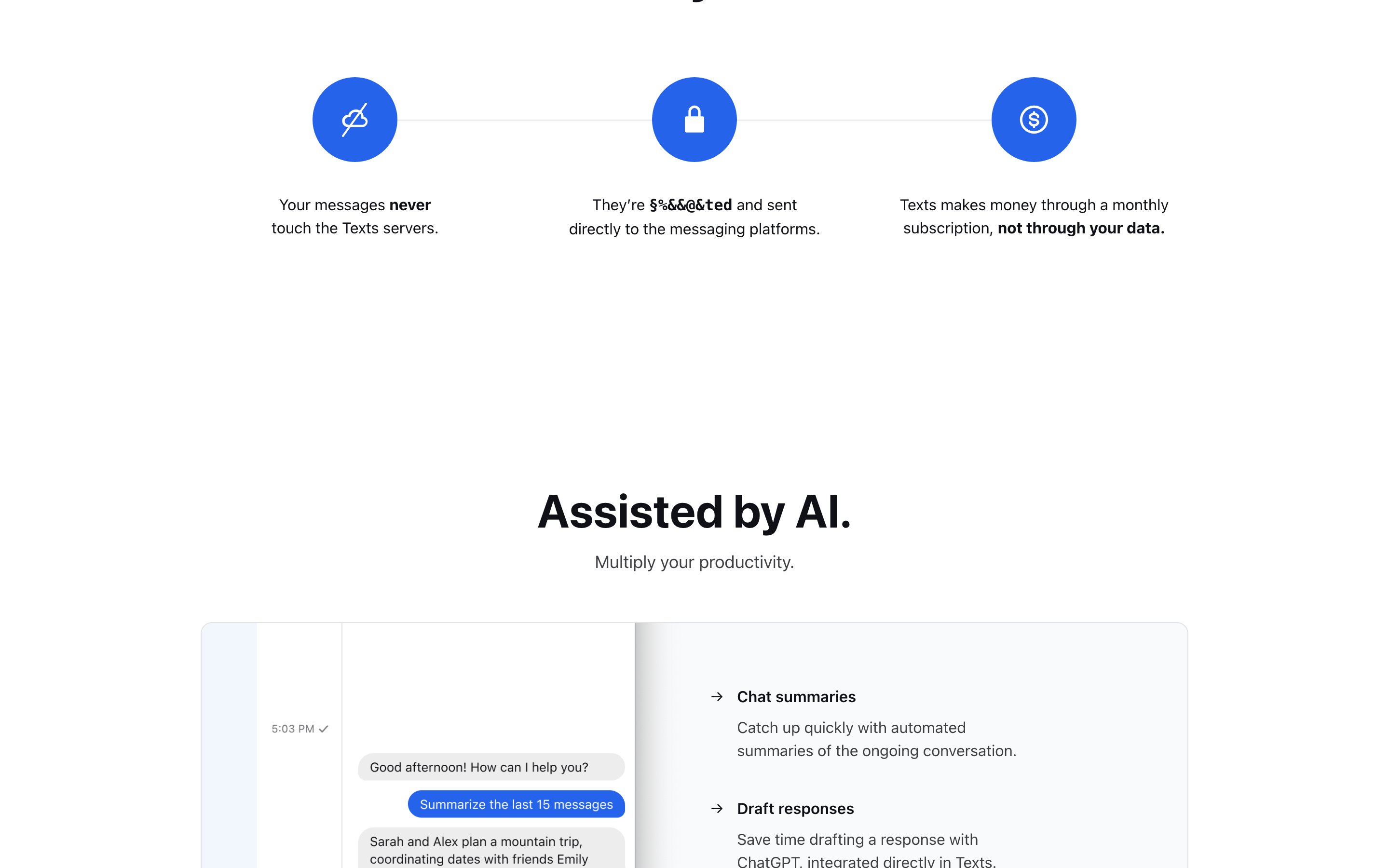
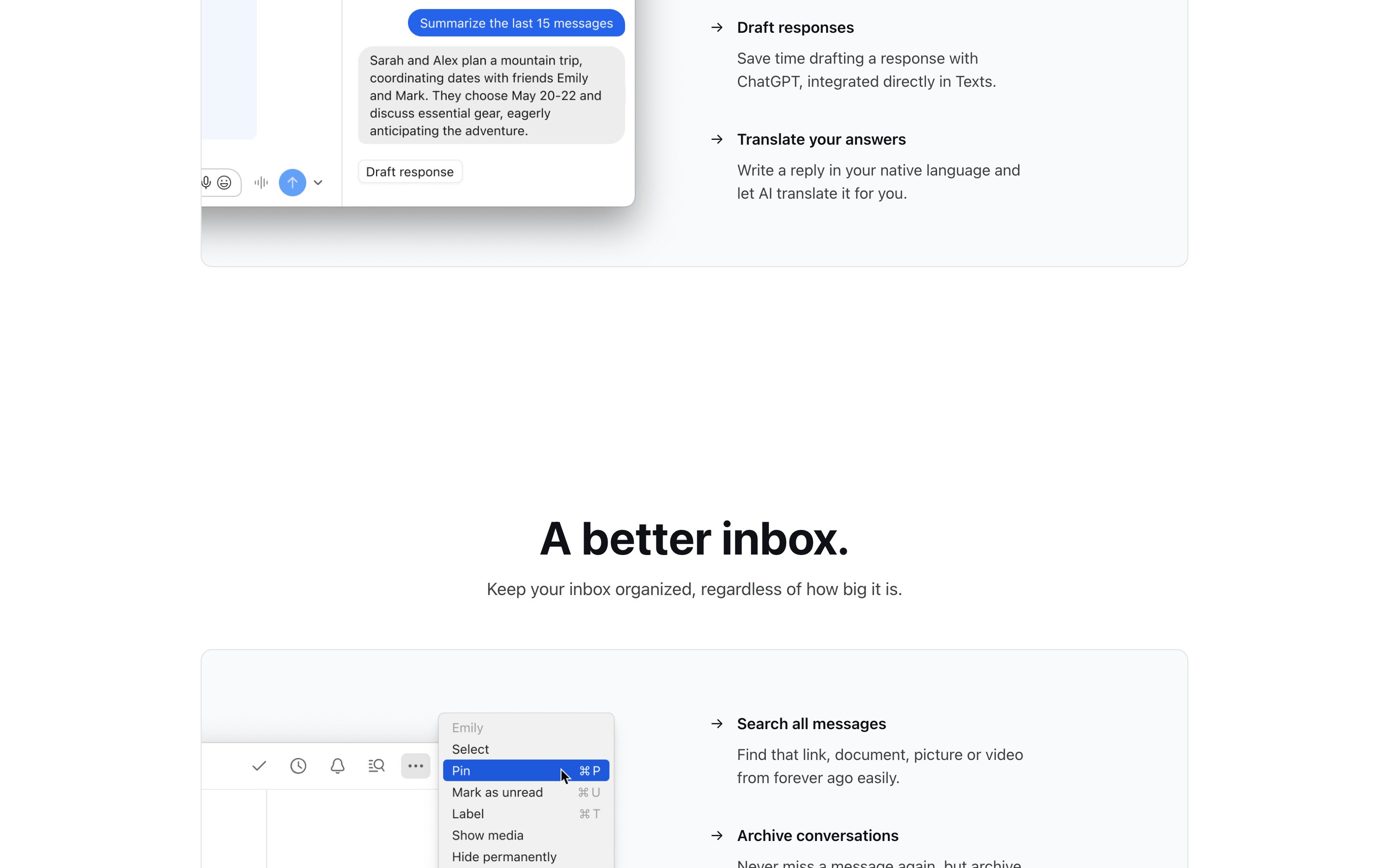
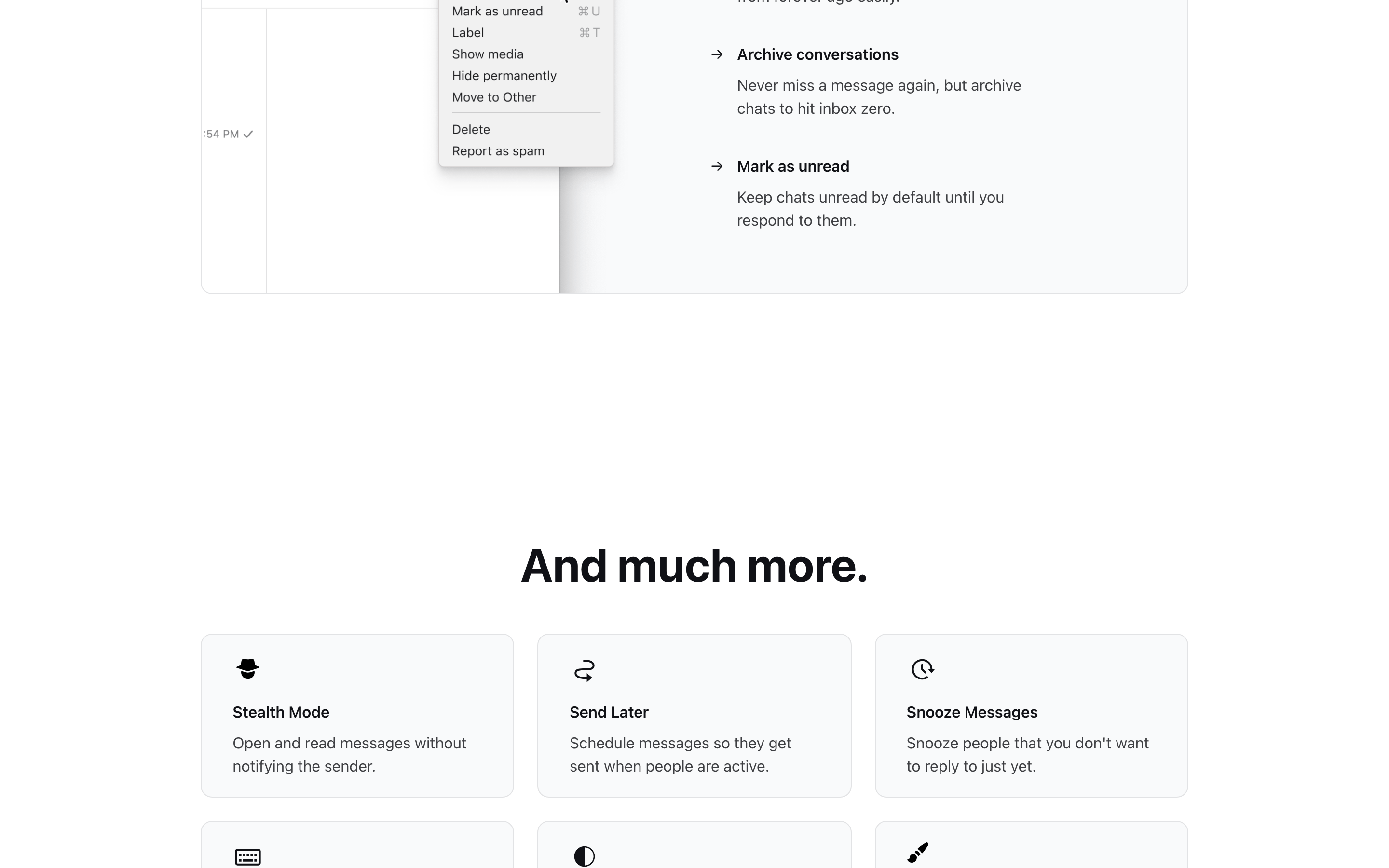
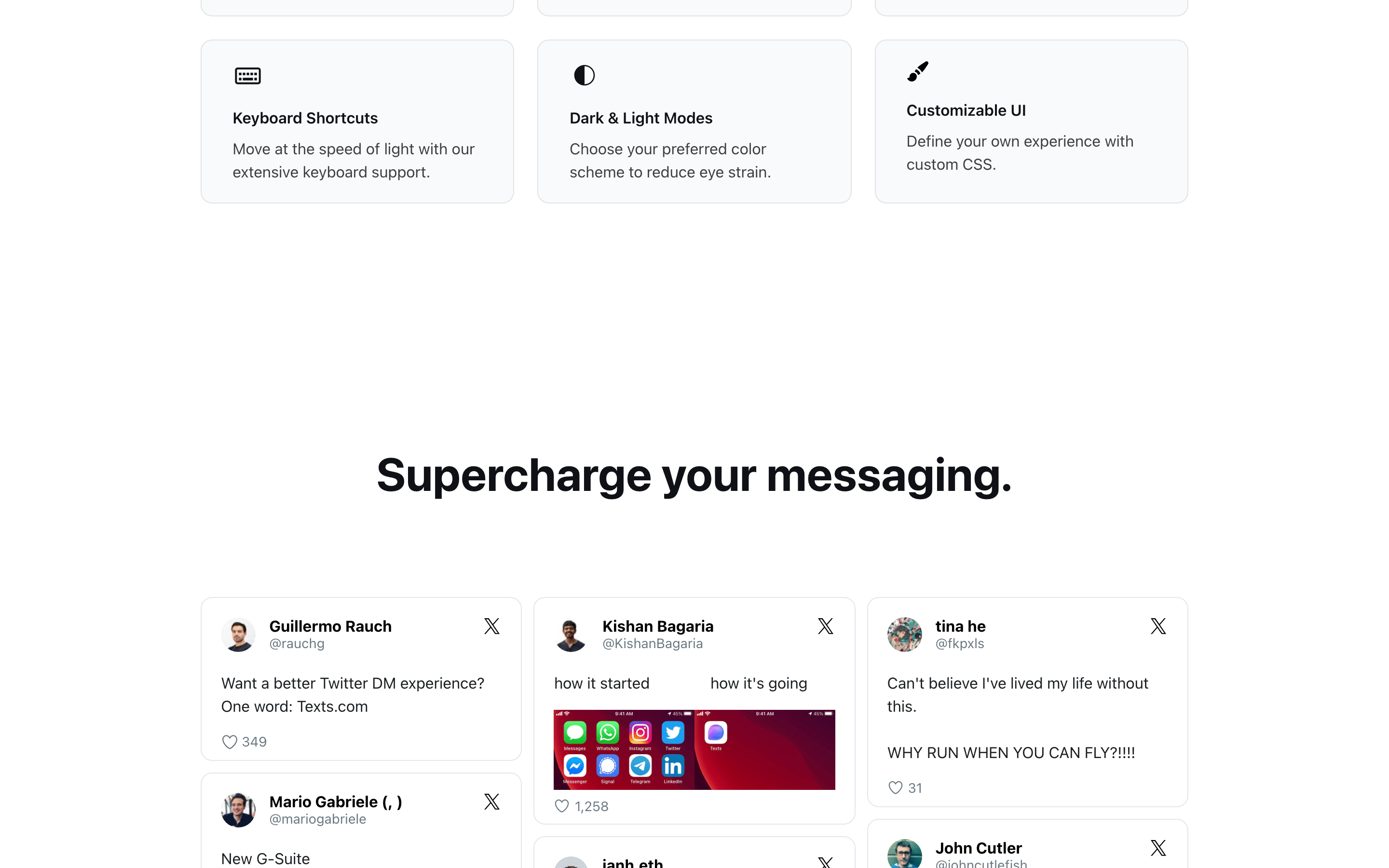
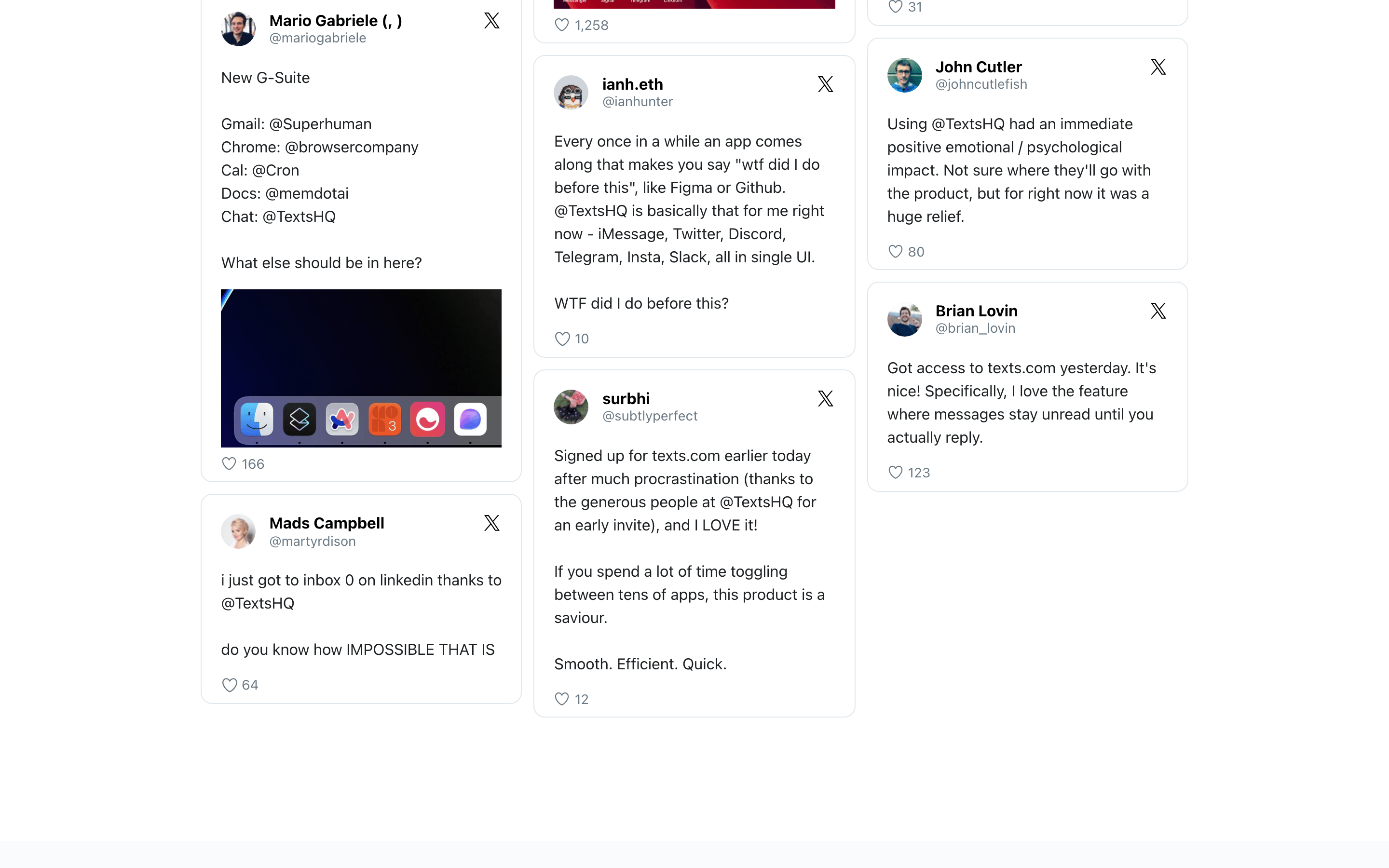
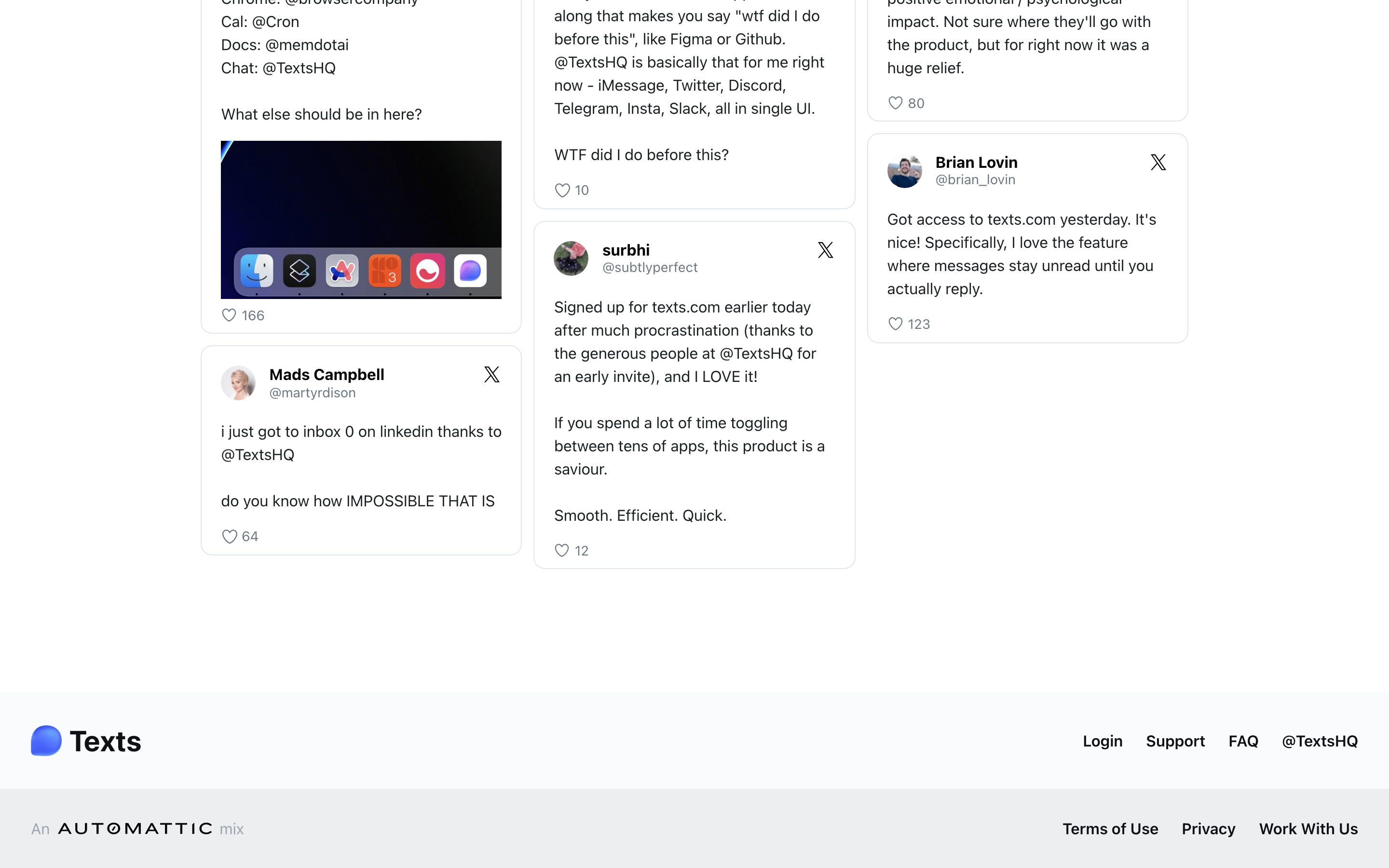
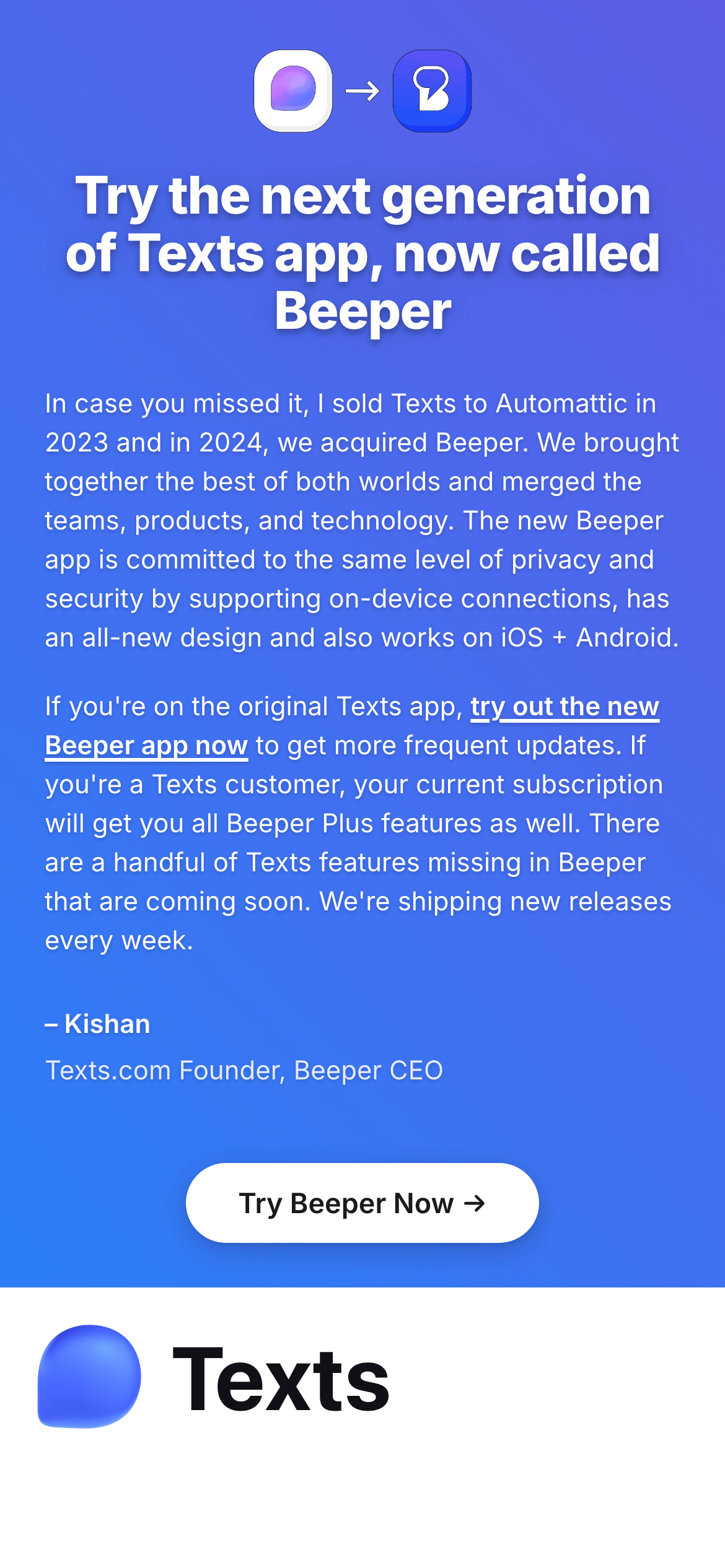
桌面首屏(hero) 桌面滚动分段(90% viewport 步进,作为视觉证据) 桌面滚动分段(90% viewport 步进,作为视觉证据) 桌面滚动分段(90% viewport 步进,作为视觉证据) 桌面滚动分段(90% viewport 步进,作为视觉证据) 桌面滚动分段(90% viewport 步进,作为视觉证据) 桌面滚动分段(90% viewport 步进,作为视觉证据) 桌面滚动分段(90% viewport 步进,作为视觉证据) 桌面滚动分段(90% viewport 步进,作为视觉证据) 桌面滚动分段(90% viewport 步进,作为视觉证据) 桌面滚动分段(90% viewport 步进,作为视觉证据) 移动首屏 Captured from the live site · real computed styles
11
System prompt
This design is a clean, professional SaaS interface for an AI-powered productivity tool. It uses a high-contrast palette with a white background (#FFFFFF), dark ink (#101116), and a dominant blue accent (#2563EB). Typography is exclusively humanist-sans (Inter), featuring bold, negative-tracked headlines. Critical donts: avoid serif fonts, do not use neon or saturated secondary colors, and never clutter the layout with unnecessary decorative elements. Maintain generous whitespace and use 12px rounded corners for surfaces. The overall feel is modern, efficient, and trustworthy.
More from the library en · zh-CN · zh-TW · ja · ko
OpenDesign · curated web aesthetics for AI-readable design DNA · opendesign.cc
Why we curated this: This site is a prime example of a modern, AI-integrated productivity tool with a highly refined, accessible design system.