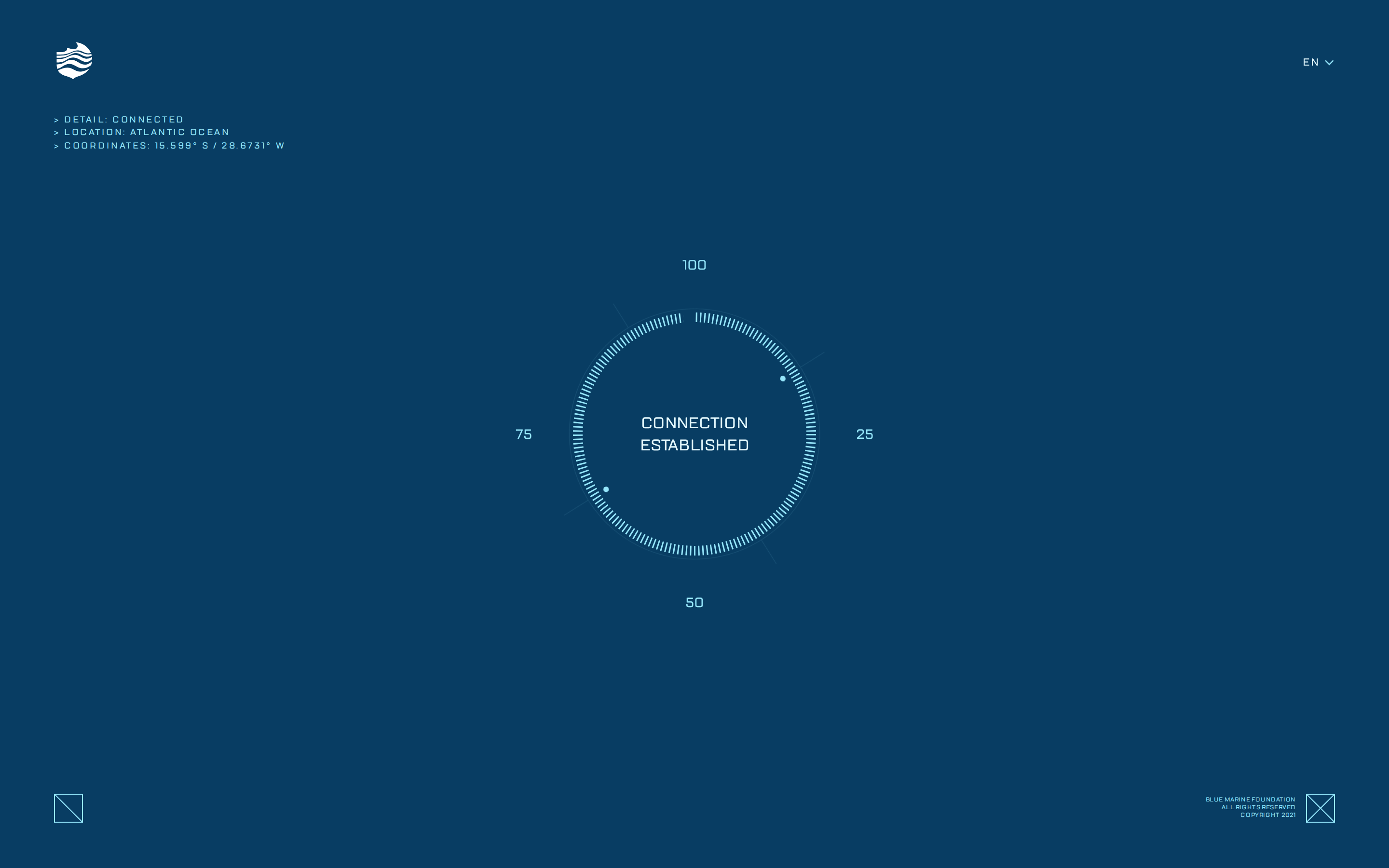
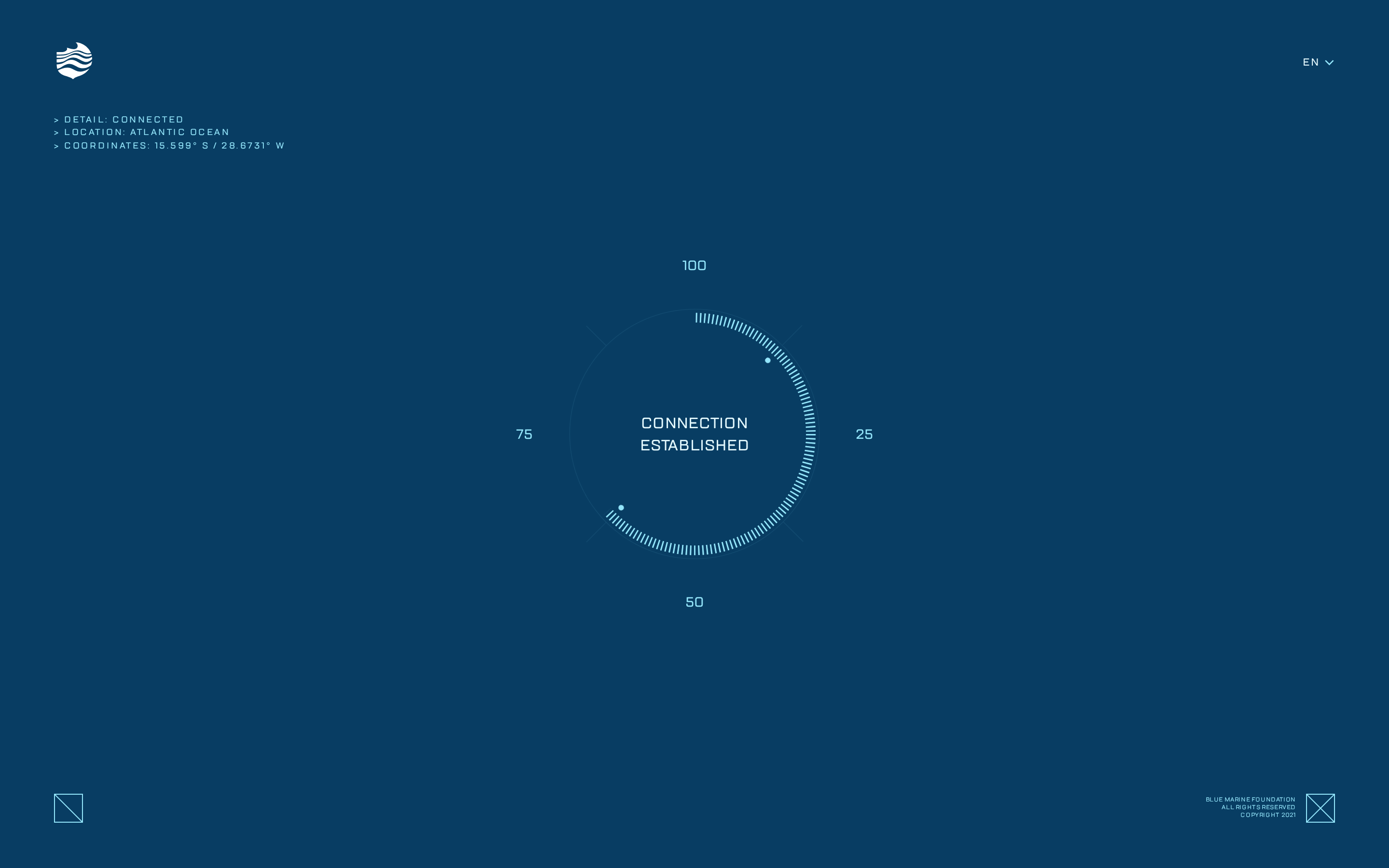
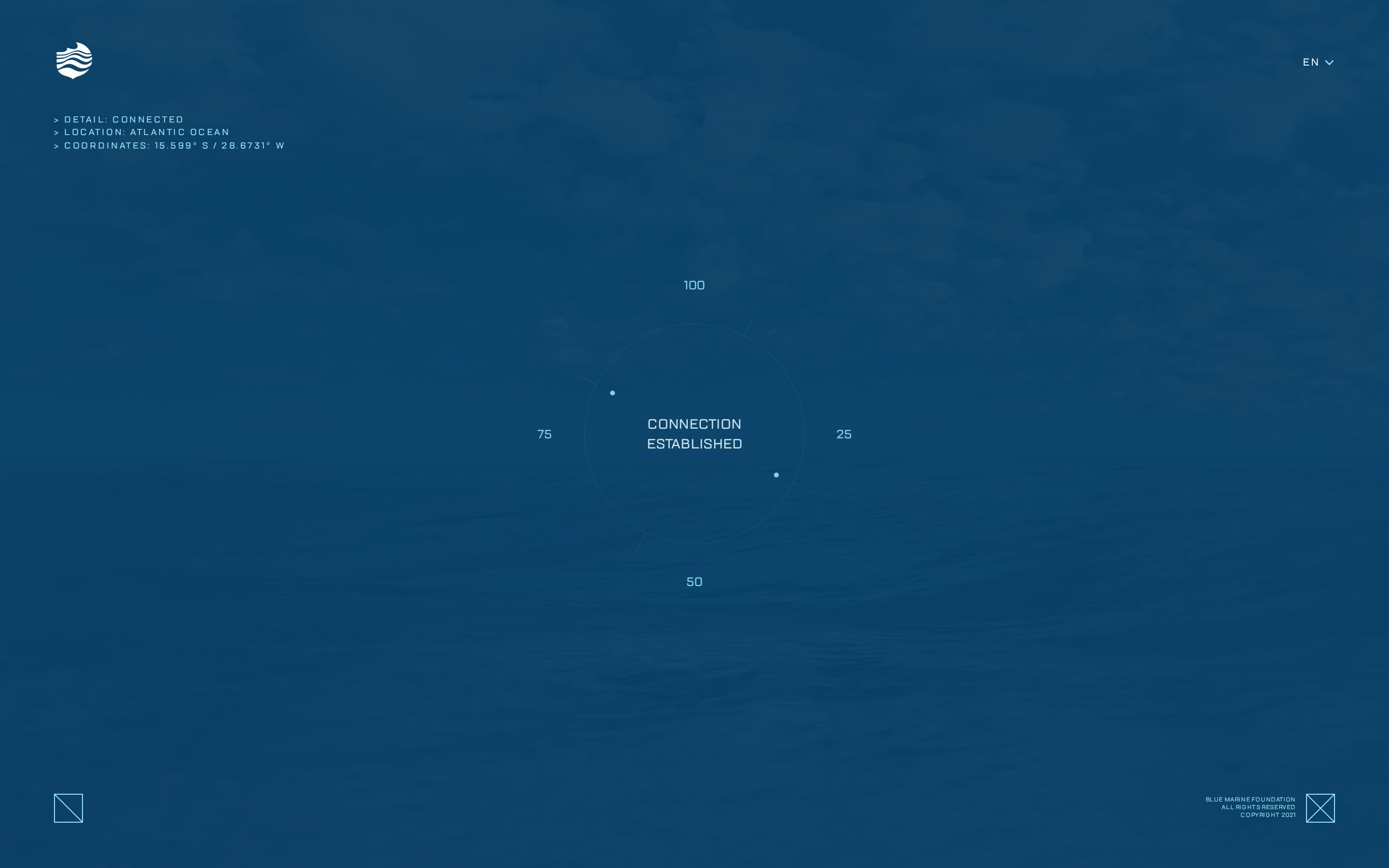
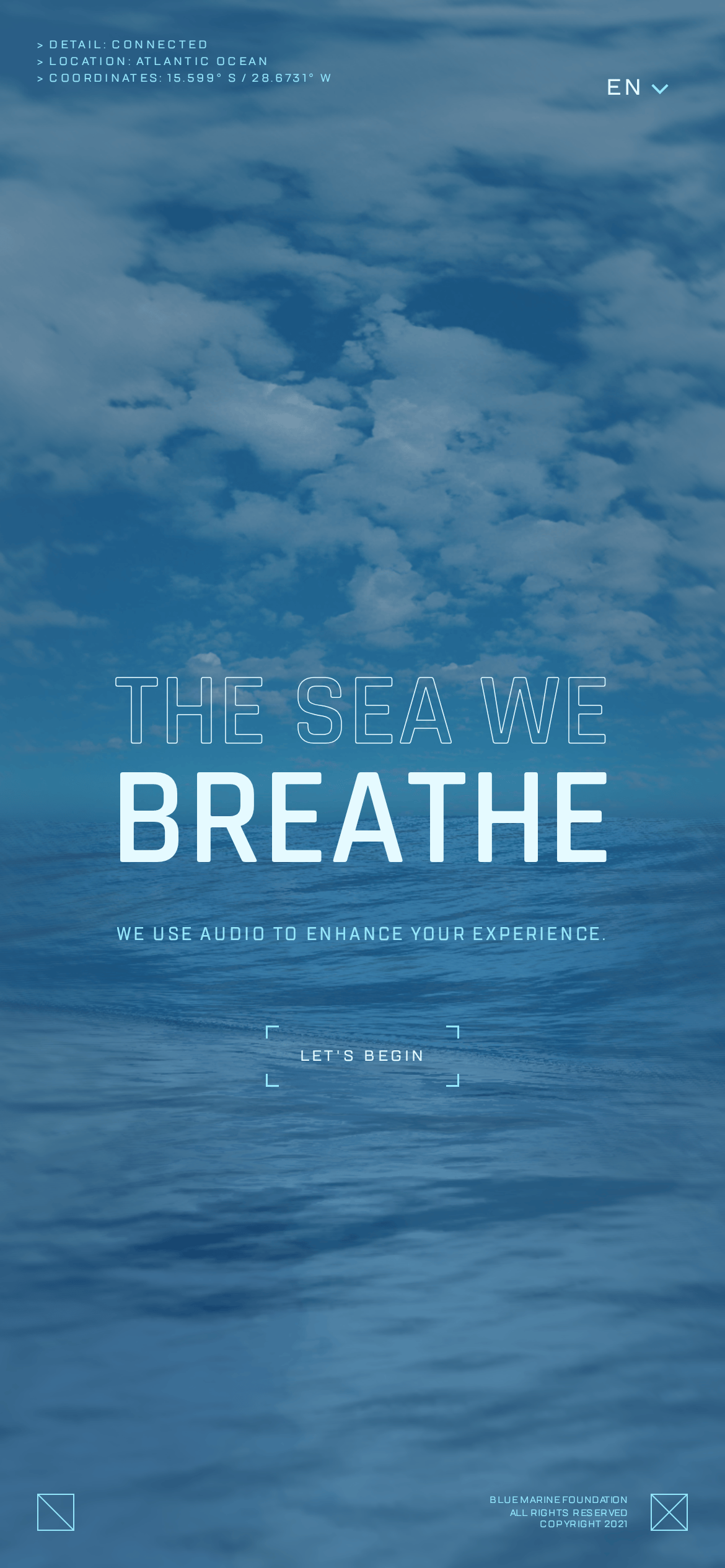
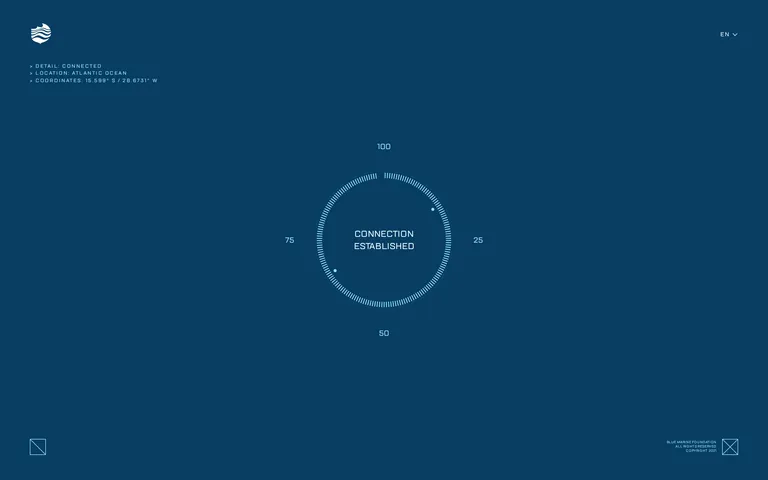
A mission control dashboard for a deep-sea expedition.
02
Color
#E5FAFFInk
#94E6FBInk soft
#083D63BG
rgba(148, 230, 251, 0.5)Line
A strict monochromatic blue palette relying on atmospheric photography and light cyan accents to create an immersive, data-rich environment.
03
Typography
geometric-sans
display80px · 500
display-sm44px · 500
body14px · 400
Use uppercase text-transform consistently across all text elements. · Maintain wide letter-spacing (1.5px+) for smaller text to ensure readability. · Use a geometric sans-serif for both display and body to maintain a technical feel.
04
Spacing
4px
8px
16px
24px
32px
48px
64px
96px
Generous spacing to emphasize immersion and prevent data points from feeling cramped.
05
Surfaces
sm · 0px
md · 0px
lg · 0px
pill · 999px
Thin, 1px borders in light cyan (#94E6FB) or near-white (#E5FAFF) using complex border-shorthand patterns.
06
Layout
1920container
12columns
24pxgutter
768 / 1024breakpoints
Full-viewport canvas with UI elements absolutely positioned at corners and center.
07
Motion & Interaction
220msmicro
400mssmall
800msmedium
cubic-bezier(0.16, 1, 0.3, 1)easing
Smooth rotational animations for radial progress indicators. · Cascading fade-ins for sequential data points. · Elegant page transitions to maintain the cinematic atmosphere.
Subtle color shifts or structural reveals on interactive elements. · Initiates the next phase of the immersive journey.
08
Components
buttonText-based action with corner bracket decorators instead of solid backgrounds.
cardN/A - The layout uses atmospheric imagery rather than traditional card components.
chipN/A - Status indicators are integrated directly into the text hierarchy.
inputN/A
heroFull-screen photographic background with a central, radial data visualization and large typographic overlay.
09
Voice & Don'ts
ToneTechnical yet poetic, combining data points with environmental awareness.
HeadlinesBold, uppercase, and atmospheric, often split across multiple lines.
CTAsMinimalist and directive, framed by technical corner brackets.
Don't use solid backgrounds for buttons — screenshot shows text-only actions with corner brackets.
Don't use small, dense text blocks — screenshot shows large, airy typography with wide letter-spacing.
Don't use warm or vibrant colors — screenshot shows a strict, cool monochromatic blue palette.
Don't use rounded corners for UI elements — screenshot shows sharp, zero-radius borders.
Don't use heavy drop shadows — screenshot shows a completely flat, atmospheric lighting style.
Don't use mixed font styles — screenshot shows a consistent use of geometric sans-serif for both display and body.
Captured from the live site · real computed styles
11
System prompt
The site is an immersive, cinematic web experience for the Blue Marine Foundation. It uses a strict monochromatic palette of deep ocean blue (#083D63) and light cyan (#94E6FB / #E5FAFF) accents. The typography is exclusively geometric sans-serif, displayed in uppercase with generous letter-spacing to maintain a technical, data-driven aesthetic. Critical design rules: avoid any warm colors, use text-only actions with corner brackets instead of solid buttons, and maintain a spacious, atmospheric layout that prioritizes visual immersion over traditional information density. The overall feel is a high-tech mission control interface overlaid on beautiful ocean photography.
Bring this taste to your agent
Hand your AI agent a machine-readable spec of this design — tokens, type, motion, the whole DNA.