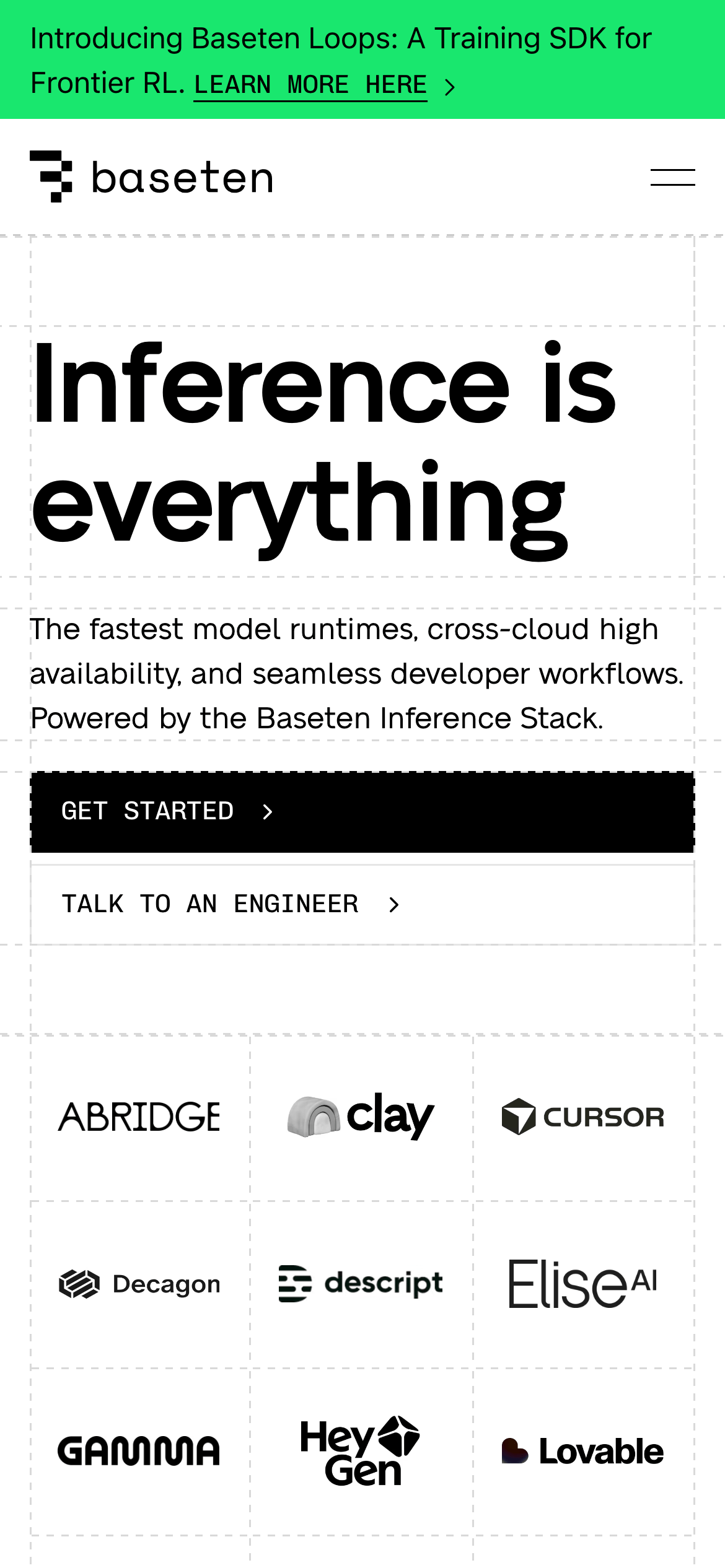
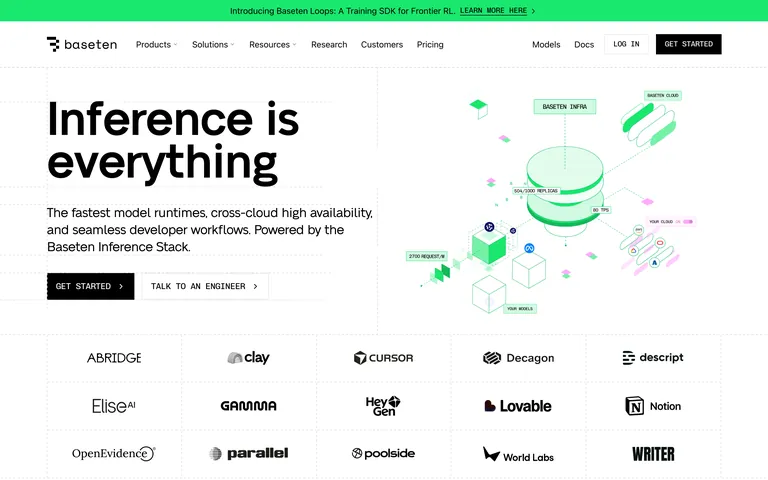
A technical blueprint for cloud-native model inference
02
Color
#19E76EAccent
#000000Ink
#FFFFFFBG
#F5F8F4BG quiet
#B3B3B3Muted
rgba(0,0,0,0.05)Line
High-contrast monochrome base with a single vibrant green accent for high-chroma highlights.
03
Typography
grotesque-sans · ui-sans-serif · monospace
display64px · 400
body16px · 400
mono14px · 400
Headlines use tight negative letter-spacing for impact · Buttons and navigation use monospace uppercase for technical feel · Body text remains highly readable with standard line heights
04
Spacing
4px
8px
16px
24px
32px
48px
64px
96px
4px base with consistent multiples for padding and gaps
05
Surfaces
sm · 4px
md · 8px
lg · 12px
pill · 9999px
Subtle 1px borders in rgba(0,0,0,0.05) for dividers and dashed lines for structural grids.
06
Layout
1280container
12columns
24pxgutter
768 / 1024breakpoints
Strict 12-column grid with visible dashed lines in some sections to emphasize the underlying structure.
07
Motion & Interaction
75msmicro
236mssmall
500msmedium
cubic-bezier(0.4, 0, 0.2, 1)easing
Smooth color and background transitions on interactive elements · Fade transitions for content loading
Subtle color shifts or background changes with fast easing. · Immediate visual feedback.
08
Components
buttonMonospace uppercase text, pill-shaped or sharp borders, high contrast black or white fills.
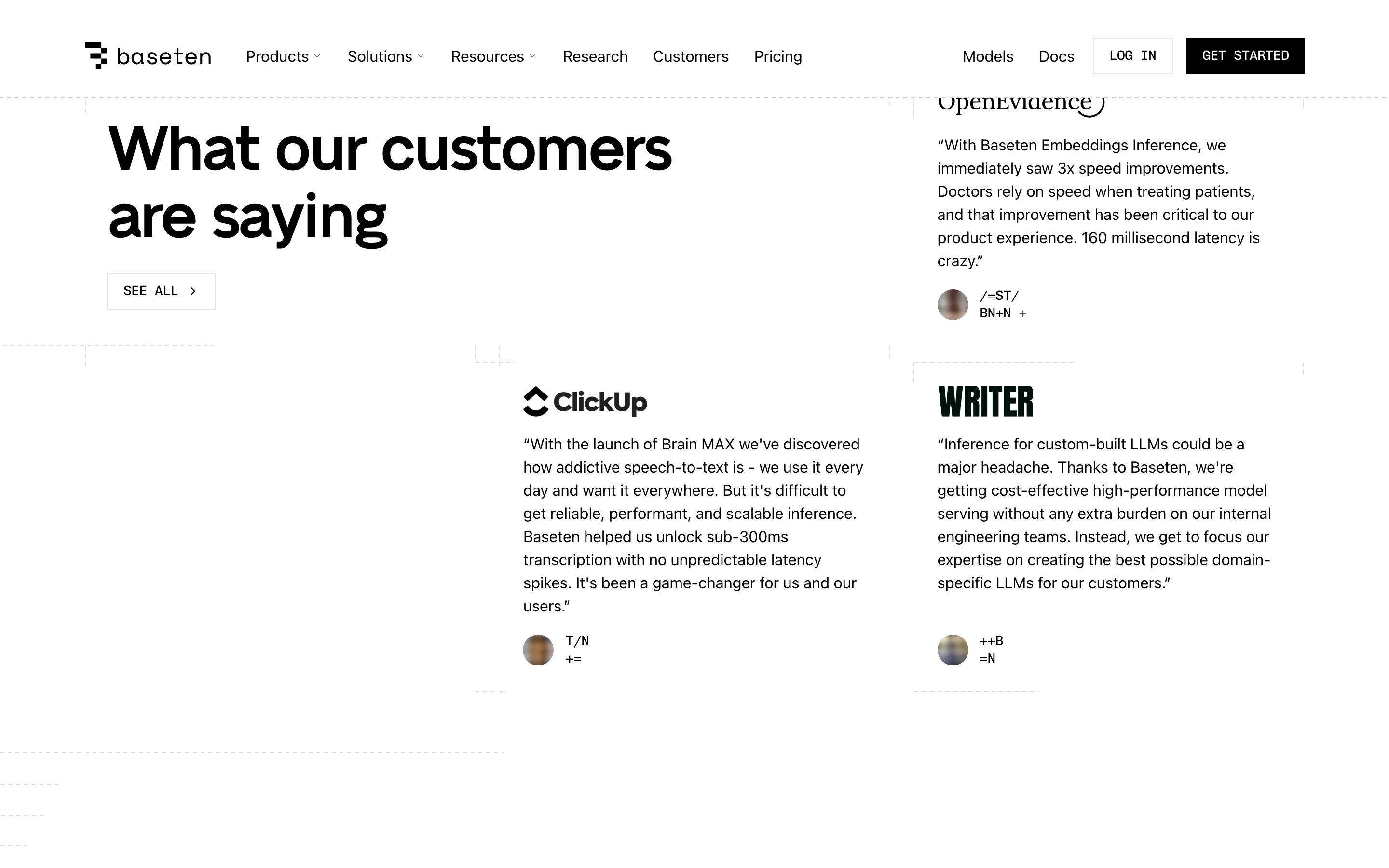
cardMinimal or invisible, relying on the underlying grid lines for structure.
chipPill-shaped accent containers with monospace text.
inputStandard form fields with subtle borders.
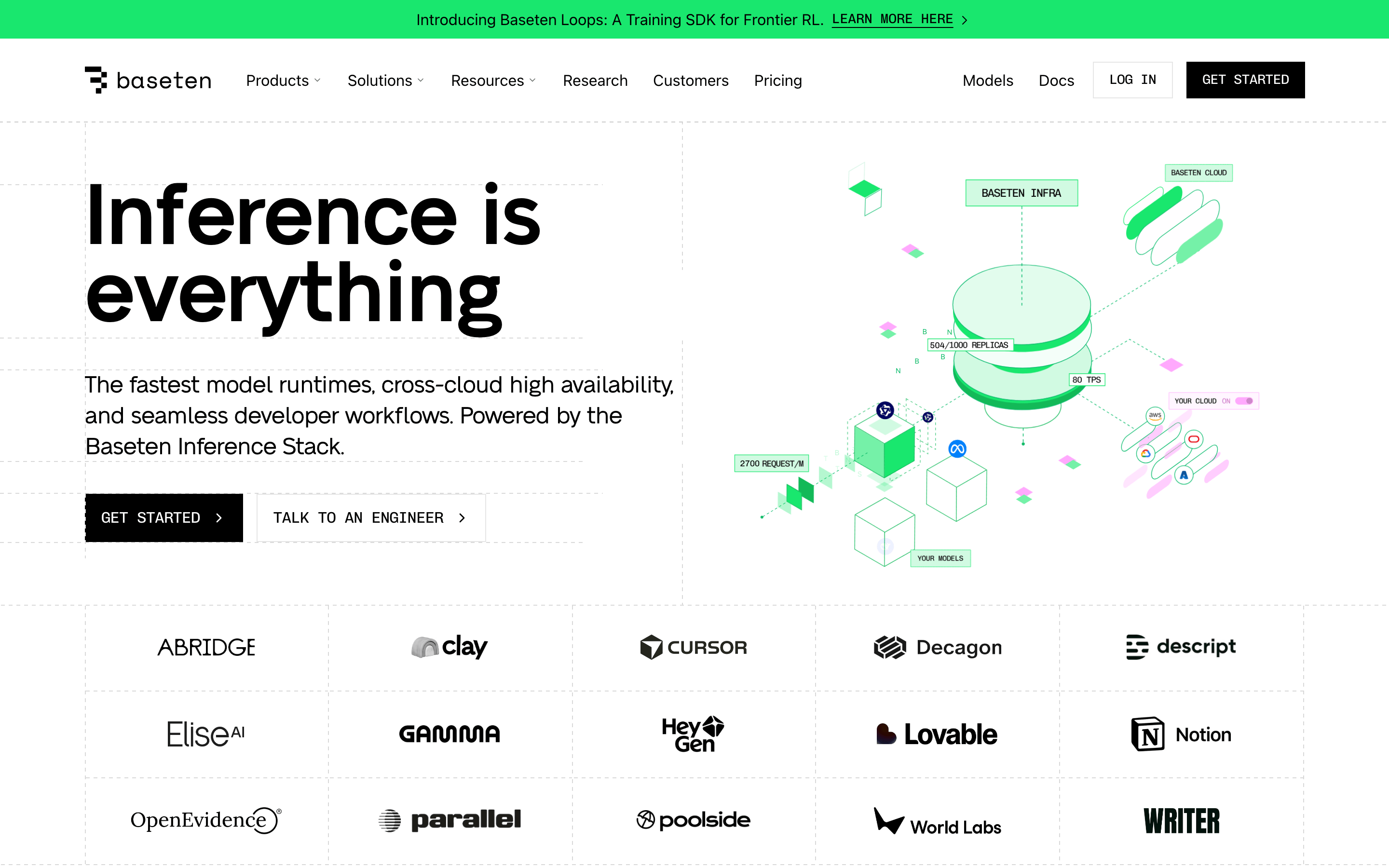
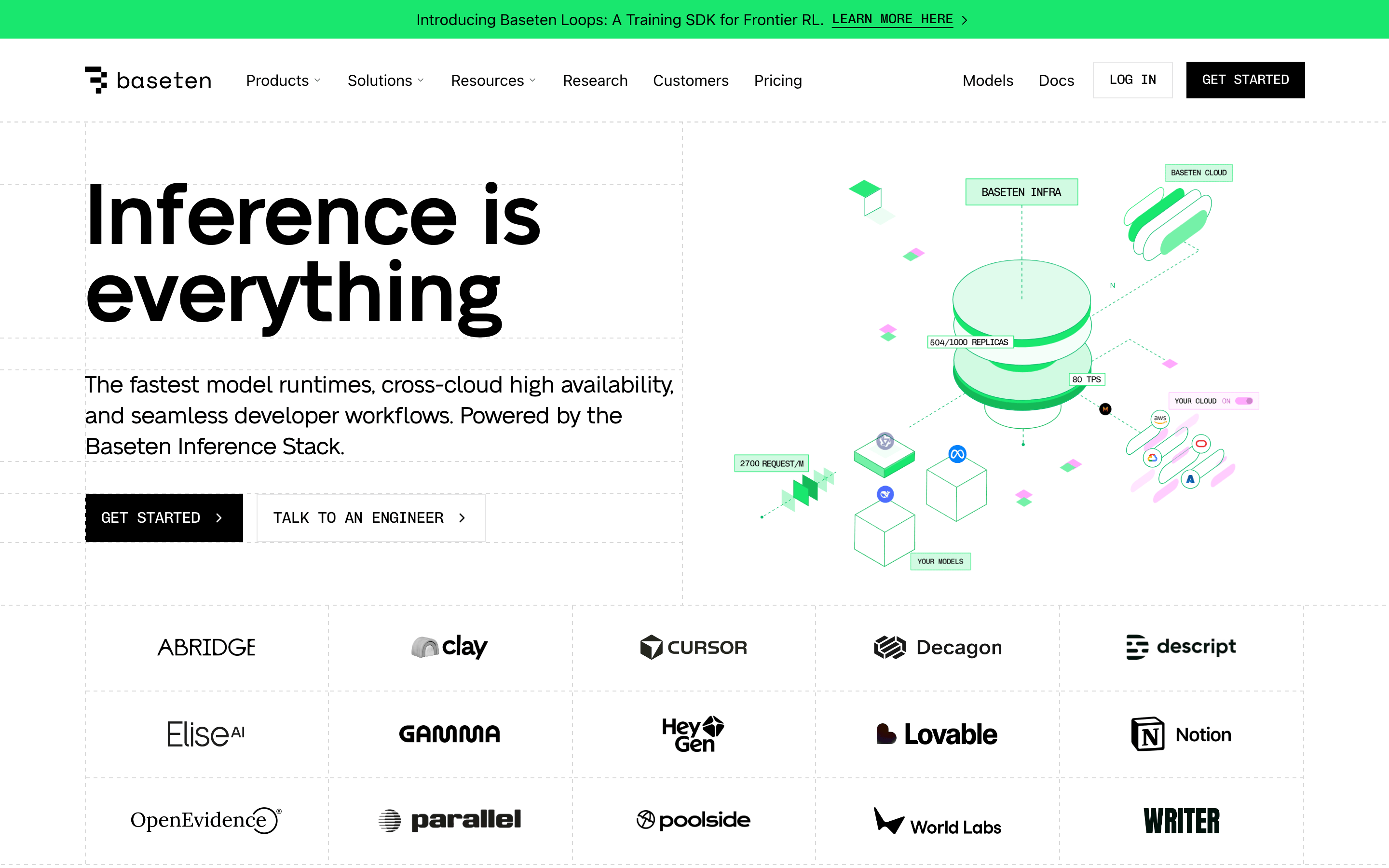
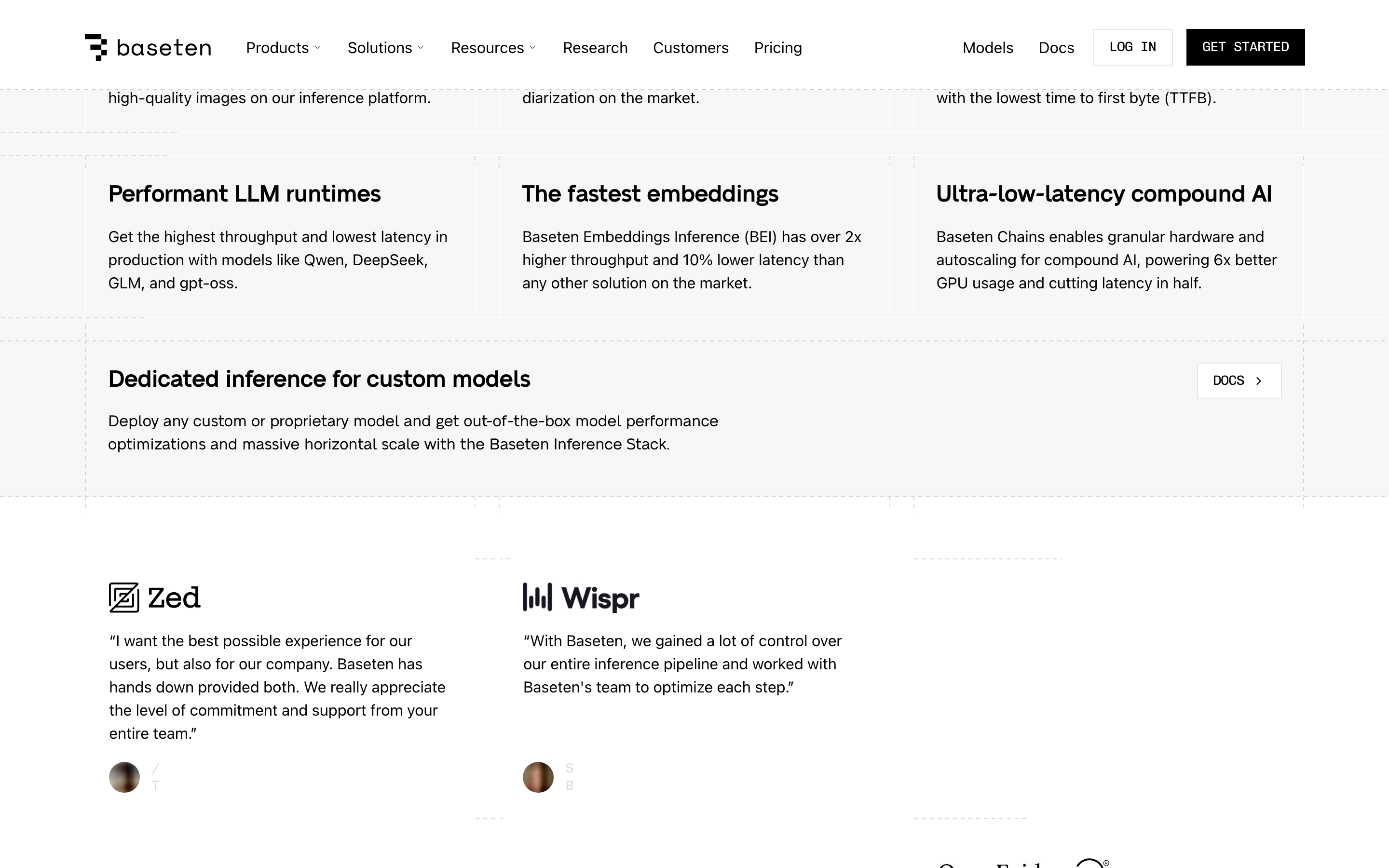
heroSplit layout with large bold typography on the left and technical illustrations on the right.
09
Voice & Don'ts
ToneAuthoritative, technical, and direct.
HeadlinesBold, declarative statements with tight tracking.
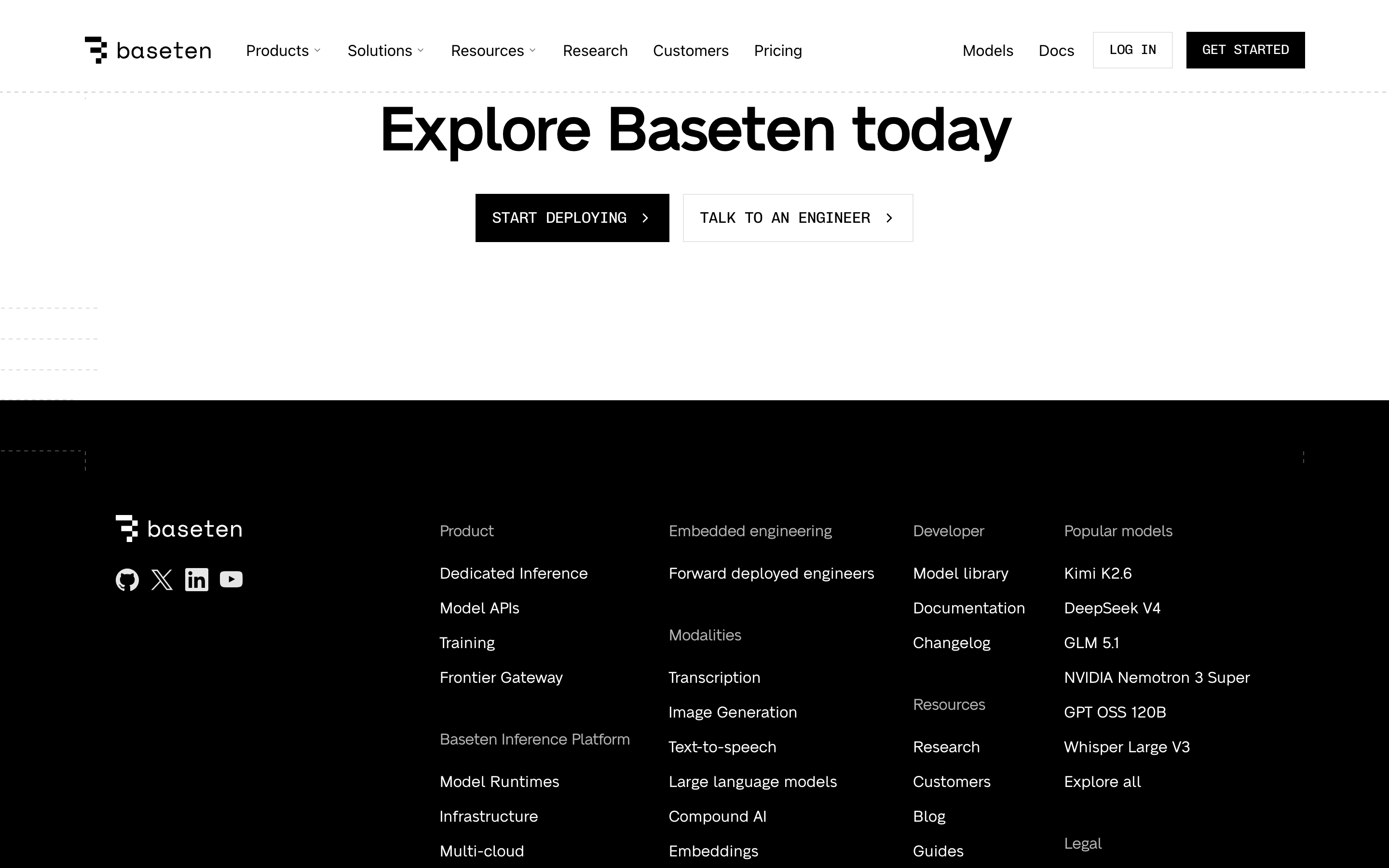
CTAsAction-oriented, uppercase monospace buttons with clear directional arrows.
Don't use decorative serif fonts — screenshot shows clean grotesque sans-serif headlines and monospace labels.
Don't use rounded, soft UI patterns — screenshot shows sharp edges, pill buttons, and geometric diagrams.
Don't use heavy drop shadows — screenshot shows completely flat, borderless or subtly bordered surfaces.
Don't use a multi-colored rainbow palette — screenshot shows a strict black/white/green scheme.
Don't use casual sentence case for UI elements — screenshot shows uppercase monospace for buttons and labels.
Don't hide the grid structure — screenshot uses visible dashed lines to emphasize the technical layout.
Captured from the live site · real computed styles
11
System prompt
Baseten is a developer infrastructure platform for AI model inference, characterized by a clean, technical aesthetic that emphasizes precision and scale. The visual system uses a high-contrast black and white palette, punctuated by a single vibrant green accent (#19E76E) for highlights. Typography relies on a bold grotesque-sans for impactful headlines and monospace fonts for technical labels and buttons. The layout is a strict 12-column grid, often exposed via visible dashed lines to reinforce the engineering-focused positioning. Critical donts include avoiding decorative serifs, soft rounded UI patterns, heavy shadows, or playful language, as the design prioritizes a professional, blueprint-like clarity over warmth.
Bring this taste to your agent
Hand your AI agent a machine-readable spec of this design — tokens, type, motion, the whole DNA.