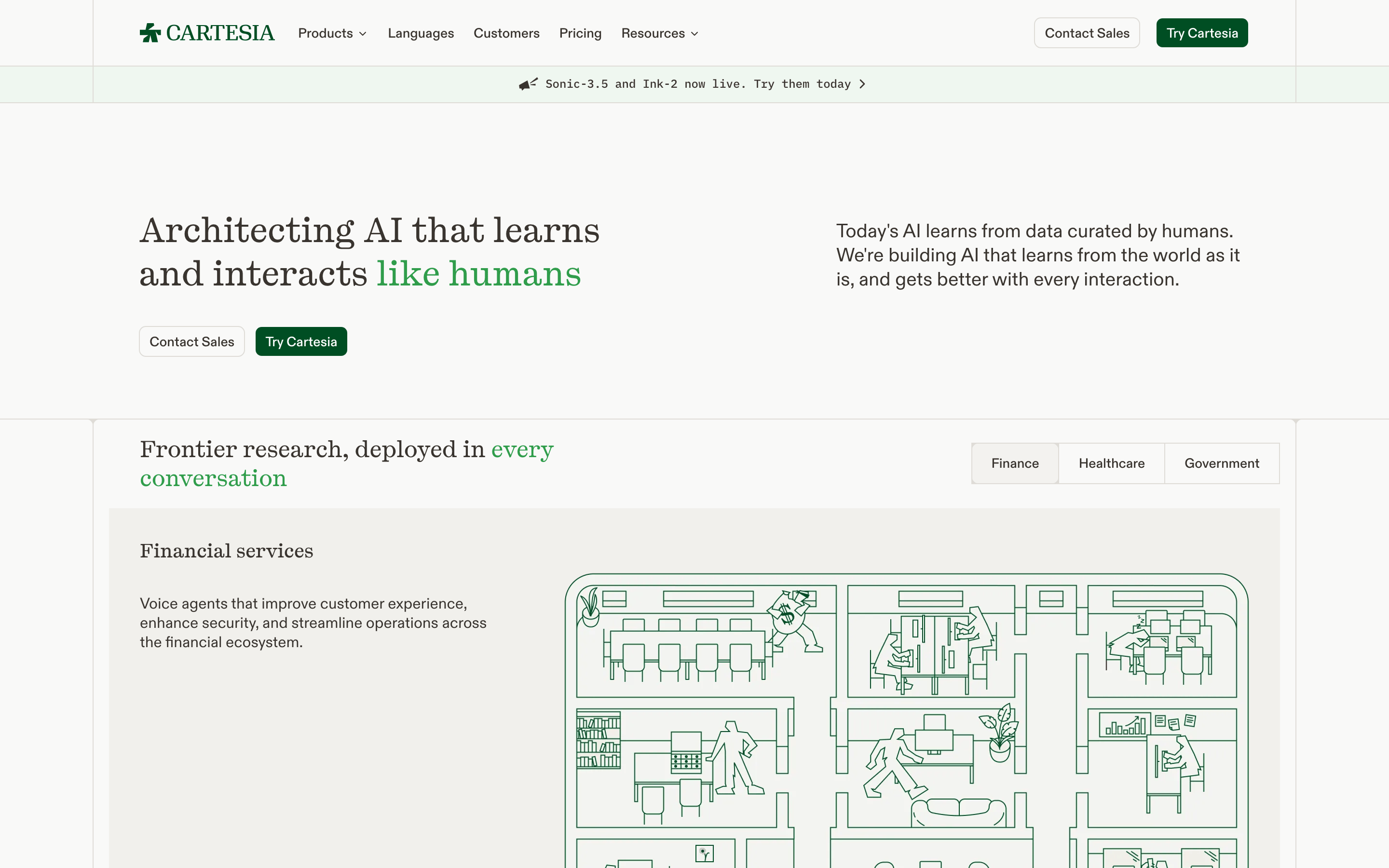
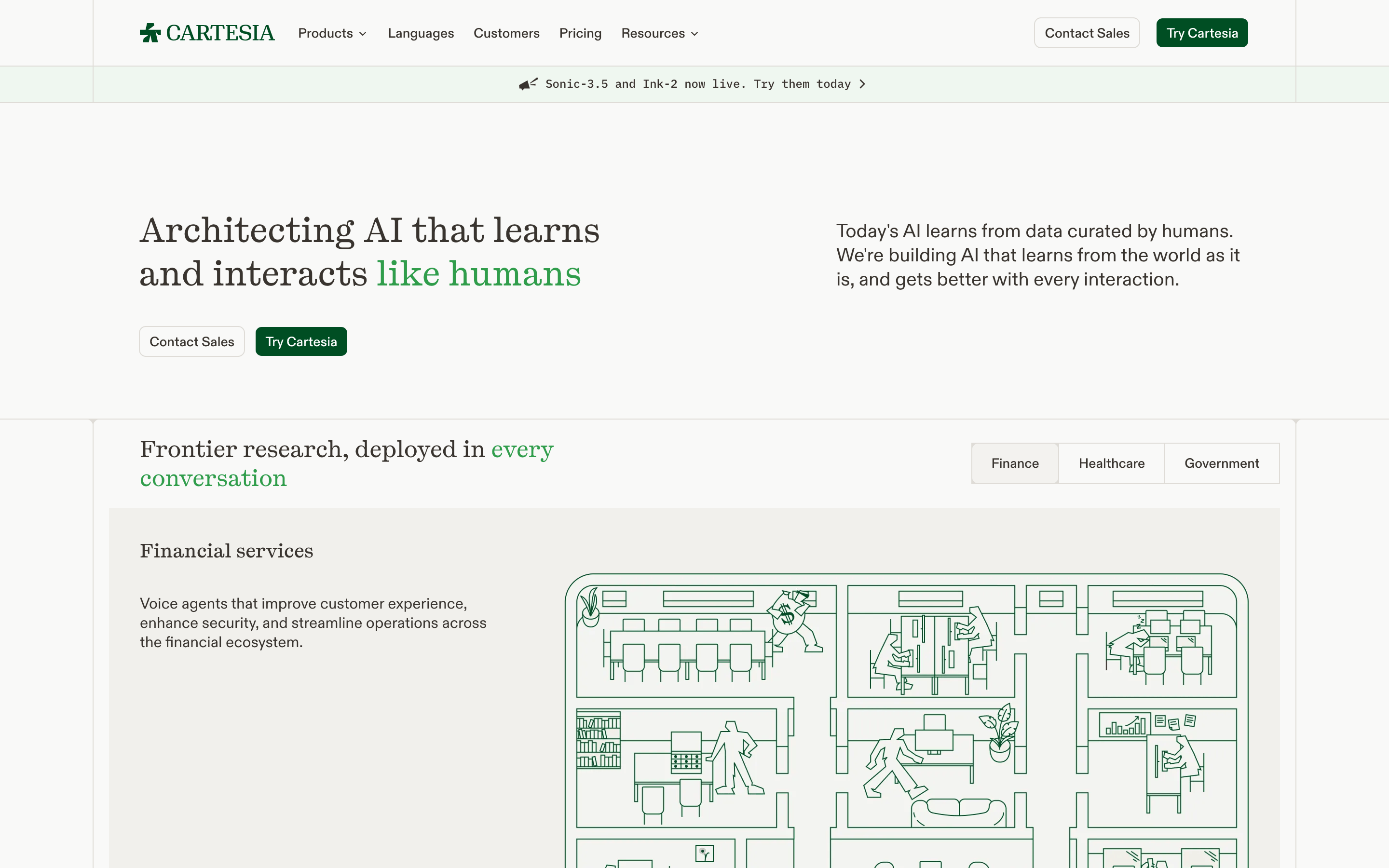
Serif for display and hero text to convey authority and research depth. · Sans-serif for UI and body text for maximum legibility. · Mono for technical labels and data points.
04
Spacing
4px
8px
16px
24px
32px
48px
64px
96px
Strict 4px base grid with generous white space between major content blocks.
05
Surfaces
sm · 4px
md · 8px
lg · 12px
pill · 999px
1px solid #DFEDDF
0 1px 2px rgba(0,0,0,0.05)
06
Layout
1200container
12columns
24pxgutter
768 / 1024breakpoints
12-column grid with large hero sections alternating with 2-column split layouts.
07
Motion & Interaction
150msmicro
300mssmall
500msmedium
cubic-bezier(0.4, 0, 0.2, 1)easing
Subtle opacity fades on hover · Smooth color transitions on buttons · Parallax or scroll-triggered reveals for illustrations
Background color darkens slightly or text color shifts to green. · Scale-down micro-interaction for buttons.
08
Components
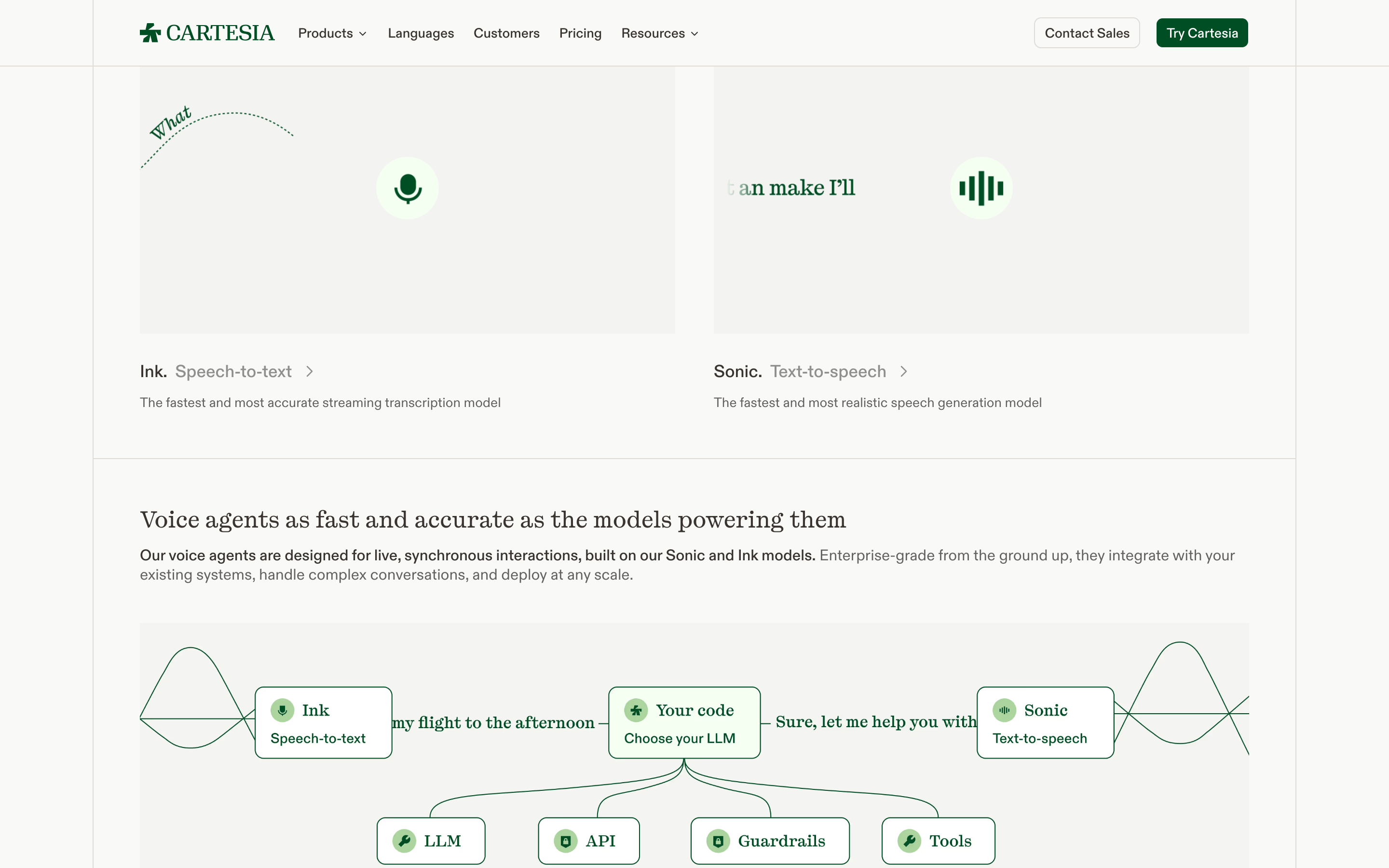
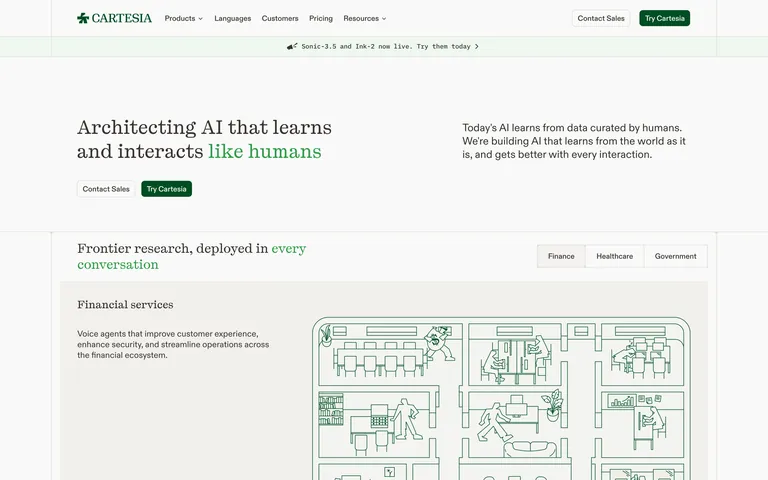
buttonPill-shaped primary buttons with deep green background, secondary buttons with thin green borders.
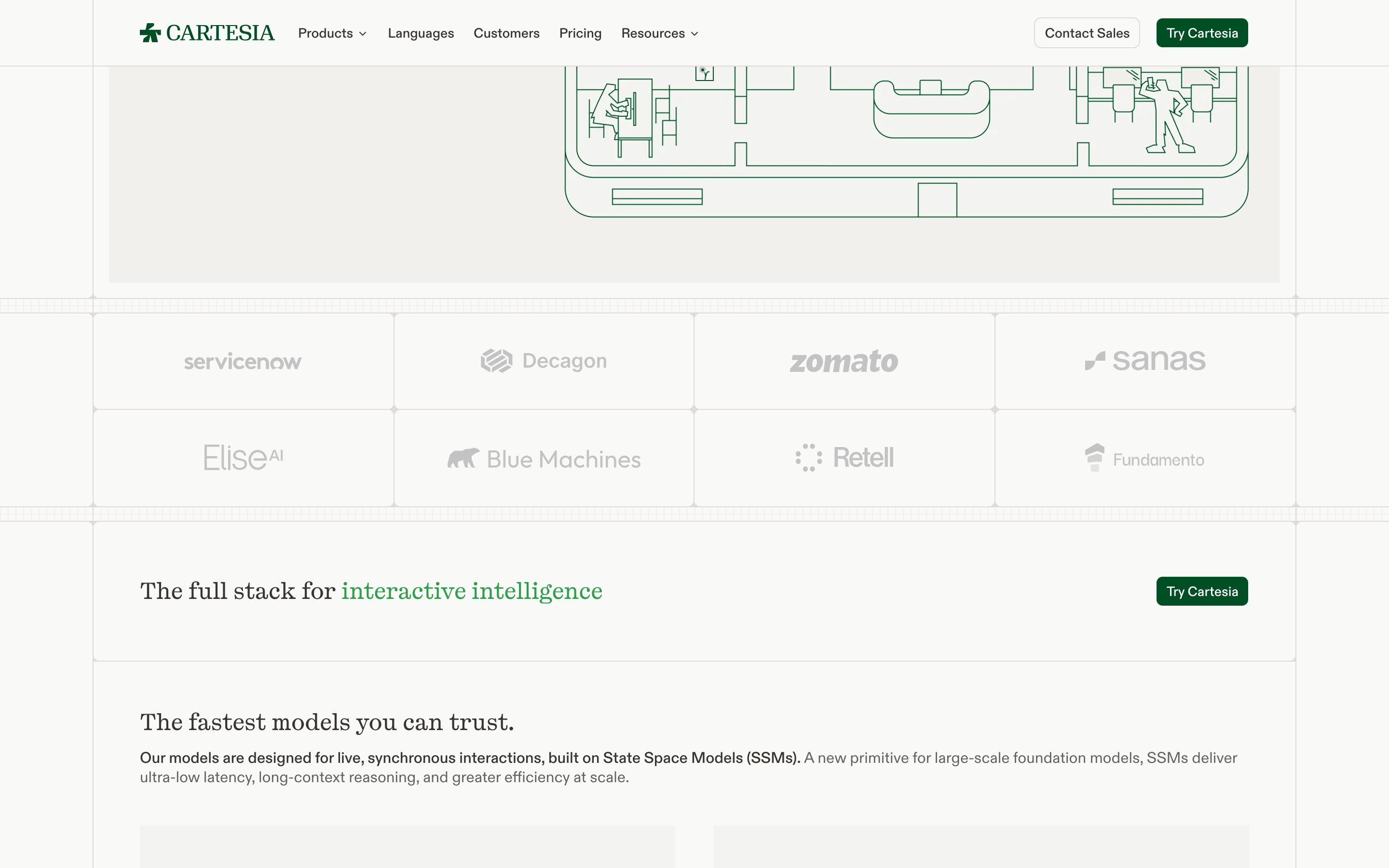
cardMinimalist content cards with subtle green-tinted backgrounds or thin borders.
chipSmall, rounded category tags for industry sectors like 'Finance' and 'Healthcare'.
inputClean text inputs with subtle bottom borders or thin outlines.
heroLarge, serif-led text block paired with a descriptive paragraph and dual CTAs.
09
Voice & Don'ts
ToneAcademic yet accessible, confident and forward-looking.
HeadlinesLong, descriptive sentences that explain complex concepts simply.
CTAsDirect and inviting, often emphasizing 'Trying' or 'Contacting'.
Don't use a dark mode theme — the screenshot shows a consistently light, bright background.
Don't use aggressive gradients — the screenshot shows solid colors and subtle tints.
Don't use heavy drop shadows — the screenshot shows very flat, minimal elevation.
Don't use neon or high-chroma accent colors — the screenshot uses a single deep, natural green.
Don't use highly decorative or script fonts — the screenshot uses clean, legible typefaces.
Don't use cluttered navigation with too many items — the screenshot shows a streamlined, spacious top bar.
Avoid: Hype-driven or overly casual language.
Avoid: Cluttered layouts with too many competing visual elements.
Avoid: Aggressive sales tactics or flashing elements.
Captured from the live site · real computed styles
11
System prompt
Cartesia is an AI startup positioning itself as a provider of foundational research and tools for human-like voice agents. The design reflects a 'research lab meets enterprise product' identity. The palette is anchored by a near-white background (#FAFAFA) and deep charcoal ink (#1A1A1A), with a signature natural green (#1B7A3D) used for accents and highlights. Typography contrasts a transitional serif for display text (PP Kyoto) with a clean humanist sans (ABC Diatype) for body and UI. Critical design constraints: avoid dark mode entirely, maintain generous whitespace, and use only subtle, solid-color borders or tints rather than heavy shadows or complex gradients.
Bring this taste to your agent
Hand your AI agent a machine-readable spec of this design — tokens, type, motion, the whole DNA.