← OpenDesign CURATED · OPEN · FREE
Whimsical
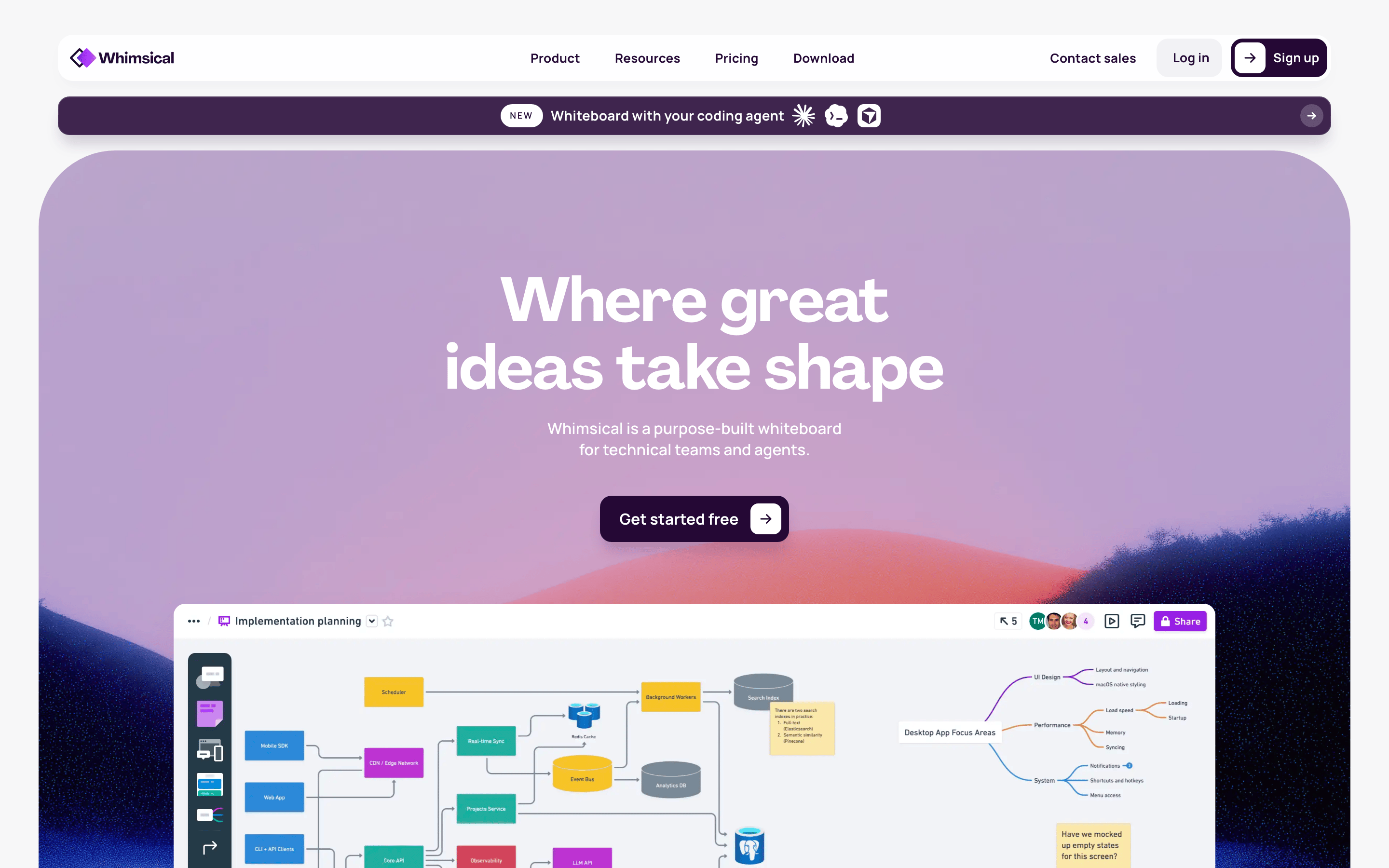
Purpose-built whiteboard for technical teams and agents
design tool
01
Identity DNA
whiteboard collaboration technical ideas planning
A digital canvas meeting room for engineers
02
Color
#9E39E5Accent
#220A33Ink
#5C275EInk soft
#FFFFFFBG
#F5F4F5BG soft
#6A5C70Muted
rgba(224,219,227,1)Line
High contrast ink on clean surfaces with vibrant purple accents
03
Typography
humanist-sans · monospace
display 96px · 700h2 32px · 700body 16px · 400Use tight negative tracking for large display text · Use medium weights for interactive elements · Maintain strict typographic hierarchy
04
Spacing
4px
8px
16px
24px
32px
48px
64px
96px
8px vertical rhythm
05
Surfaces
sm · 4px
md · 8px
lg · 12px
pill · 999px
1px solid rgba(224,219,227,1)
0px 16px 32px -4px rgba(37,8,53,0.06) · 0px 12px 16px -4px rgba(37,8,53,0.2)
06
Layout
1280 container
12 columns
24px gutter
768 / 1024 breakpoints
12-column fluid grid with centered content
07
Motion & Interaction
220ms micro
400ms small
800ms medium
cubic-bezier(0.3, 0.1, 0, 1) easing
Smooth hover transitions for interactive elements · Subtle lift on card hover
Subtle background color change or transform · Immediate visual feedback
08
Components
button Solid dark background with white text or outlined styles card Clean containers with subtle shadows and rounded corners chip Small rounded tags for labels input Clean bordered fields with clear focus states hero Large gradient background with centered bold typography 09
Voice & Don'ts
Tone Professional, clear, and encouraging Headlines Bold, concise statements about value CTAs Direct action verbs like 'Get started free' Don't use dark mode interfaces — the screenshot shows a predominantly white/light gray background Don't use heavy drop shadows — the screenshot shows soft, diffuse elevation shadows Don't use playful, rounded display fonts — the screenshot shows clean, geometric humanist sans-serif typography Don't use neon or highly saturated colors — the screenshot shows a restrained palette with deep purple accents Don't clutter the layout with excessive borders — the screenshot shows minimal border usage Don't use centered alignment for long paragraphs — the screenshot shows left-aligned body copy in feature grids Avoid: Overly casual slang Avoid: Dense technical jargon without context Avoid: Aggressive sales language 10
Inside the pack — real screenshots
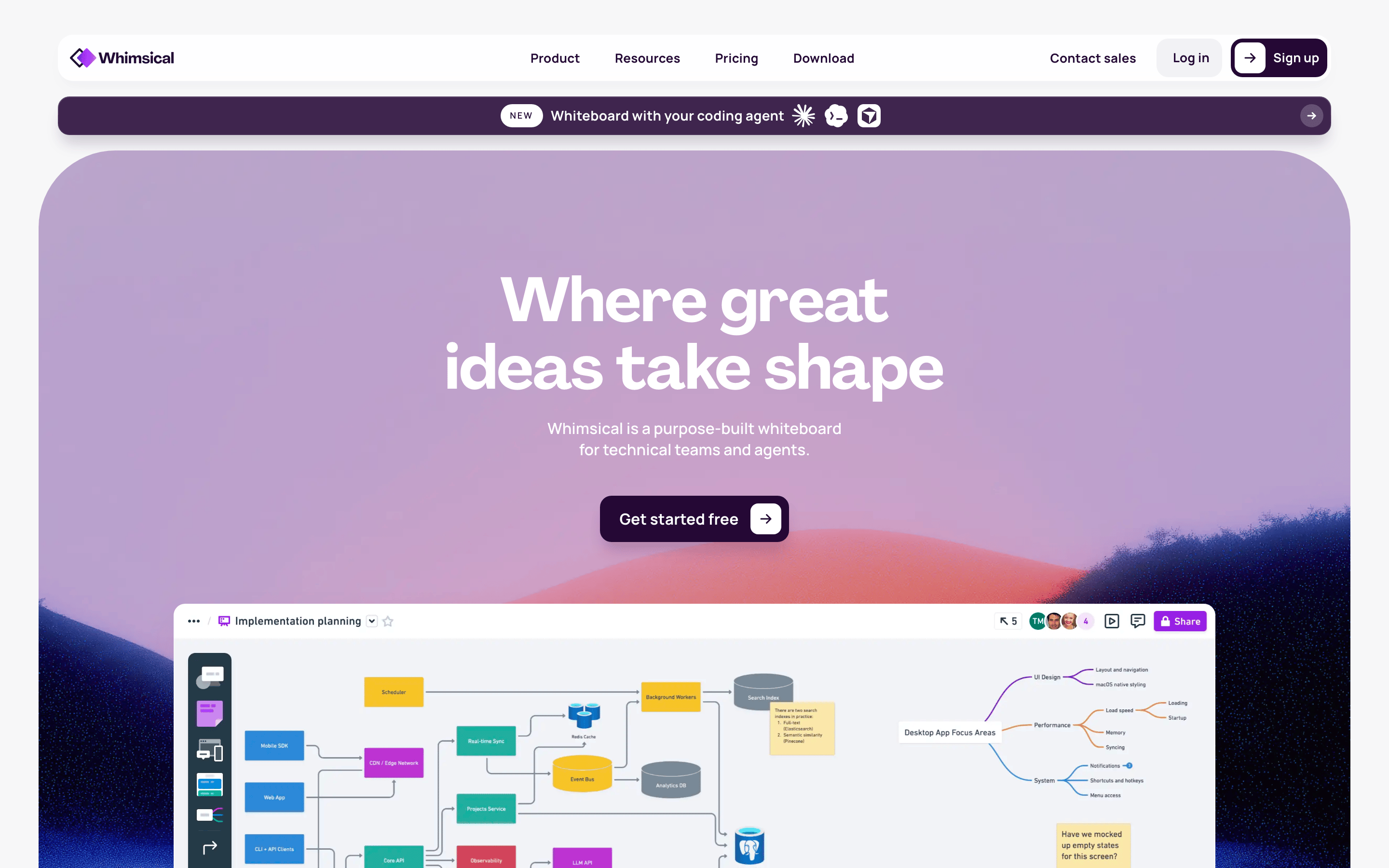
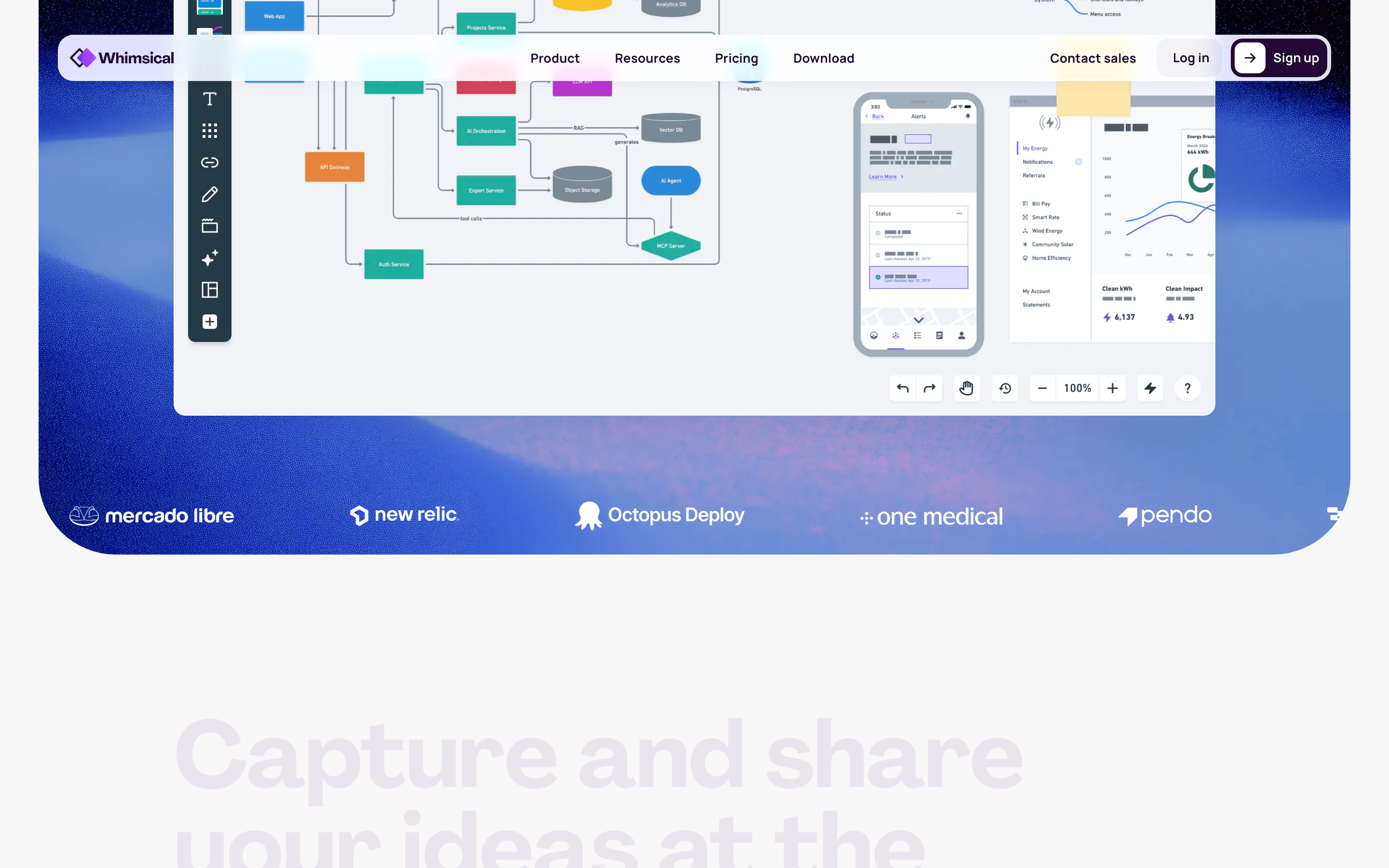
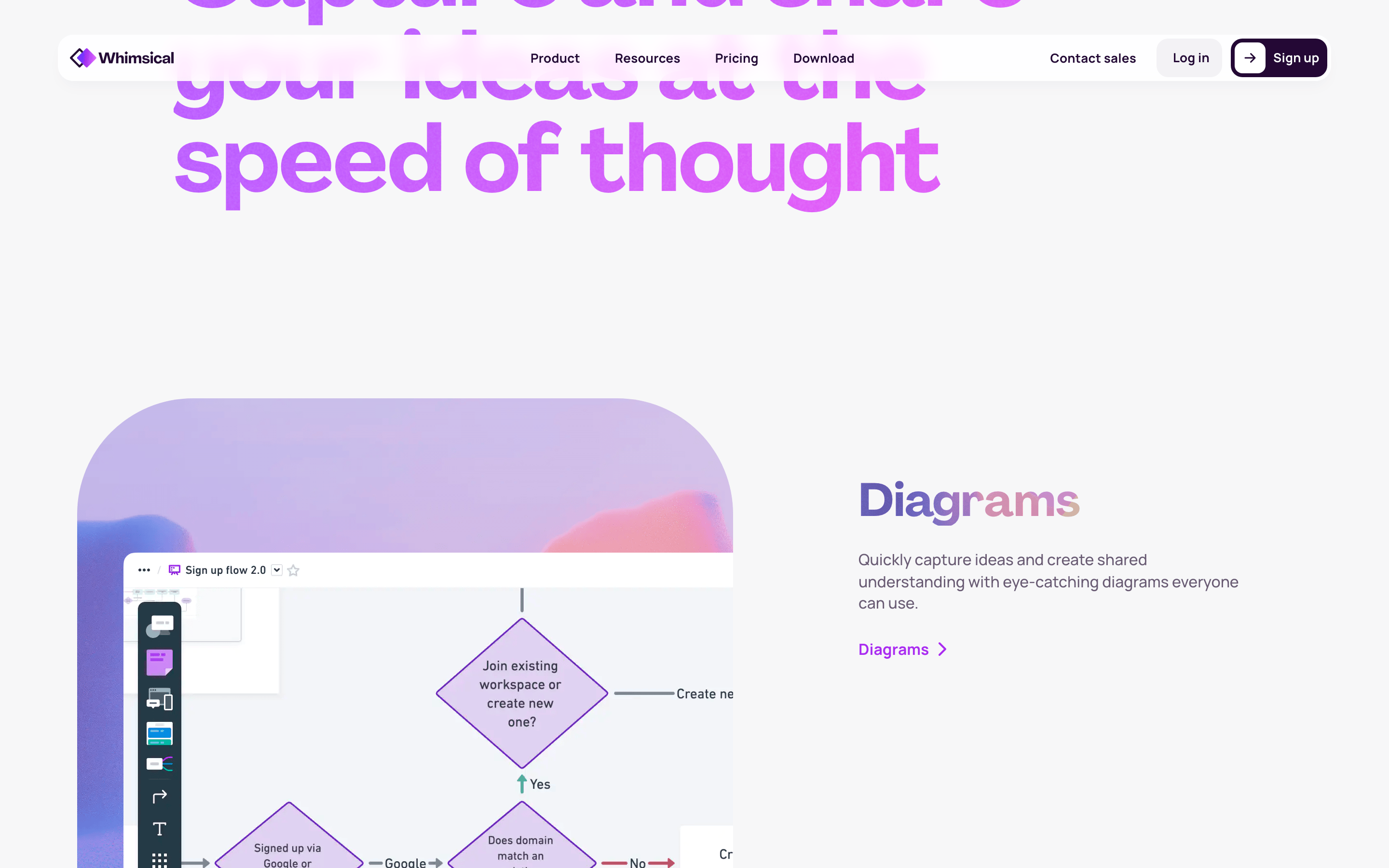
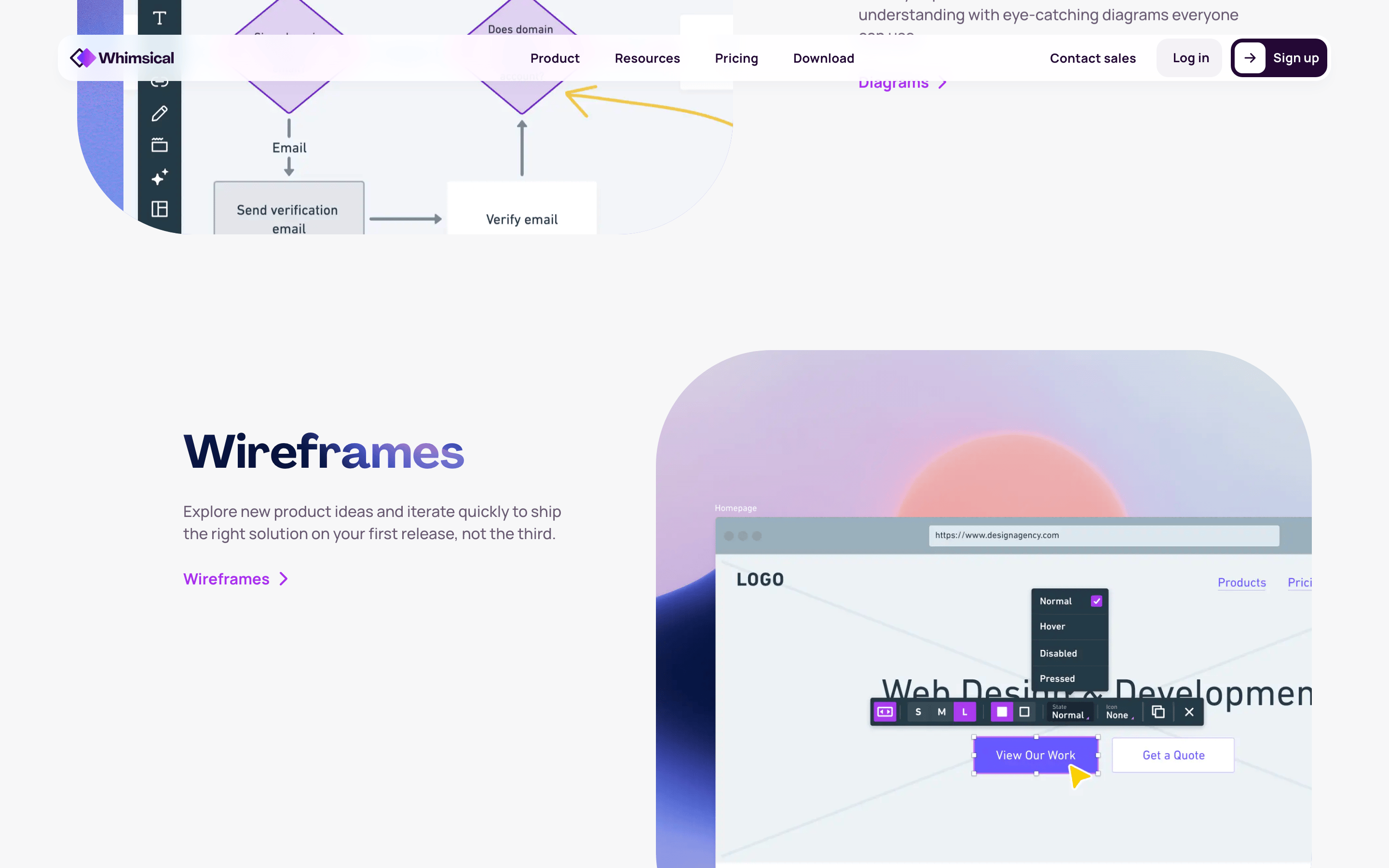
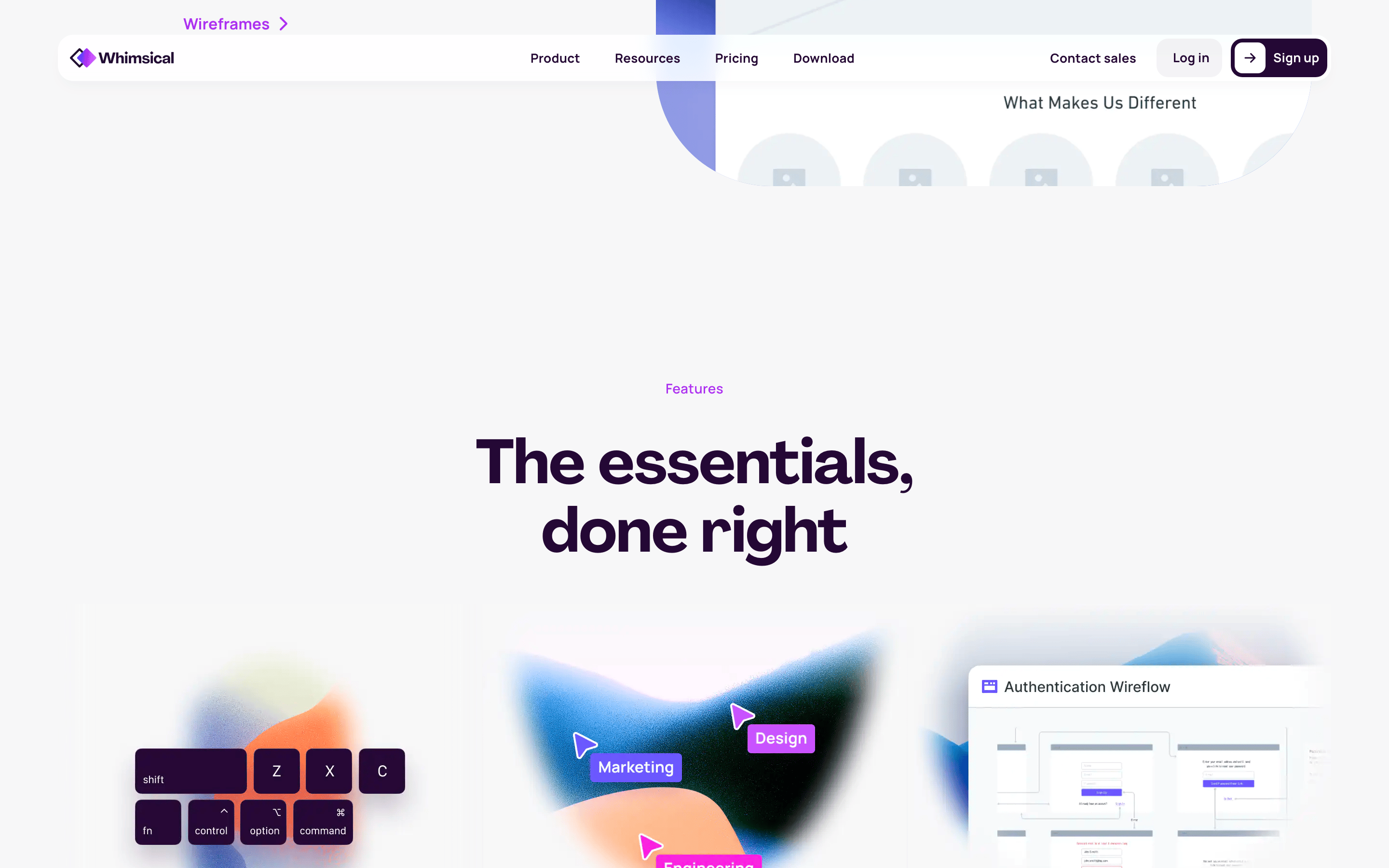
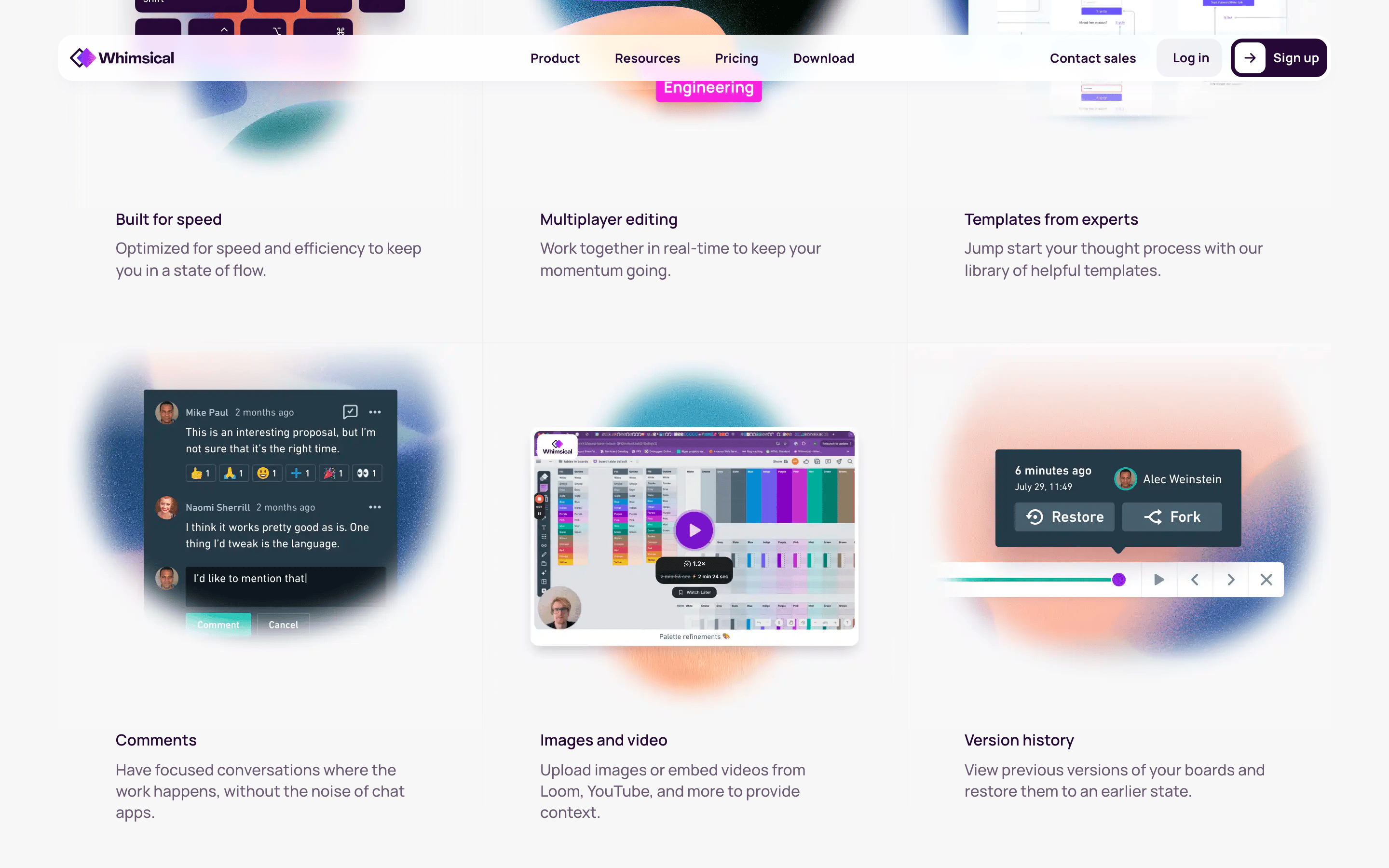
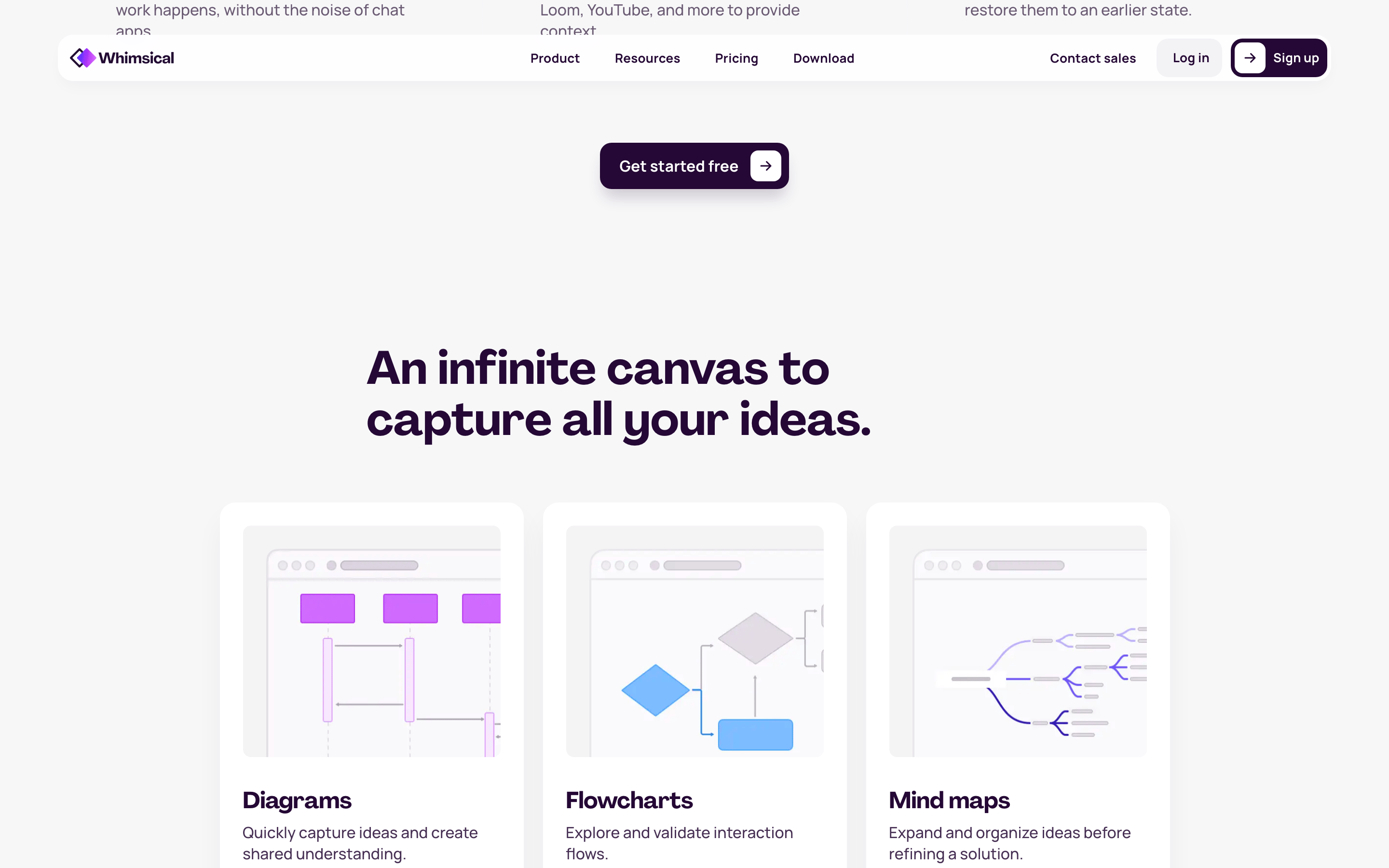
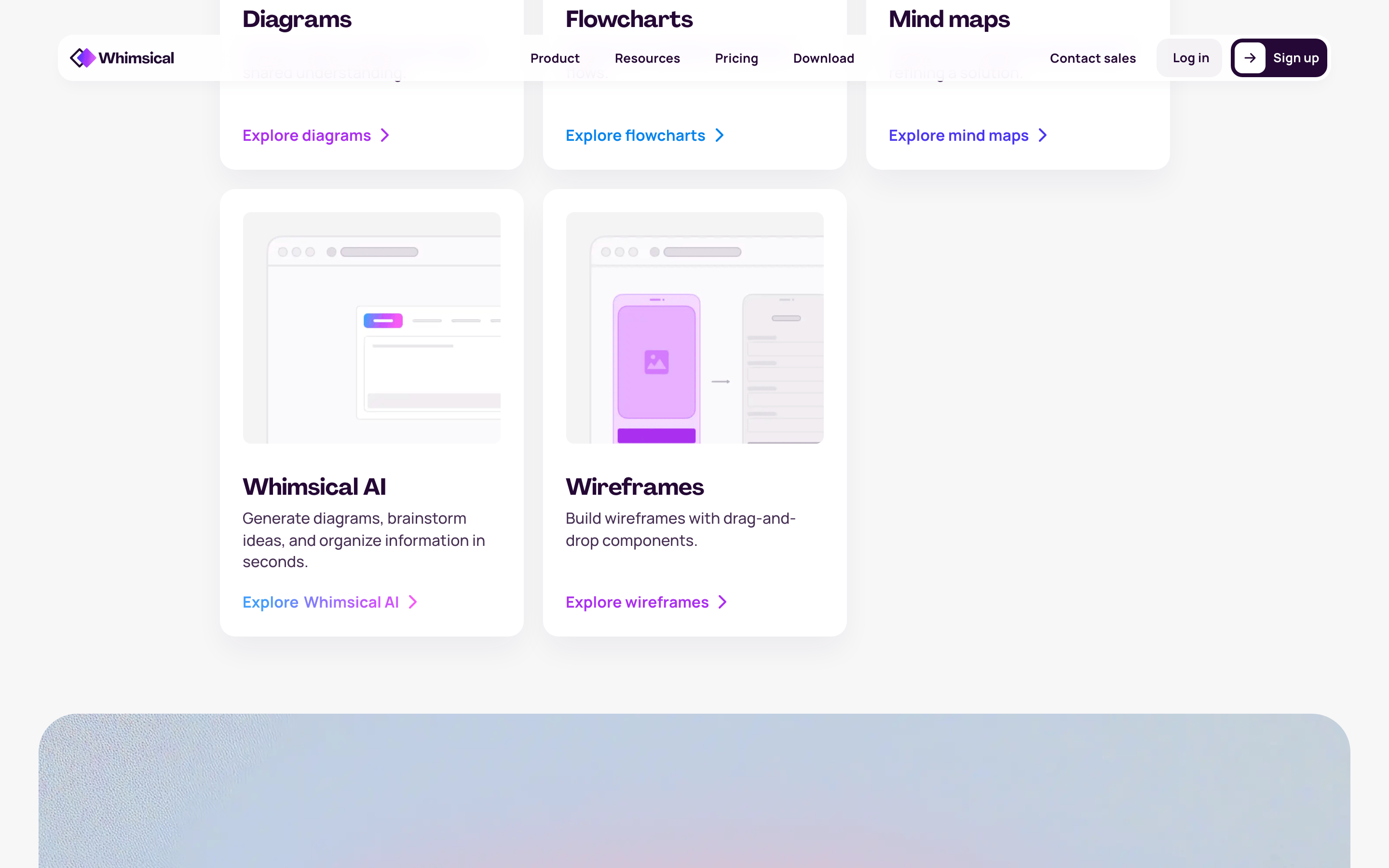
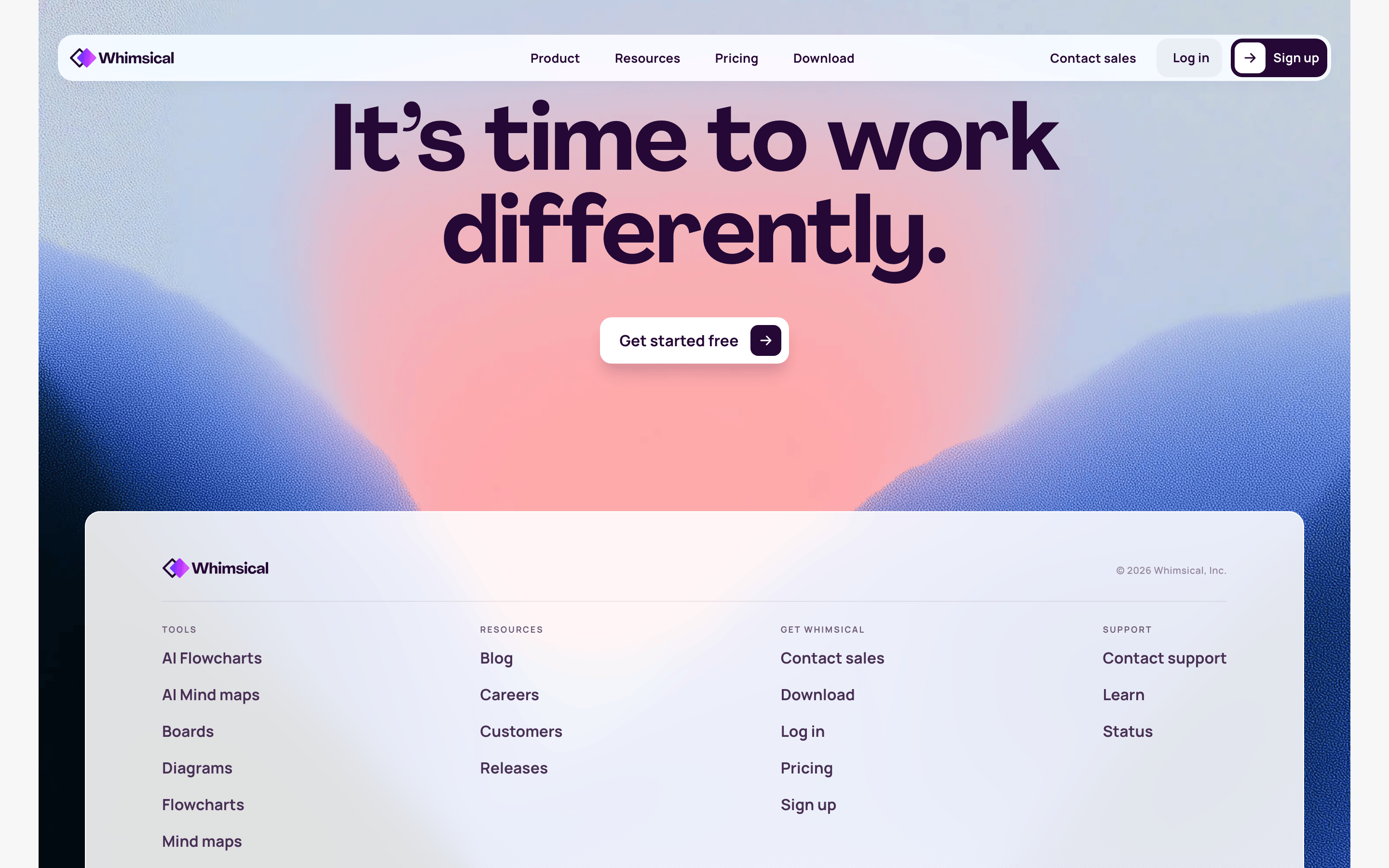
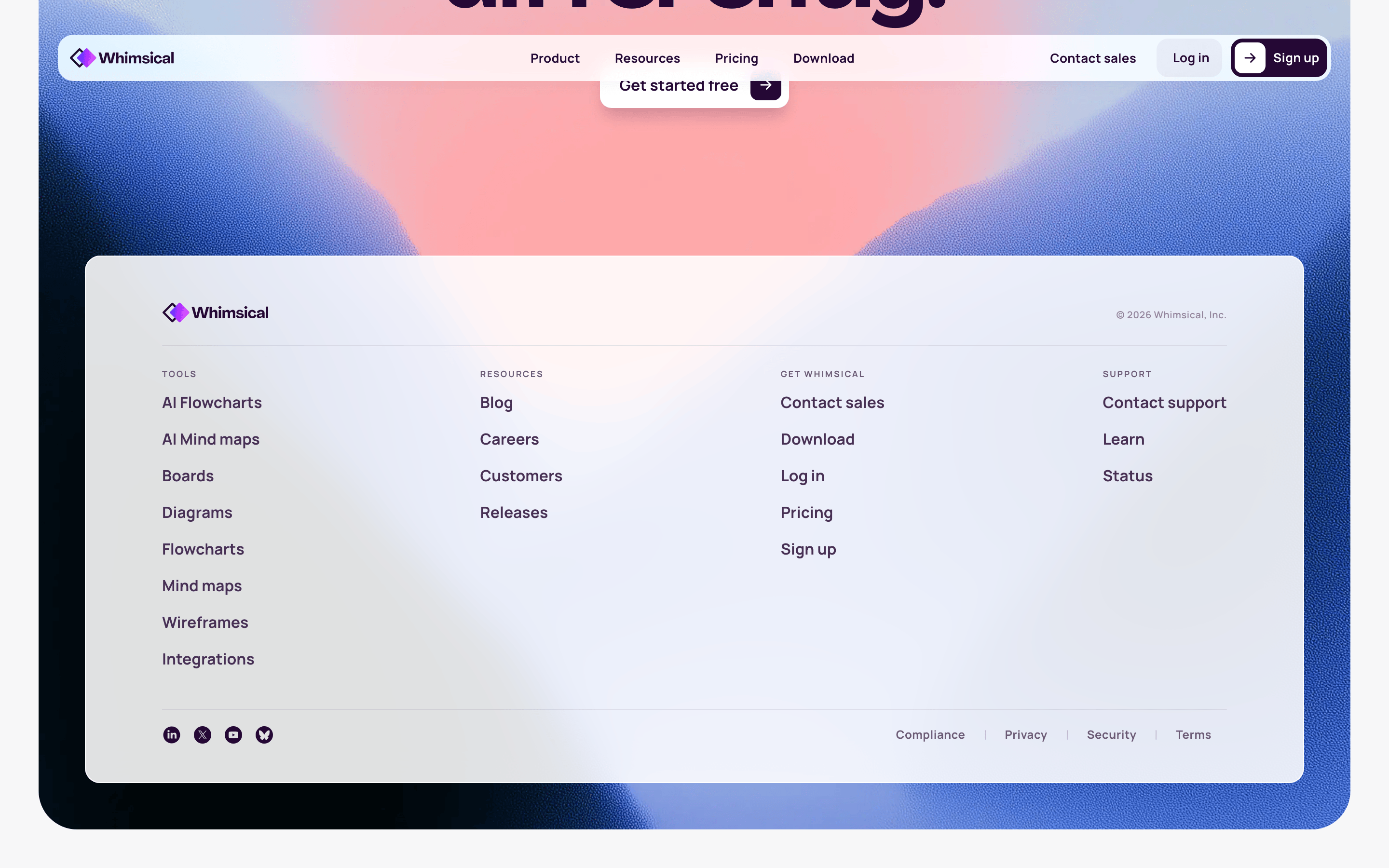
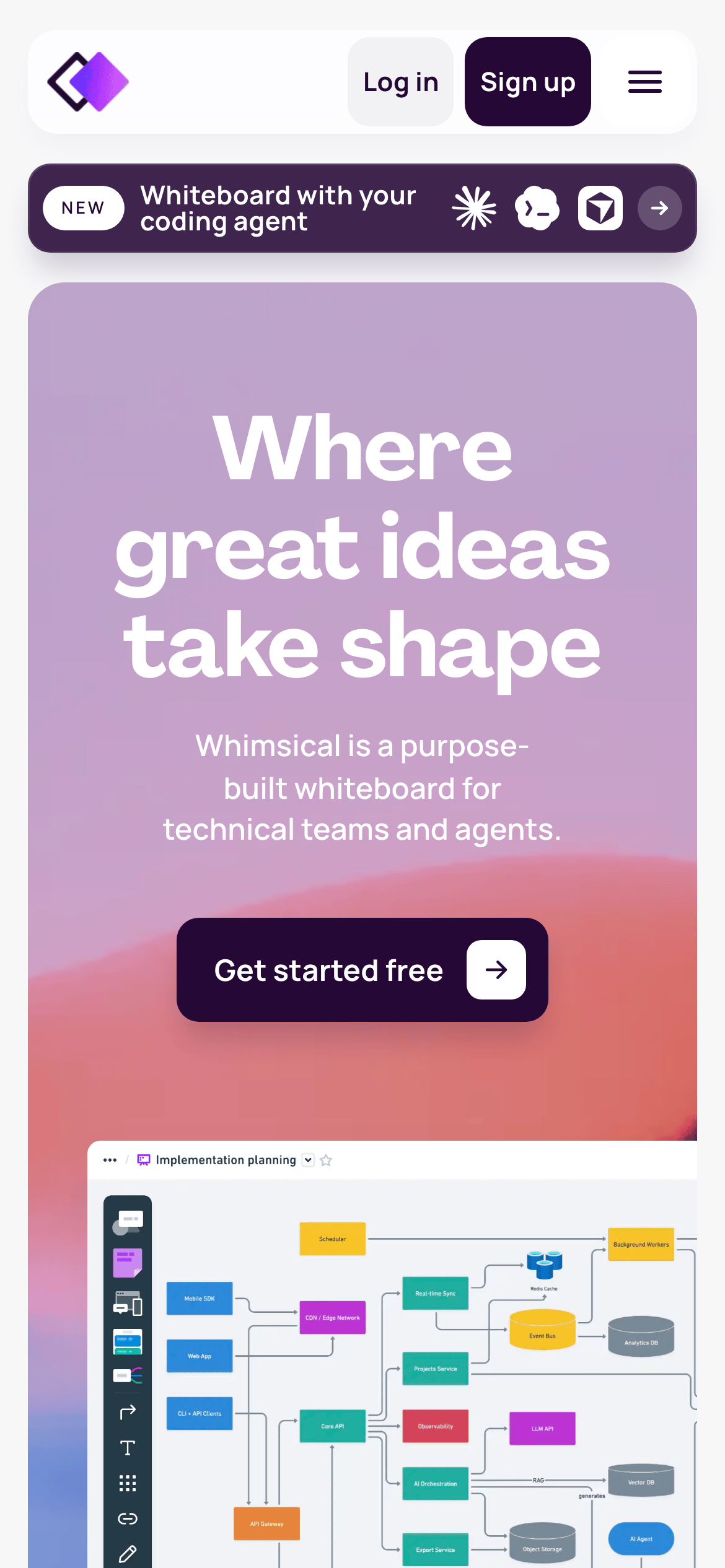
桌面首屏(hero) 桌面滚动分段(90% viewport 步进,作为视觉证据) 桌面滚动分段(90% viewport 步进,作为视觉证据) 桌面滚动分段(90% viewport 步进,作为视觉证据) 桌面滚动分段(90% viewport 步进,作为视觉证据) 桌面滚动分段(90% viewport 步进,作为视觉证据) 桌面滚动分段(90% viewport 步进,作为视觉证据) 桌面滚动分段(90% viewport 步进,作为视觉证据) 桌面滚动分段(90% viewport 步进,作为视觉证据) 桌面滚动分段(90% viewport 步进,作为视觉证据) 桌面滚动分段(90% viewport 步进,作为视觉证据) 移动首屏 Captured from the live site · real computed styles
11
System prompt
Whimsical is a professional productivity tool positioning itself as a purpose-built whiteboard for technical teams. The design relies on a high-contrast palette featuring a deep, rich purple as the primary accent against clean white and soft gray surfaces. The typography pairs a display font for large, impactful headlines with a highly readable sans-serif for body text. Critical constraints include avoiding dark mode or overly playful aesthetics; the interface is structured and efficient. Maintain generous whitespace and ensure all interactive elements have smooth, deliberate transitions. The layout should prioritize clarity and focused collaboration, avoiding visual noise or heavy ornamentation.
More from the library en · zh-CN · zh-TW · ja · ko
OpenDesign · curated web aesthetics for AI-readable design DNA · opendesign.cc
Why we curated this: A great example of a modern SaaS tool that balances professional restraint with a distinct brand identity.