← OpenDesign CURATED · OPEN · FREE
Create
AI-native platform for turning words into functional apps, sites, and tools.
AI Developer Tools
01
Identity DNA
AI-native app builder creative effortless
A playful yet professional workshop where anyone can build digital products with AI.
02
Color
#000000Ink
#18191BInk soft
#F9F9F9BG
#FFFFFFBG soft
#F2F2F2BG quiet
#6A6A6CMuted
rgba(187, 187, 187, 1)Line
Clean, light neutrals with a photographic hero and black contrast for primary actions.
03
Typography
transitional-serif · humanist-sans · monospace
display 42px · 400heading 24px · 400body 16px · 400body-large 18px · 40004
Spacing
4px
8px
12px
16px
20px
24px
30px
40px
Consistent 4px base with generous padding in sections.
05
Surfaces
sm · 8px
md · 12px
lg · 20px
pill · 9999px
1px solid #BBBBBB
rgba(0, 0, 0, 0.1) 0px 10px 15px -3px · rgba(0, 0, 0, 0.1) 0px 4px 6px -4px
06
Layout
1280 container
12 columns
24px gutter
768 / 1024 breakpoints
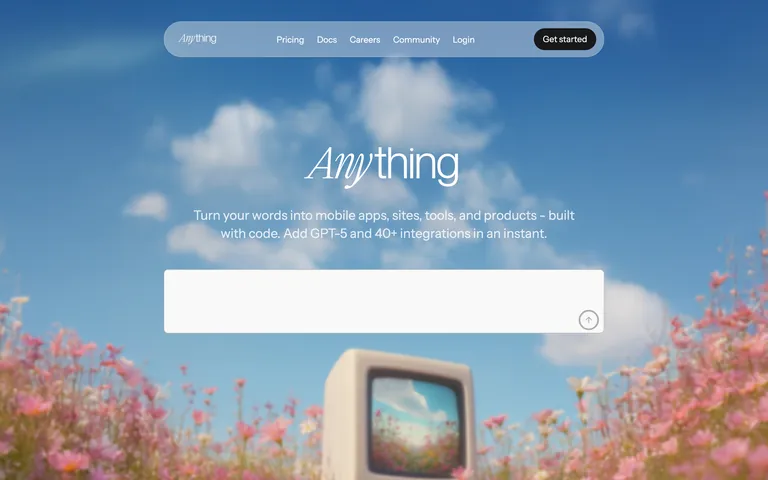
Centered, single-column hero followed by card-based sections.
07
Motion & Interaction
150ms micro
300ms small
700ms medium
cubic-bezier(0.23, 1, 0.32, 1) easing
Smooth transitions on hover/click · Fade-in for opacity changes
Color and background transitions over 0.15s. · Immediate visual feedback via transition.
08
Components
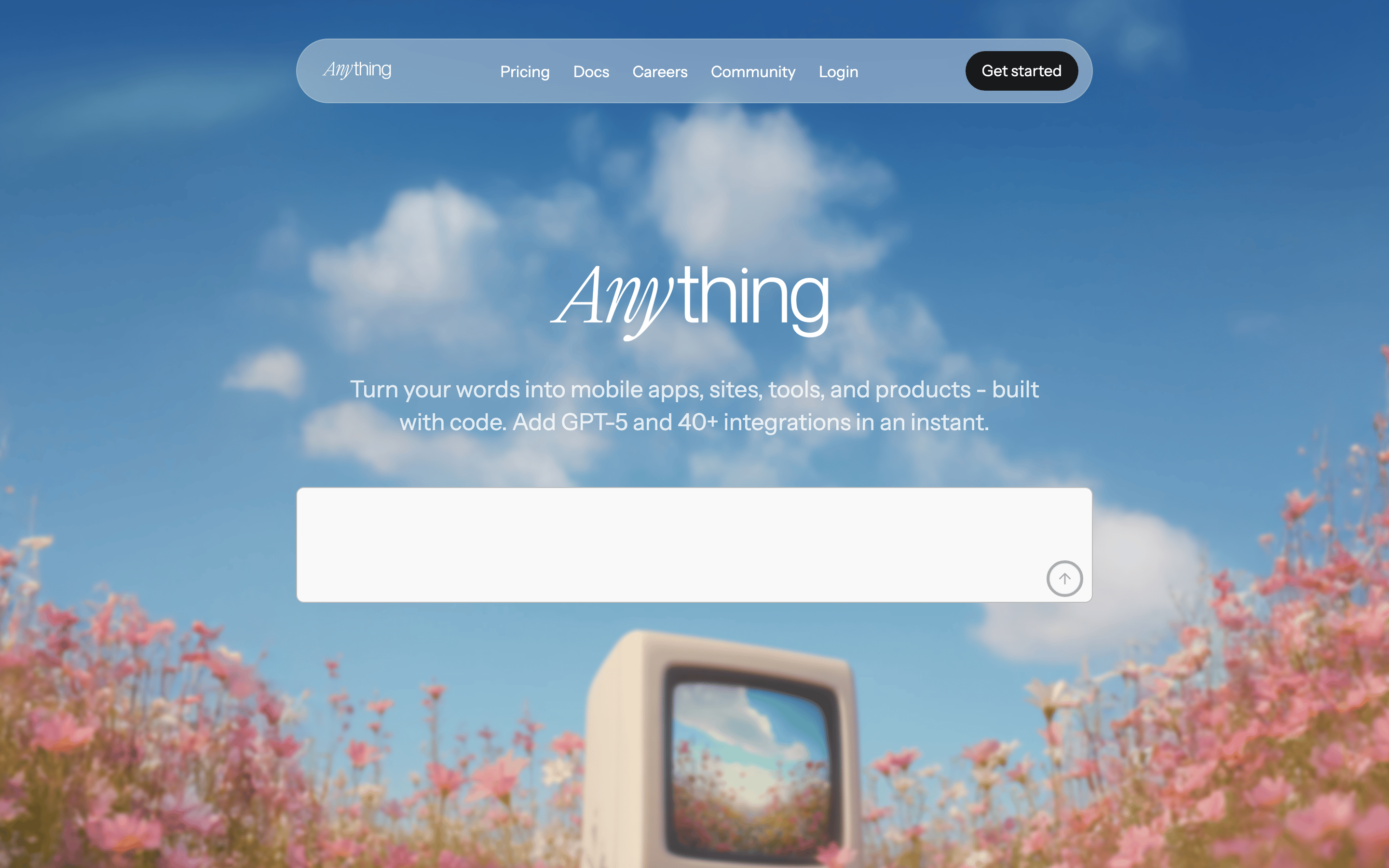
button Pill-shaped primary button with high contrast, smaller secondary buttons. card Large, rounded cards with prominent imagery and descriptions below. chip Not clearly visible, likely simple rounded elements. input Large, rounded white input field on the hero for user prompts. hero Full-bleed photographic background with centered text and input. 09
Voice & Don'ts
Tone Approachable, empowering, and slightly playful. Headlines Simple, direct statements using a mix of serif and sans-serif fonts. CTAs Clear and action-oriented ('Get started'). Don't use a stark white background — screenshot shows a light gray (#F9F9F9) background. Don't use a purely sans-serif logo — screenshot shows a serif font for 'Any' in the brand name. Don't use bright, saturated accent colors as primary backgrounds — screenshot uses a full-bleed photograph. Don't use sharp, square corners on major elements — screenshot shows 20px border-radius on cards and inputs. Don't use heavy, dark shadows — screenshot shows very subtle, low-opacity shadows. Don't make the typography monochromatic and uniform — screenshot shows contrast between serif display and sans-serif body. Avoid: Technical jargon without explanation Avoid: Overly complex layouts Avoid: Dull, corporate language 10
Inside the pack — real screenshots
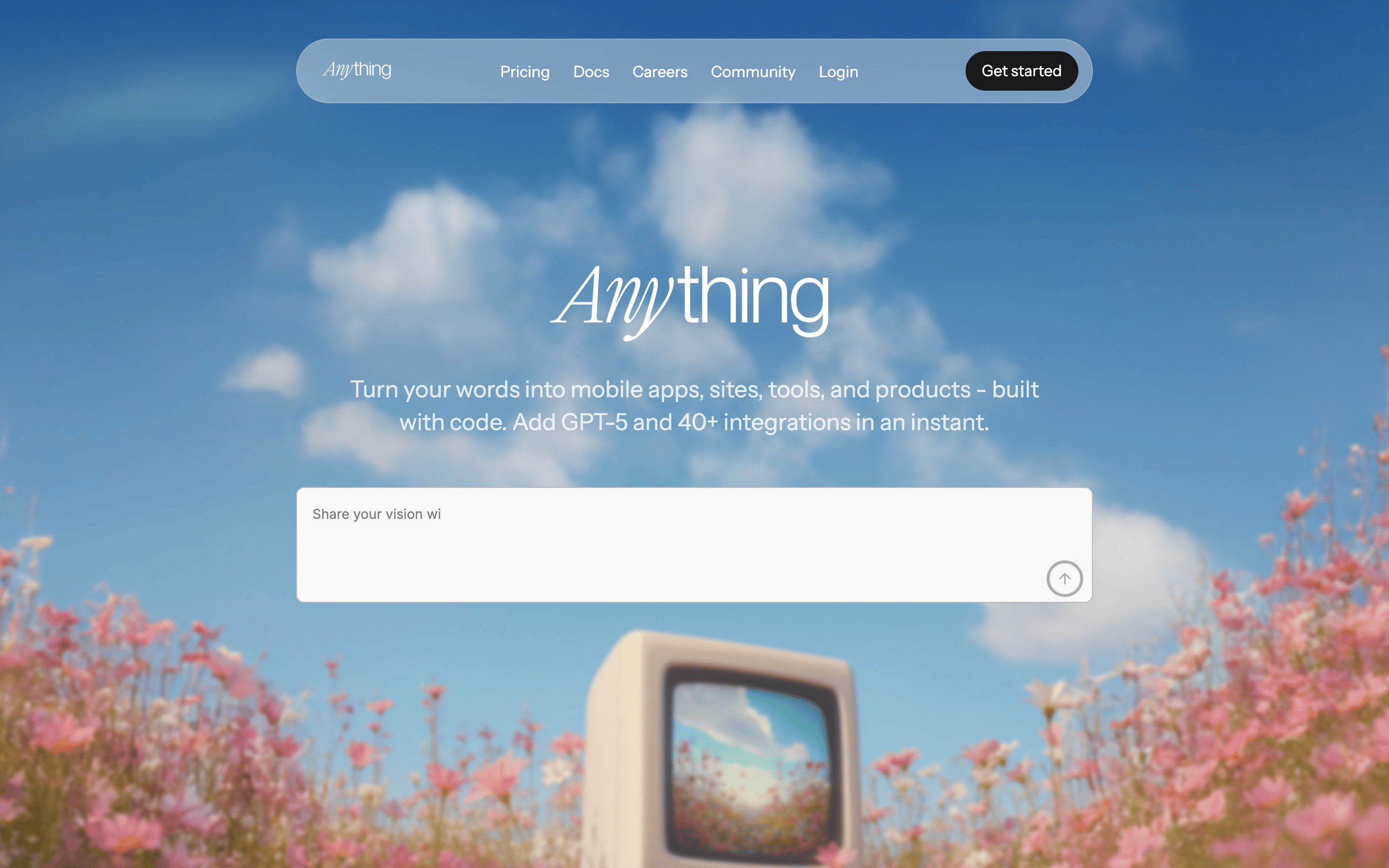
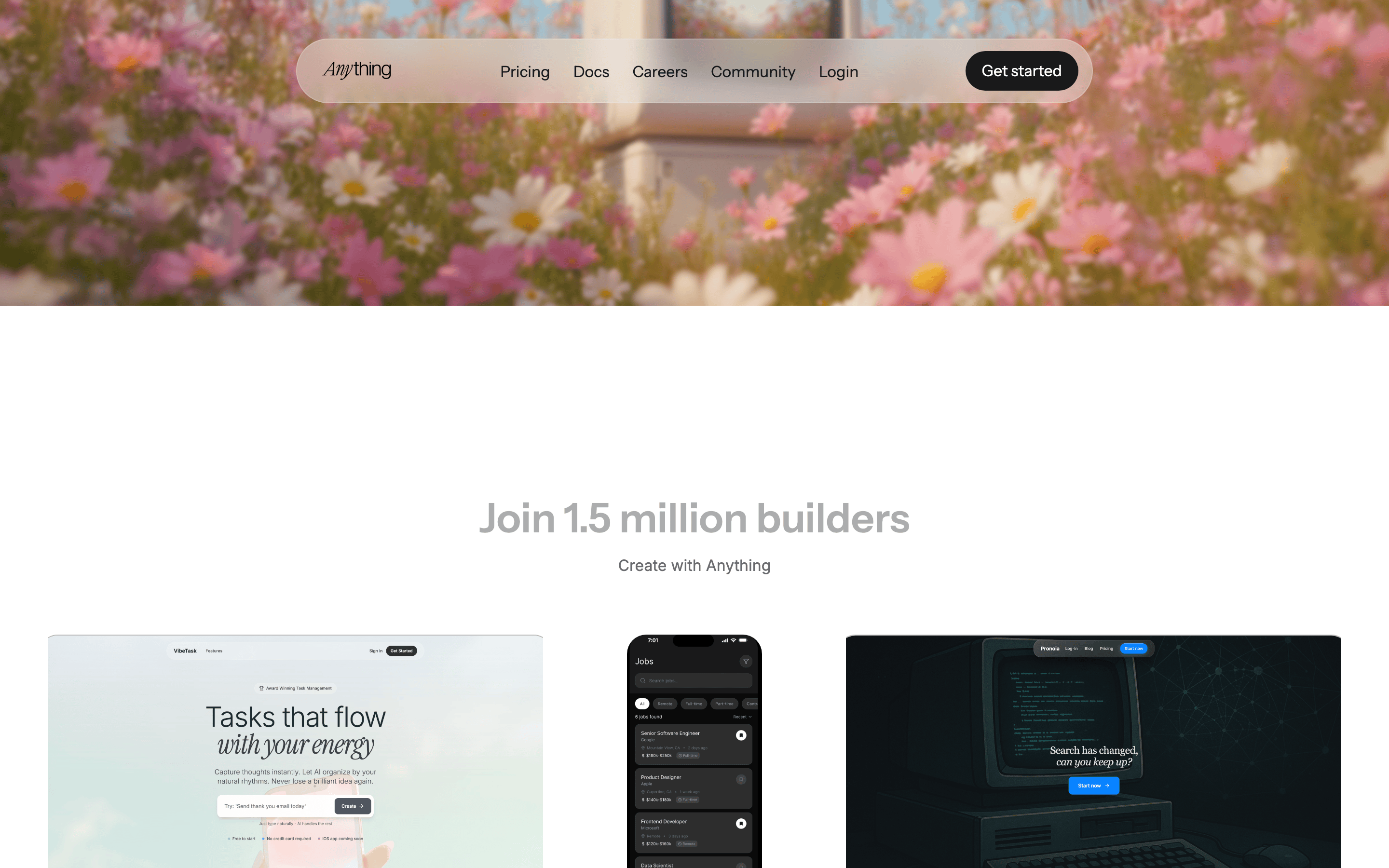
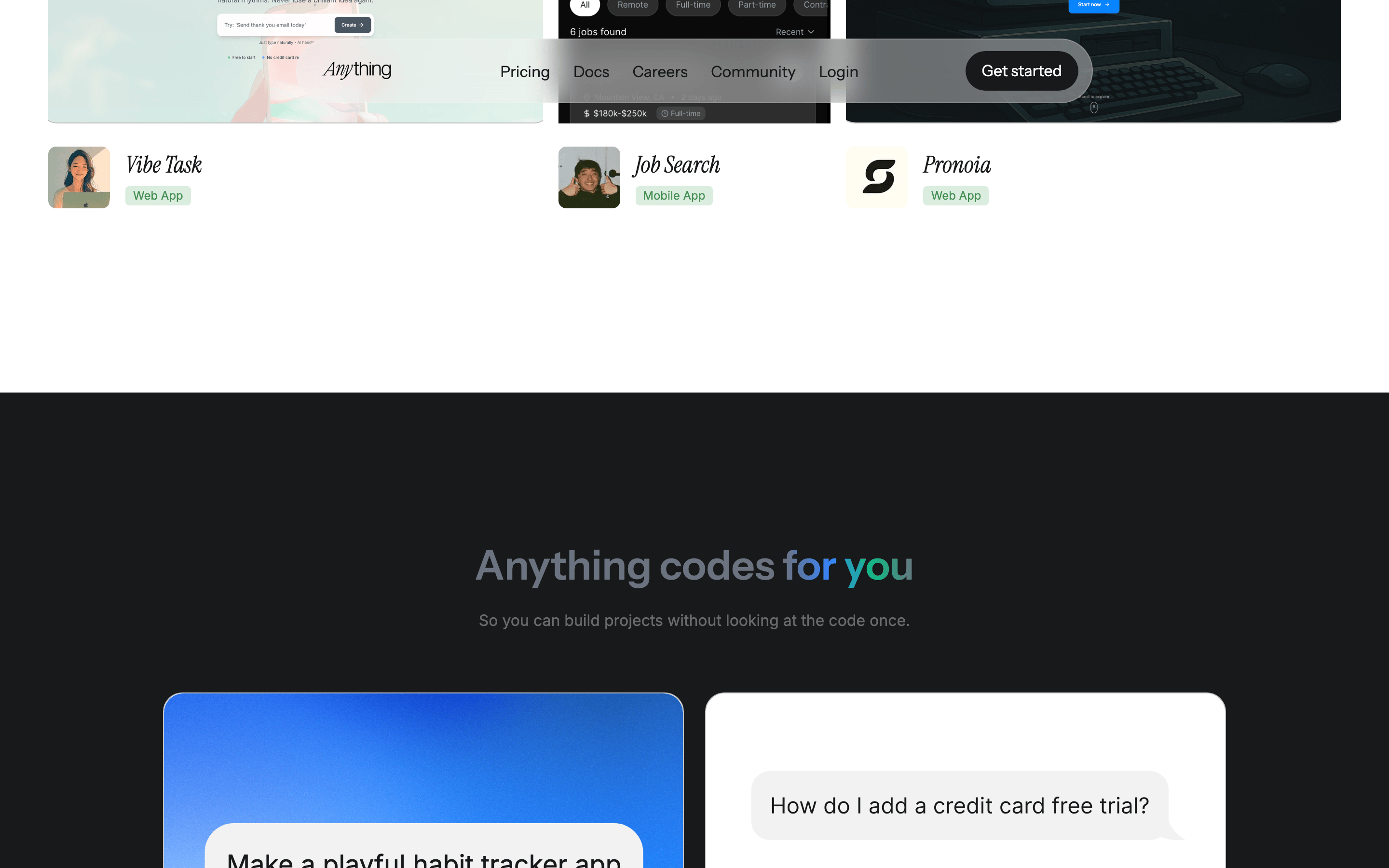
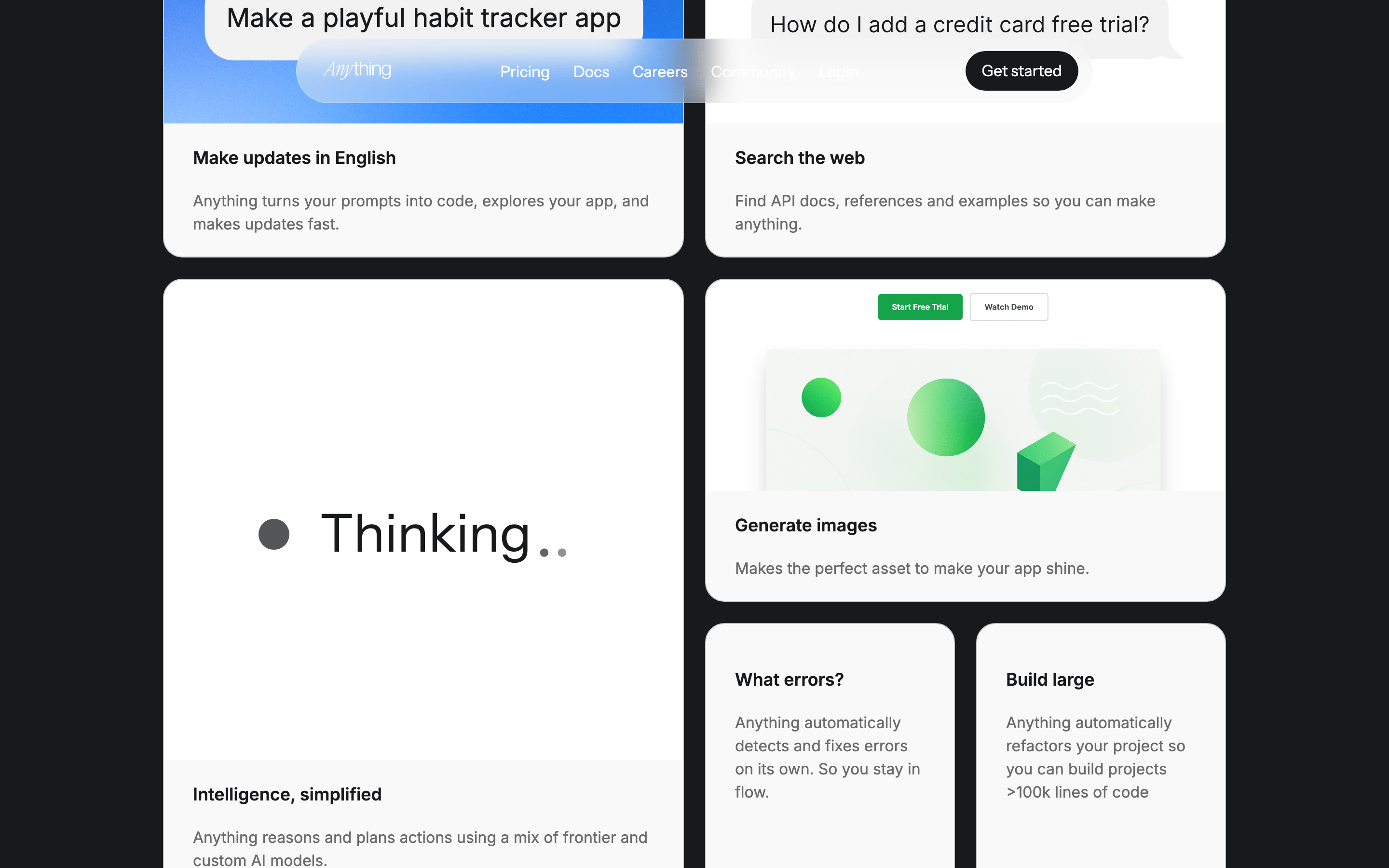
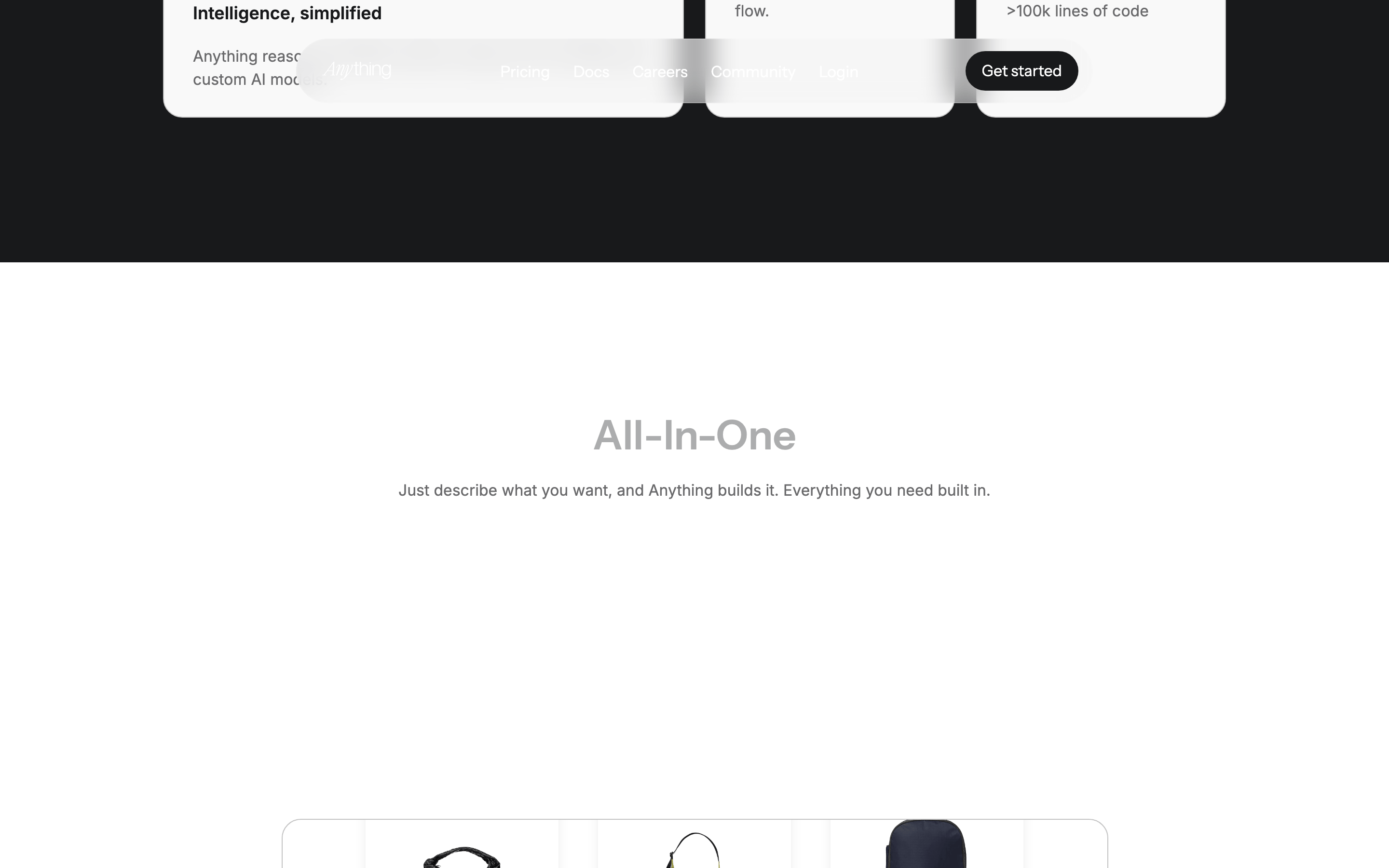
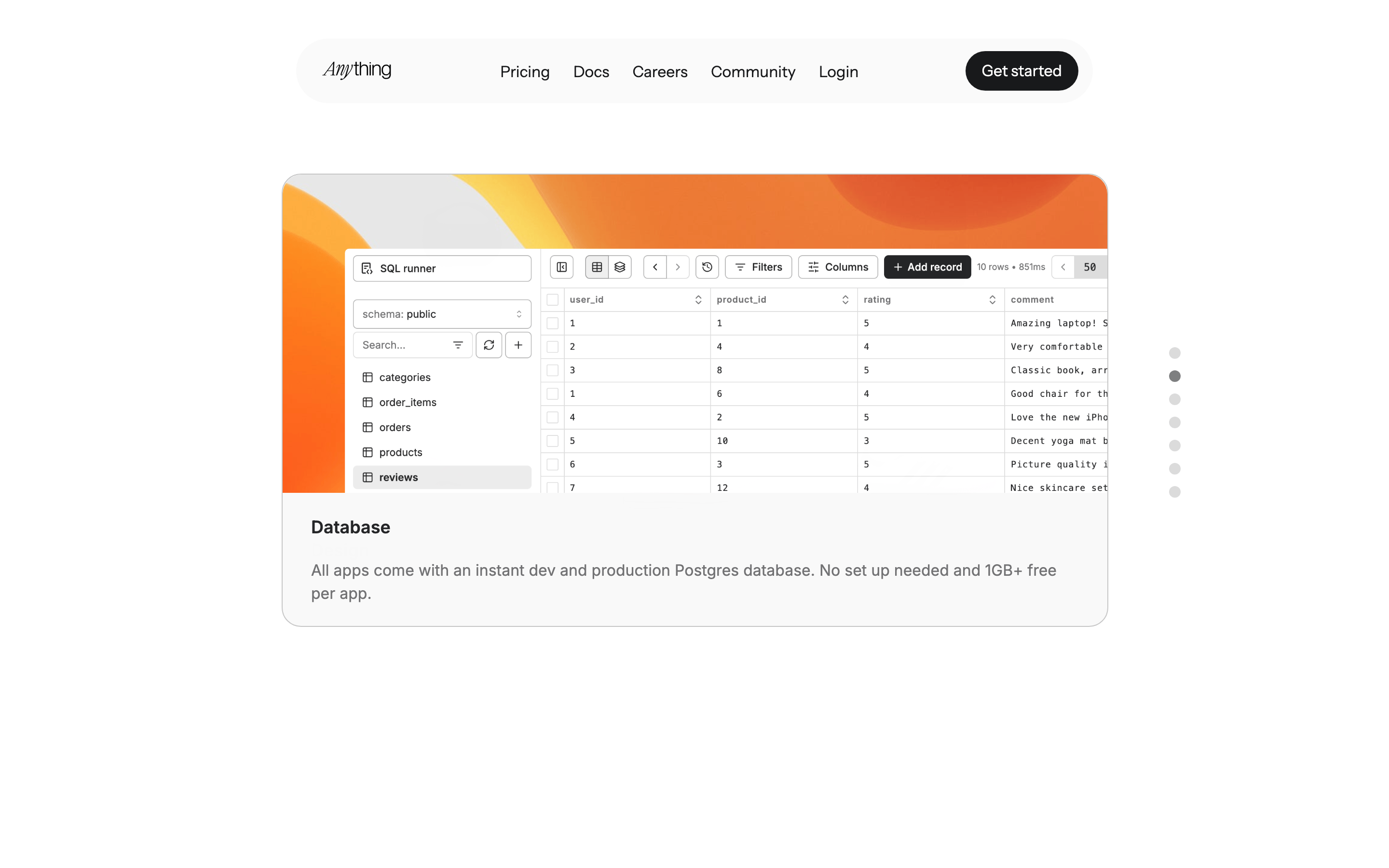
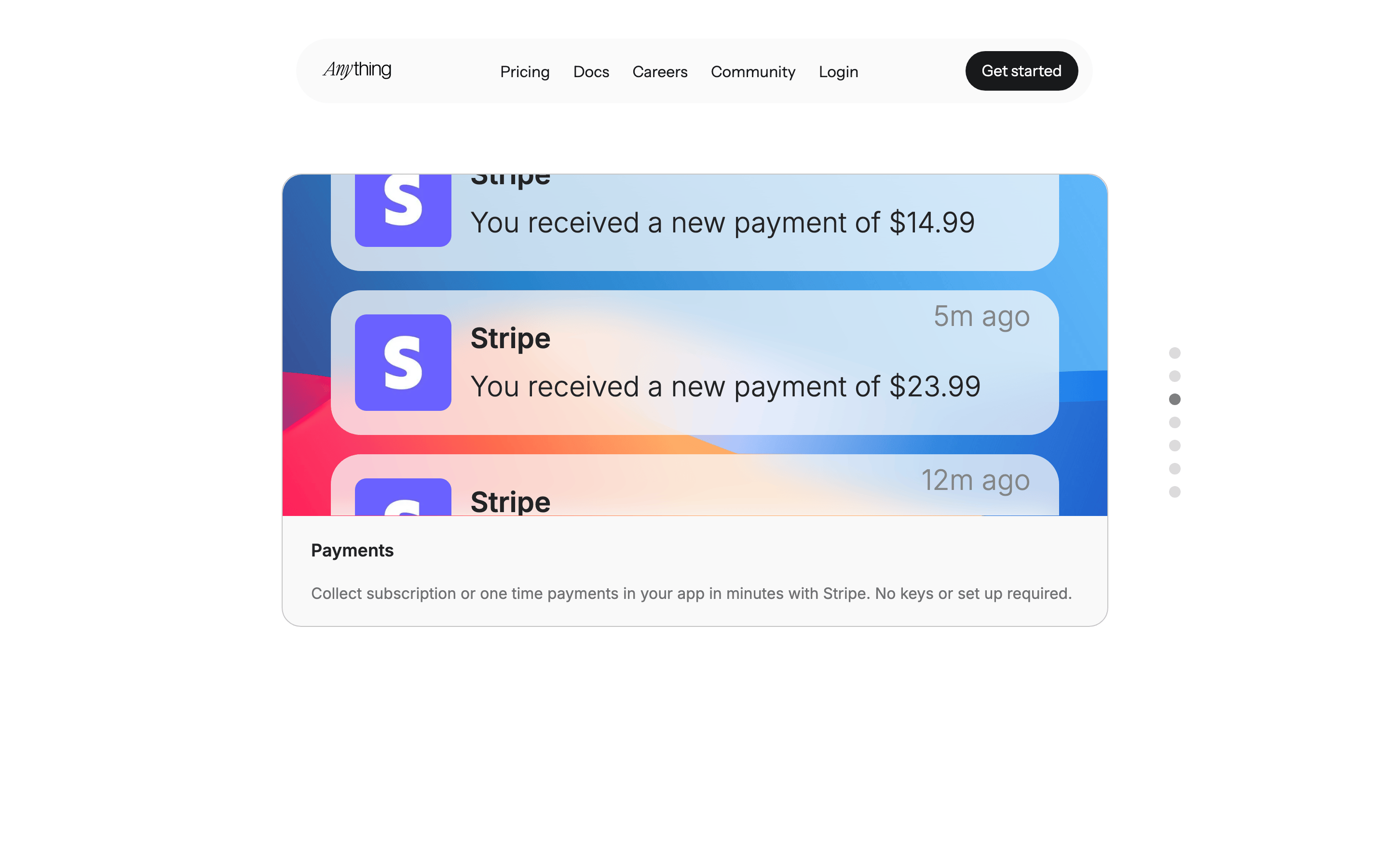
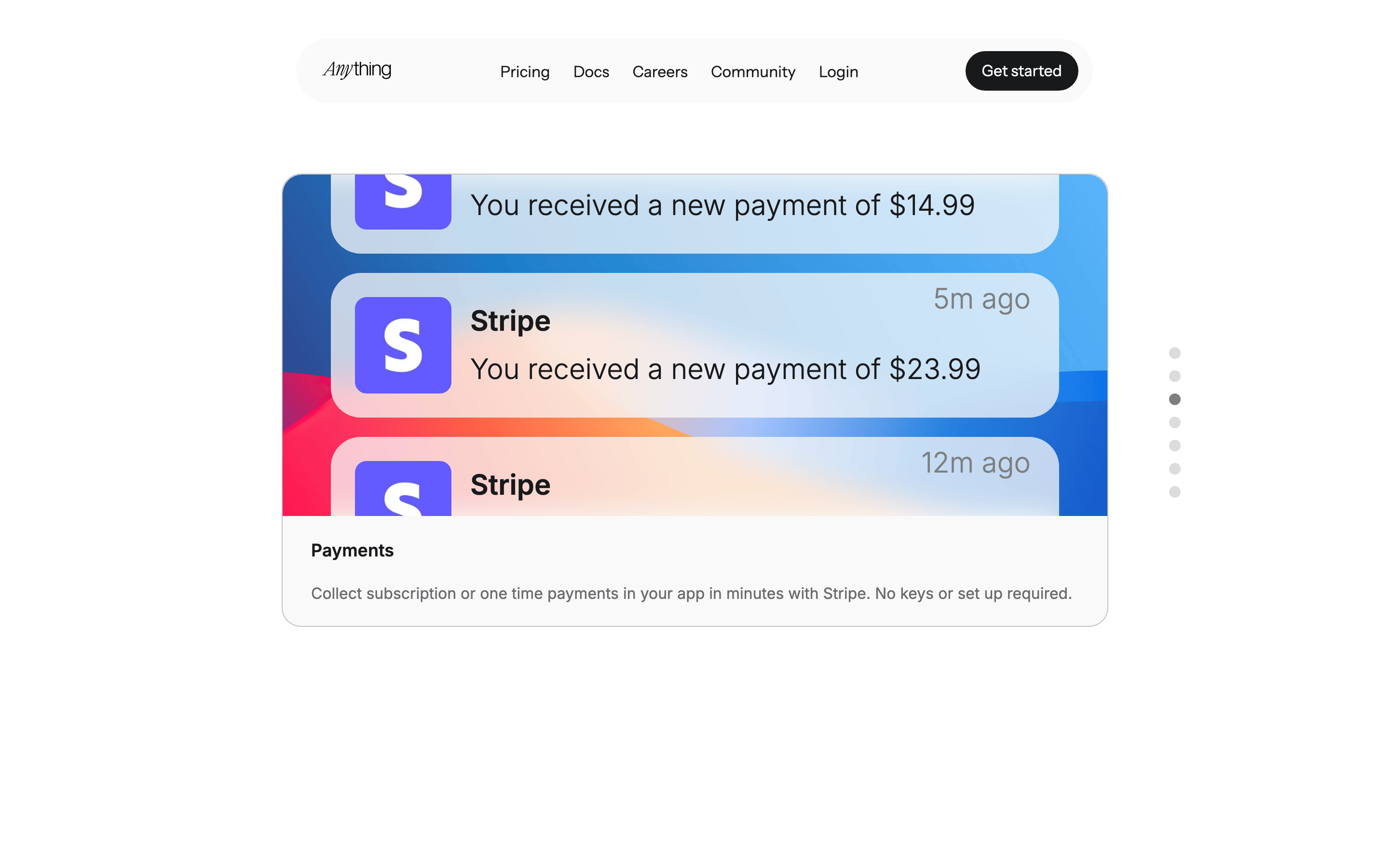
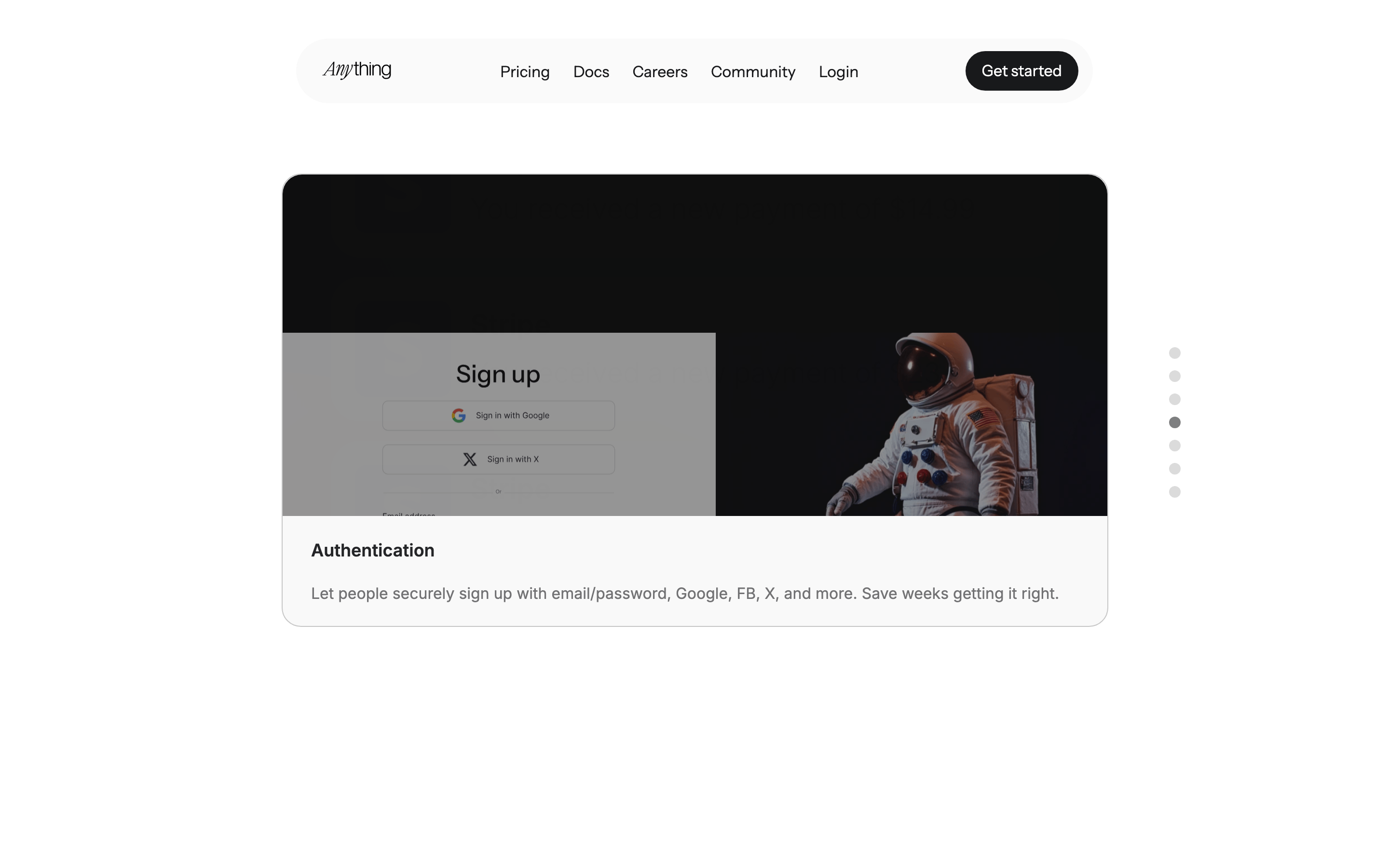
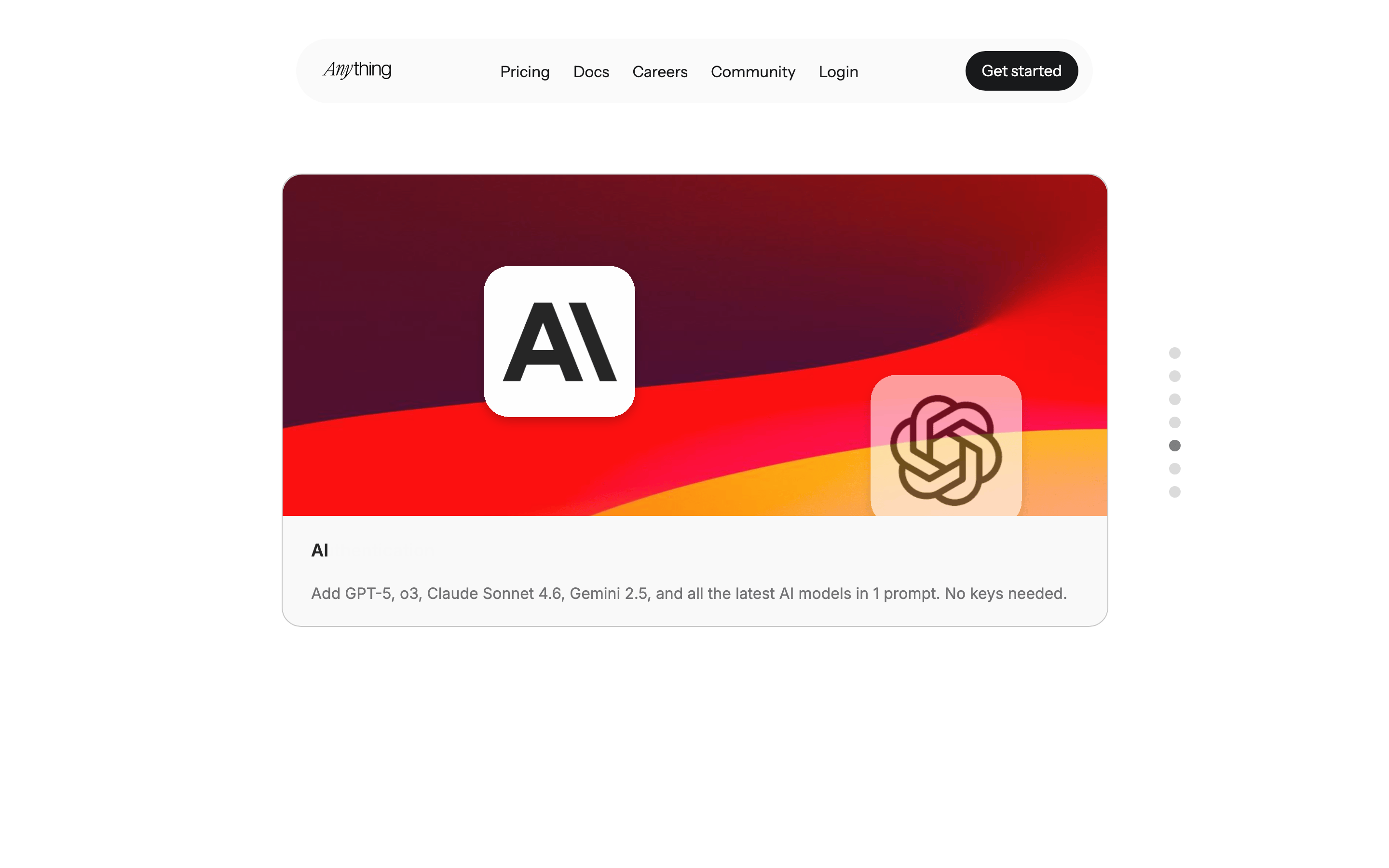
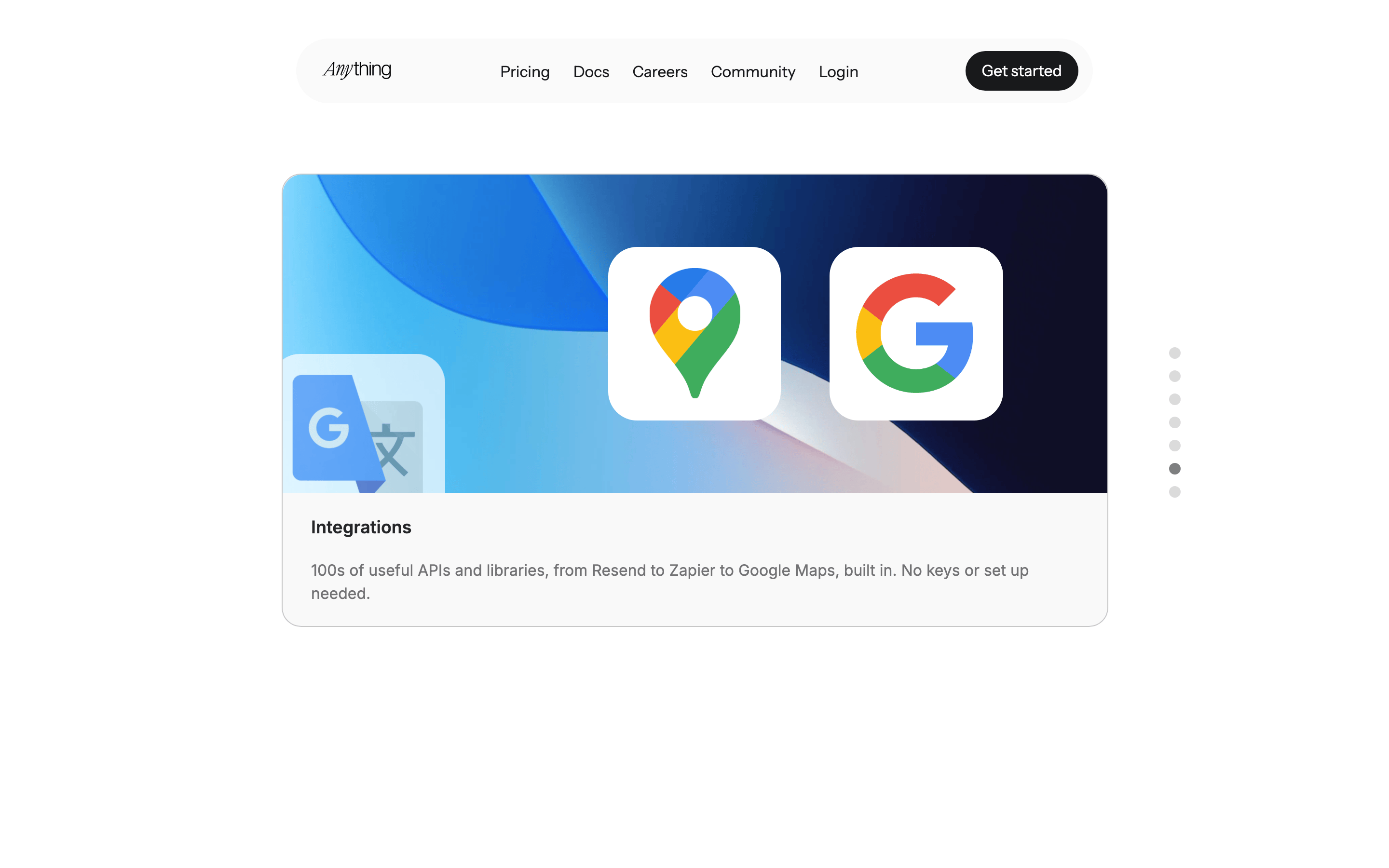
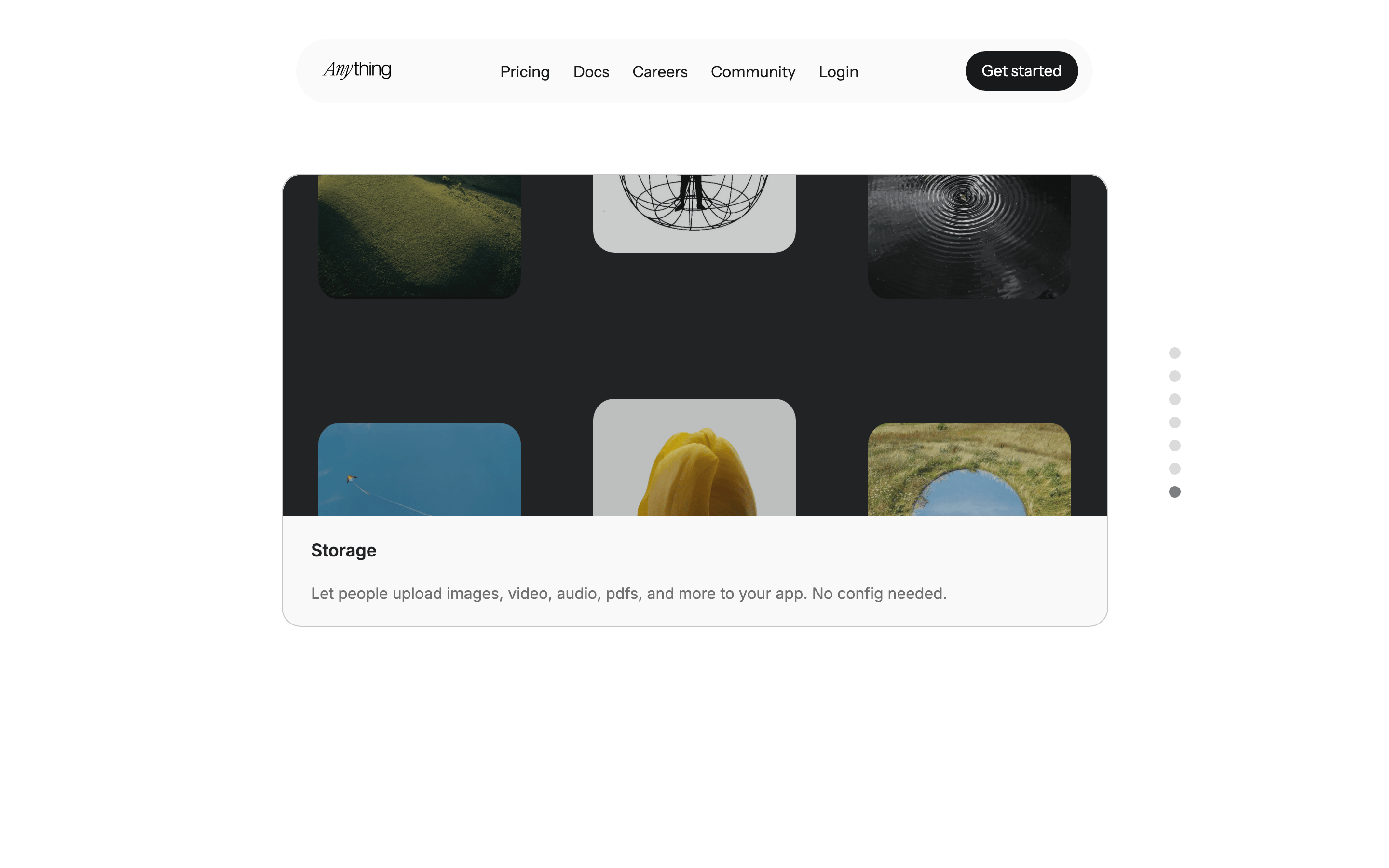
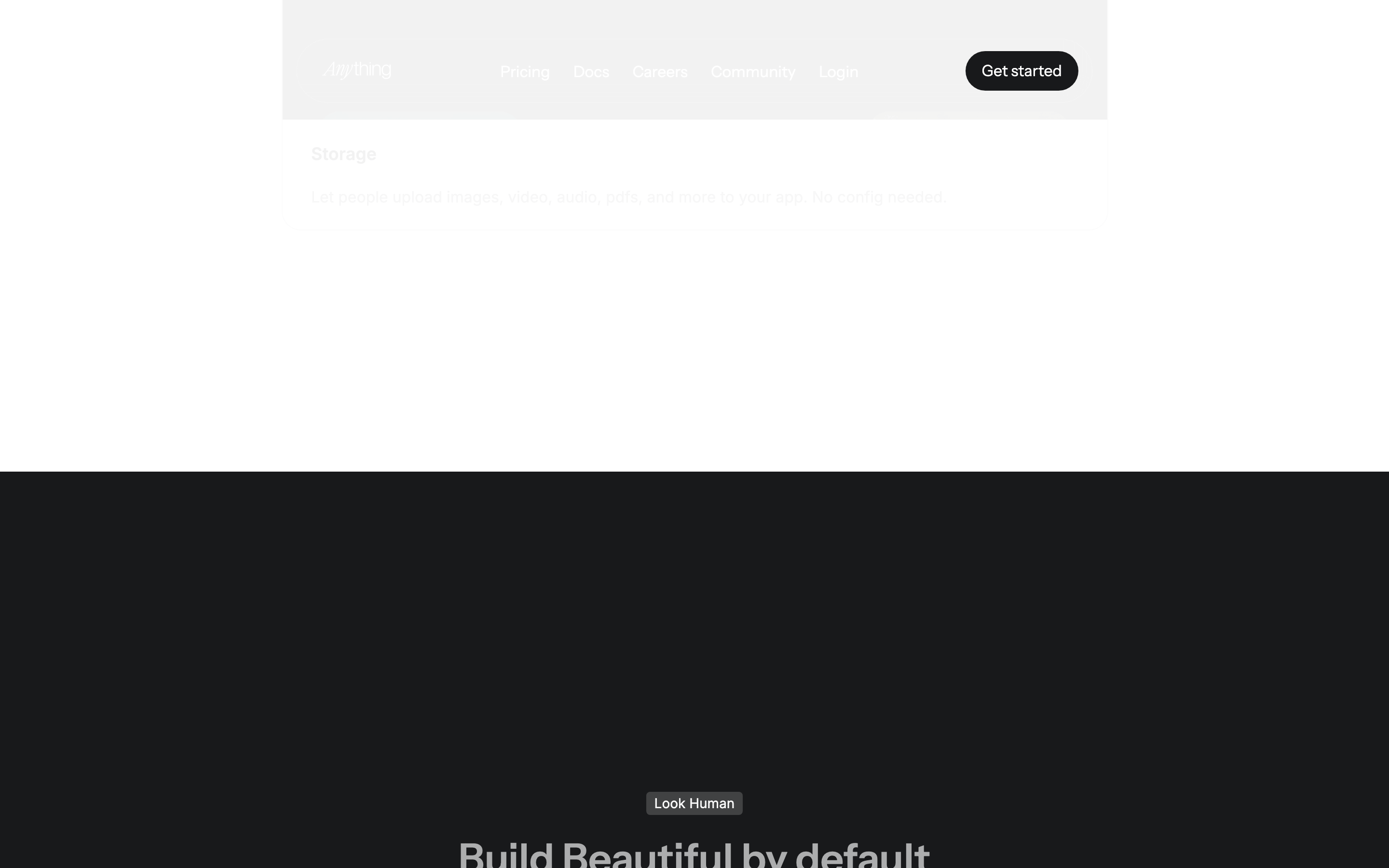
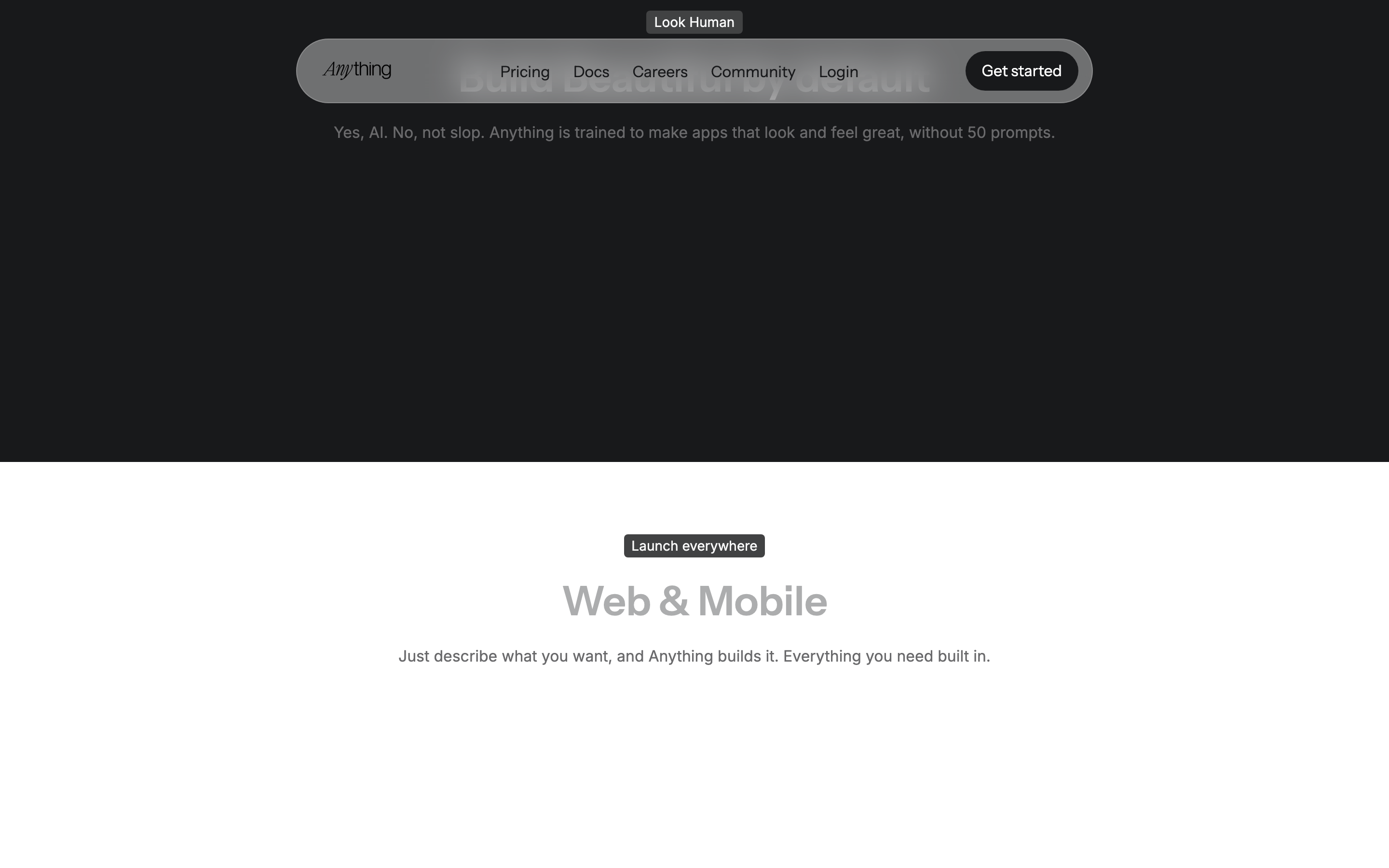
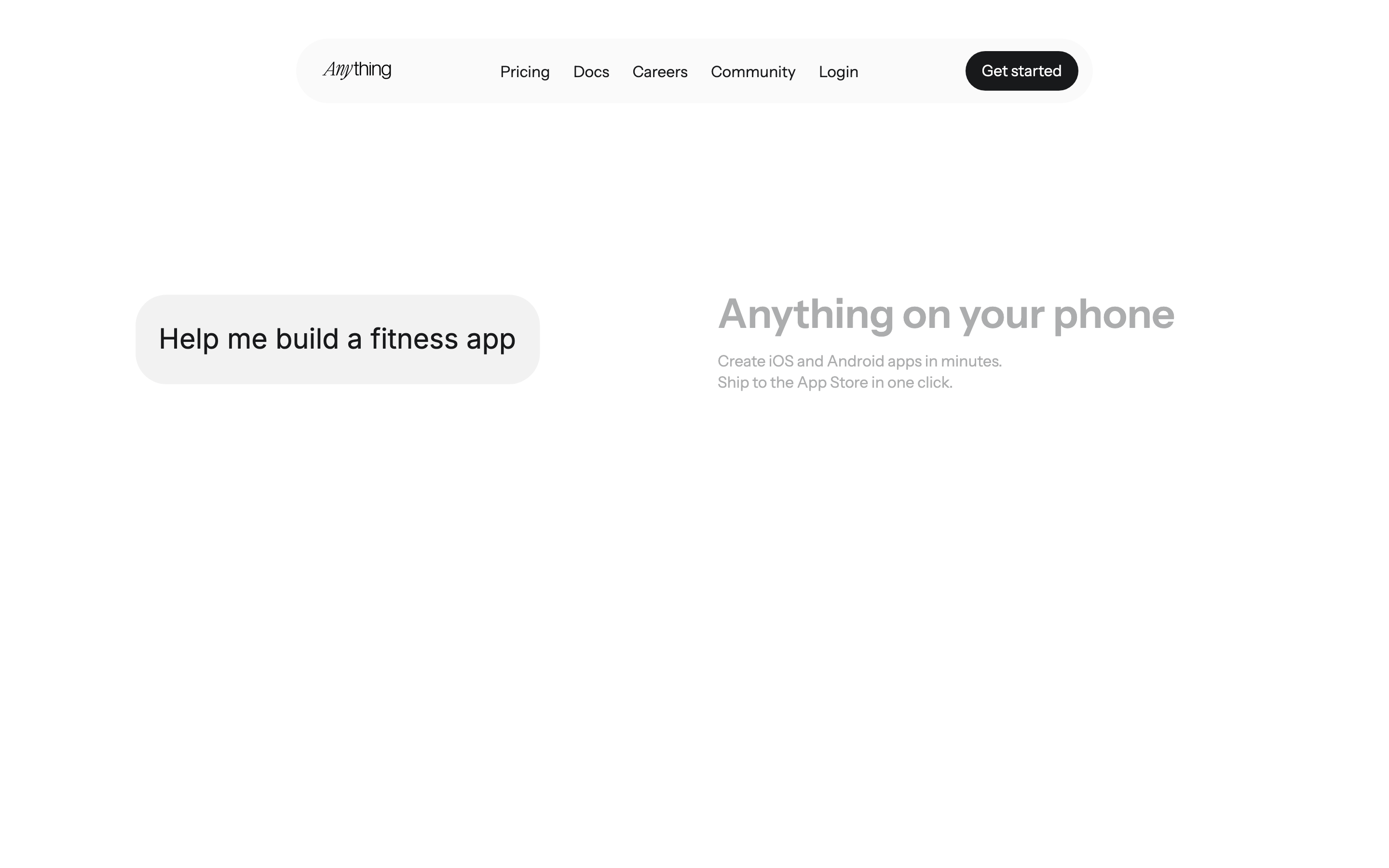
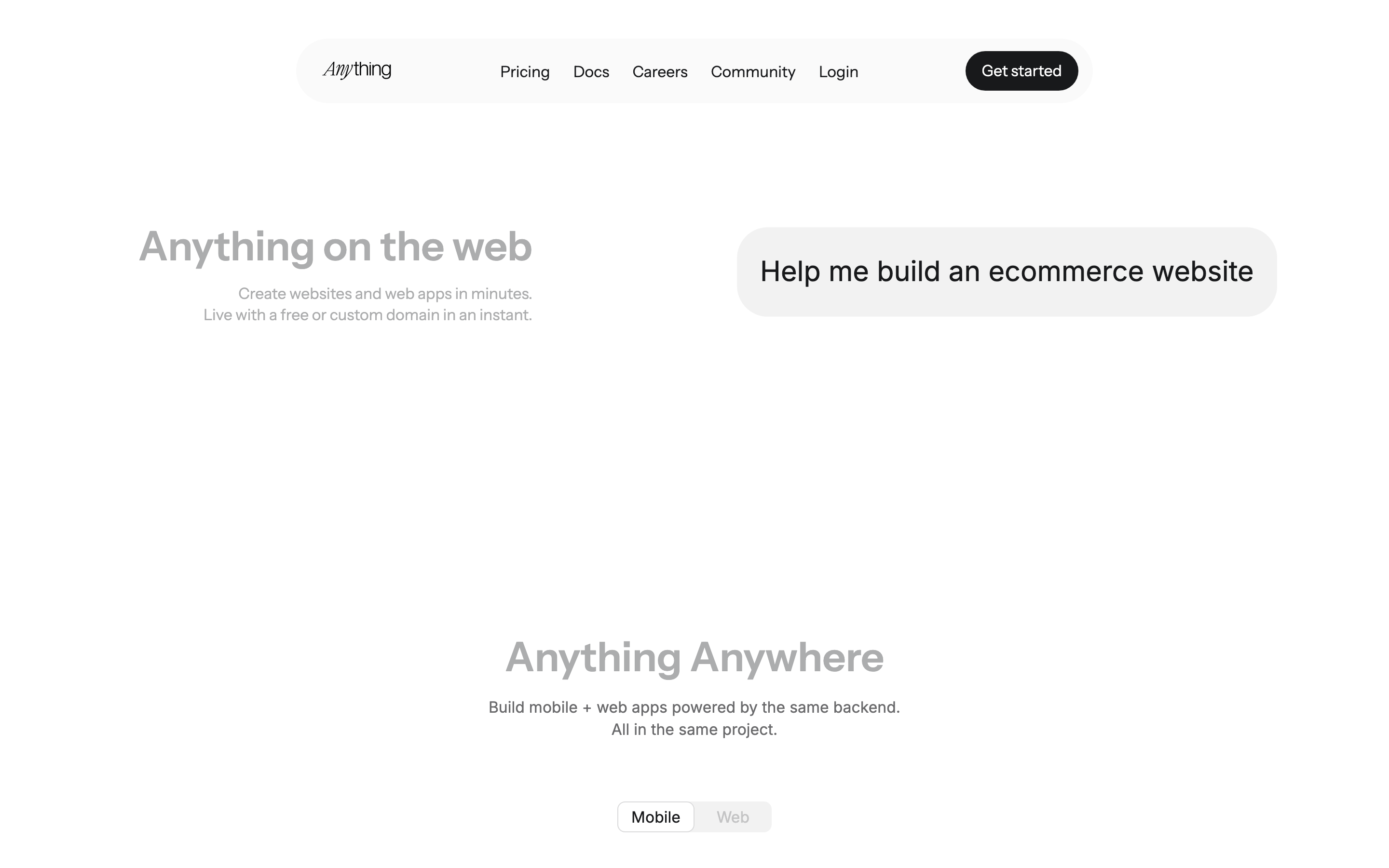
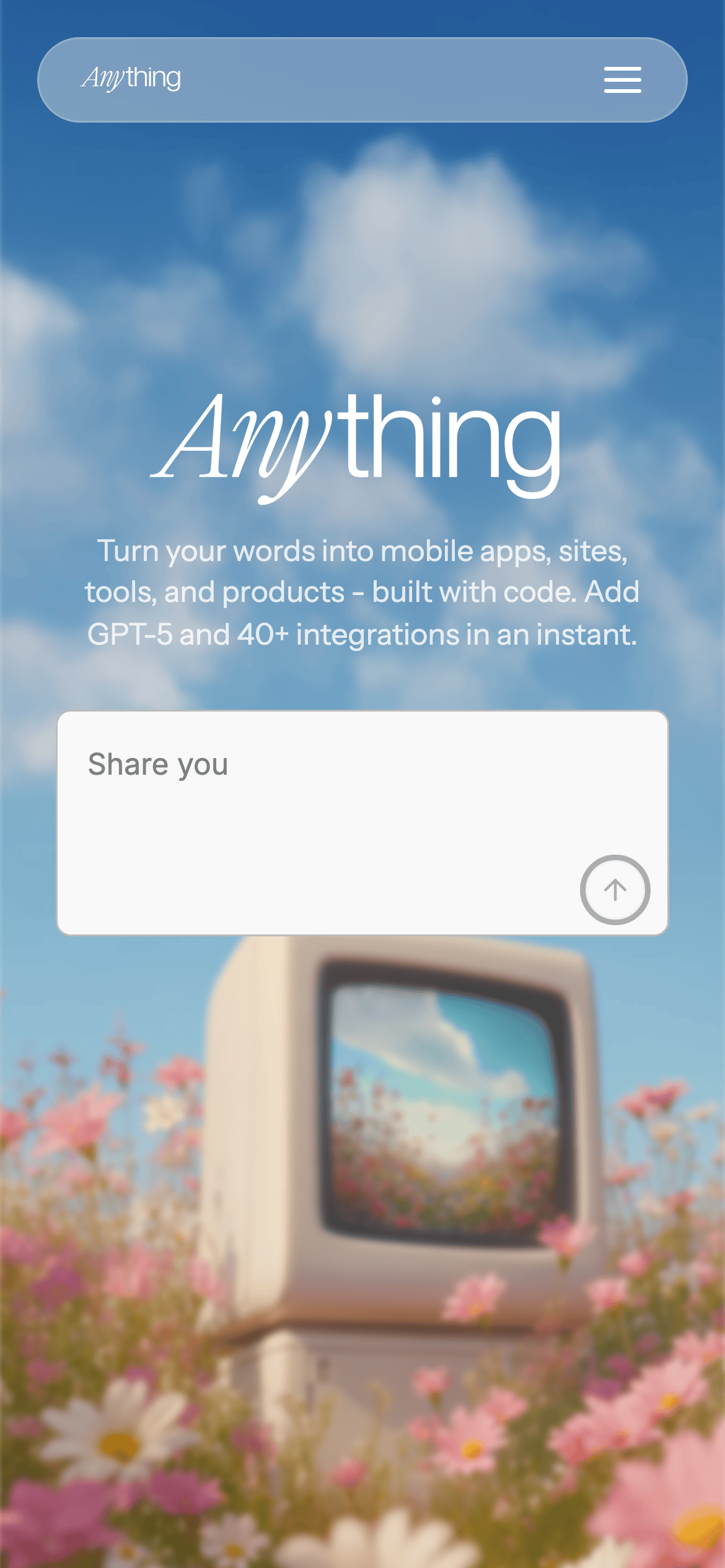
桌面首屏(hero) 桌面滚动分段(90% viewport 步进,作为视觉证据) 桌面滚动分段(90% viewport 步进,作为视觉证据) 桌面滚动分段(90% viewport 步进,作为视觉证据) 桌面滚动分段(90% viewport 步进,作为视觉证据) 桌面滚动分段(90% viewport 步进,作为视觉证据) 桌面滚动分段(90% viewport 步进,作为视觉证据) 桌面滚动分段(90% viewport 步进,作为视觉证据) 桌面滚动分段(90% viewport 步进,作为视觉证据) 桌面滚动分段(90% viewport 步进,作为视觉证据) 桌面滚动分段(90% viewport 步进,作为视觉证据) 桌面滚动分段(90% viewport 步进,作为视觉证据) 桌面滚动分段(90% viewport 步进,作为视觉证据) 桌面滚动分段(90% viewport 步进,作为视觉证据) 桌面滚动分段(90% viewport 步进,作为视觉证据) 桌面滚动分段(90% viewport 步进,作为视觉证据) 桌面滚动分段(90% viewport 步进,作为视觉证据) 移动首屏 Captured from the live site · real computed styles
11
System prompt
A friendly, AI-native SaaS platform for building apps with words. Use light gray (#F9F9F9) or white (#FFFFFF) backgrounds, black (#000000) for primary text and CTAs, and subtle gray (#6A6A6C, #ACADAE) for secondary text. Typography mixes a transitional-serif (for display) with a humanist-sans (for body). The layout is centered, clean, and spacious. Critical don'ts: Don't use sharp corners (min 8px radius). Don't use heavy shadows. Don't clutter the interface with complex grids.
More from the library en · zh-CN · zh-TW · ja · ko
OpenDesign · curated web aesthetics for AI-readable design DNA · opendesign.cc
Why we curated this: The design effectively balances a playful, creative AI tool identity with a clean, professional SaaS aesthetic.
浙ICP备2021038972号-5